Table of Contents
- Which tool actually gets you results this week?
- How does Gemini vs Midjourney handle text-to-image accuracy and layout?
- What does pricing look like and how should you budget?
- How do you keep character consistency and brand style without prompt chaos?
- Are these tools business-ready? Workflow, batch and ROI
- How do you get started without drowning in prompt engineering?
- Listen to This Article
The AI image generation market hit $63 billion in 2025 with 800 million weekly users. That’s an 84.6% year-over-year usage increase that signals mainstream adoption far beyond tech circles (Exploding Topics, November 2025). Meanwhile, 88% of organizations now use AI regularly, up from 78% earlier in 2024. Plus, 62% are experimenting with AI agents. Another 64% are leveraging AI for innovation initiatives (McKinsey State of AI, 2025). Whether you realize it or 😎 not, AI likely already shapes your visual content creation—or it soon will.
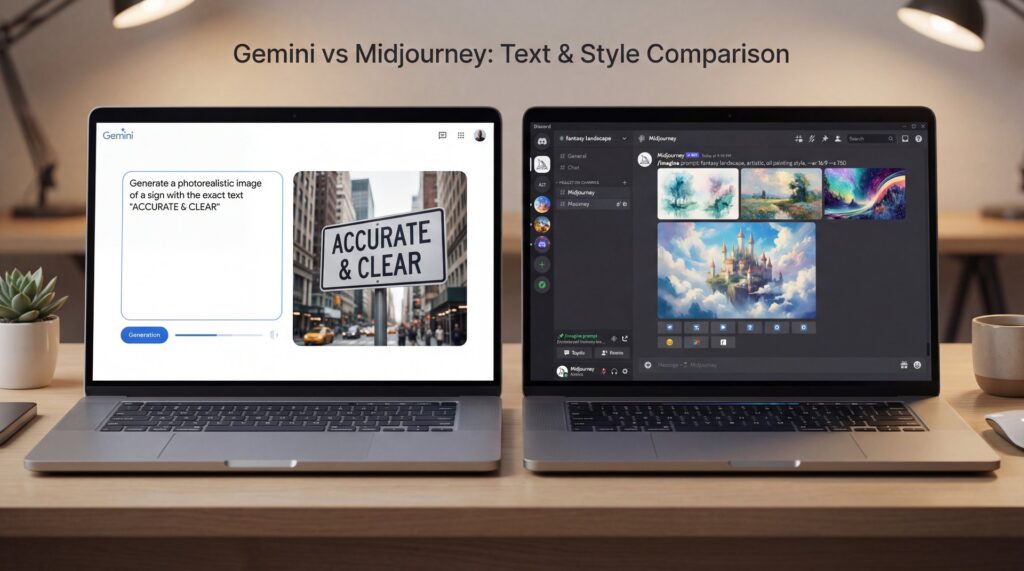
Comparing Gemini and Midjourney transcends aesthetics. It’s about workflow fit, budget impact and brand consistency. Testing from November 2025 revealed stark differences: Gemini 3 Pro Image achieved 94% text rendering accuracy. DALL-E 3 hit 78%. Midjourney managed only 12% (Simon Willison’s dataset via Cursor team, November 2025). That gap isn’t trivial—it determines whether your call-to-action drives engagement or gets lost in blur.
Which tool actually gets you results this week?

Sharp, readable text matters for ad banners, infographics and thumbnails with subheadlines—that’s where Gemini 3 Pro Image stands out. That 94% legible text rendering accuracy versus Midjourney’s 12% isn’t a nice-to-have. It’s the difference between “Buy Now” and “Buy N0w.” The AI applications market generated $2,955.1 million in 2024. Projections show it reaching $79,564.7 million by 2034 at a 39% CAGR (Market.us 2024/2025). This means more frequent price and feature updates across the board. We covered this in more detail in AI Image Editing for Beginners: Complete Guide to Getting Started in 2025.
Still, artistic, painterly effects with cinematic depth and atmospheric lighting? Midjourney excels there. The October 2025 update with Style Creator lets you build styles visually. You can bypass detailed text (obviously) prompts entirely. This transforms the experiance for casual users intimidated by prompt engineering. It also helps – actually helps – non-English speakers avoid phrasing pitfalls.
(Trust me on this one.)
Research from the University of Liège reveals Midjourney often mishandles negation—showing tails on “dogs without tails.” it also struggles with spatial relationships despite impressive aesthetic quality. In practice, therefore, Midjourney captures mood beautifully but falters on precision. Product shots or diagrams where directions like “left of” or “without” must be followed exactly? Those require different tools.
What do beginners, creators and pros each care about?
Casual users want fast, attractive images without reading extensive prompt guides. Style Creator removes that friction entirely. Creators need legible text and consistent characters across scenes—Gemini wins text, while FLUX 2 Dev handles consistency with up to 10 reference images simultaneously. Professionals care about batch processing, licensing clarity, performance guarantees and cost predictability. You might also find [AI Social Media Branding Consistency Guide 2025 [78% Use AI]](https://blog.bananathumbnail.com/create-consistent-social-media-branding-with-ai/) helpful.
Pro Tip: If text readability directly impacts your click-through rate or Ad Rank,—wait, no— A/B test Gemini-generated title cards against your current process for one week. Quantify the difference before switching your entire pipeline.
How to test both in under 30 minutes
Create one headline card, one product shot and one scene prompt using both tools. Track legibility, editing time and re-roll count per tool. You’ll quickly identify which fits your specific workflow.
Define one “text-critical” asset
Use a small subheadline (14–18 pt at 1280×720) to stress-test letter rendering accuracy.
Define one “style-critical” asset
Specify cinematic lighting, shallow depth of field, and particular color grading to judge aesthetic control.
Time your path to “usable”
Count re-rolls, edits, and touch-ups needed. The tool reaching “postable” fastest wins for your workflow.
🔧 Tool Recommendation — Save rework on text overlays
Generate backgrounds with Midjourney, then add crisp text using an editor that properly handles layers and respects brand style guides. Explore the overlay workflow in our features and integrate it into your pipeline with workflows.
How does Gemini vs Midjourney handle text-to-image accuracy and layout?
This often determines which tool creators ultimately choose. Gemini’s 94% legibility rate makes a real impact, especially on mobile where users scan quickly. Small errors lose engagement FAST. Plus, Gemini’s stronger composition control keeps chart elements and labels properly positioned for complex infographics.
Midjourney, by contrast, captures big-picture feel beautifully through lighting and atmosphere. Yet it falters on specifics like product details or UI elements requiring literal accuracy. The University of Liège study underscores frequent issues with negation and spatial cues. That’s why a mixed approach works well: Midjourney for backgrounds, Gemini or an editor for precise text overlays.
Google’s Gemini 3 family boasts a 1501 Elo on LMArena. It scored 72.1% on SimpleQA Verified and 81% on MMMU-Pro multimodal reasoning. That means it understands instructions better than most image-first models (Google, November 2025). When you specify “text on the lower third, logo right-aligned,” it generally follows directions.
Practical evaluation workflow you can copy today
Prompt both tools for identical thumbnails with long taglines. Export three sizes: 1280×720, 1080×1080, and 9:16 at 1080×1920. Test legibility at 25%, 50%, and 100% zoom on mobile and desktop. Circle misread letters and track corrections needed per output.
Pro Tip: For performance creative, maintain a “glyph fail” checklist. Common offenders are “a/e,” “o/0,” and “rn/m.” Scan those first to save reviewers time.
What does pricing look like and how should you budget?

Pricing models differ enough to easily sway your choice. Midjourney is subscription-only with no free tier: $ten/month for Basic (3.3 GPU hours), $30/month for Standard, $60/month for Pro, and $120/month for Mega. A 20% annual discount is available (Android Authority pricing explainer, 2025). Higher tiers provide more processing power. They also unlock features like Stealth Mode.
Gemini’s pricing is more flexible. Pay-per-image costs as low as $0.039 per image on free tier throttles. Or choose Gemini Advanced at $20/month for effectively unlimited generation for most creator workloads (Google Gemini pricing docs, November 2025). Teams with spiky demand can use the per-image model to reduce overbuying. Heavy daily users will find $20 unlimited compelling.
When forecasting for teams, carefully consider usage patterns. Casual creators handling sporadic social graphics might find Gemini’s per-image pricing economical unless they generate regularly. In that case, Midjourney’s Standard plan could be a good option. Daily publishers might choose Gemini Advanced at $20/month or Midjourney Pro at $60/month, depending on style preferences. Agencies with high-volume needs could blend tools—Midjourney for creative concepts, Gemini for text-focused elements—to optimize spending.
💡 Quick Tip — Keep spend predictable
Route text-heavy assets through Gemini, you know, and style-only assets through Midjourney. Document this split in your SOPs and build it into our workflows so new team members won’t accidentally cause cost spikes.
Pro Tip: If you’re on Midjourney Basic and constantly hitting GPU hour limits, upgrade to Pro for one month. Measure throughput per hour, then decide if you can switch back. Paying for speed during launches often beats slowly re-rolling for weeks.
How do you keep character consistency and brand style without prompt chaos?
Character drift and inconsistent brand styles frustrate creators in 2025. FLUX 2 Dev addresses this effectively by allowing up to 10 reference images in one generation. This helps lock poses, outfits, and features to prevent random variations between scenes. Midjourney’s Style Creator complements this by enabling visual style building. You can avoid intricate text prompts while sharing consistent “visual DNA” with your team.
Gemini, thanks to stronger instruction-following, shines for templated assets like “place product left, add title top-right, body copy lower third.” That precise control is invaluable for consistent web banners or UGC templates.
A simple system for consistent characters and looks
Pick a base style—Midjourney Style Creator for vibe, FLUX 2 Dev for character anchors. Build a reference sheet with five–10 approved angles and poses. Then, for text overlays or exact placements, run variants through Gemini or a layout-aware editor to position type precisely.
:::creator-spotlight
⭐ Creator Spotlight — Scaling a series
One lifestyle YouTuber produced 24 thumbnails in a single weekend by pairing Midjourney Style Creator for background vibe with precise text overlays using our features. The consistency boosted the click-through rate by a full percentage point without extra retakes.
:::
(Let me back up.)
For deeper guidance on brand consistency across social platforms, check out our companion piece: [AI Social Media Branding Consistency Guide 2025 [78% Use AI]](https://blog.bananathumbnail.com/create-consistent-social-media-branding-with-ai/).
Are these tools business-ready? Workflow, batch and ROI
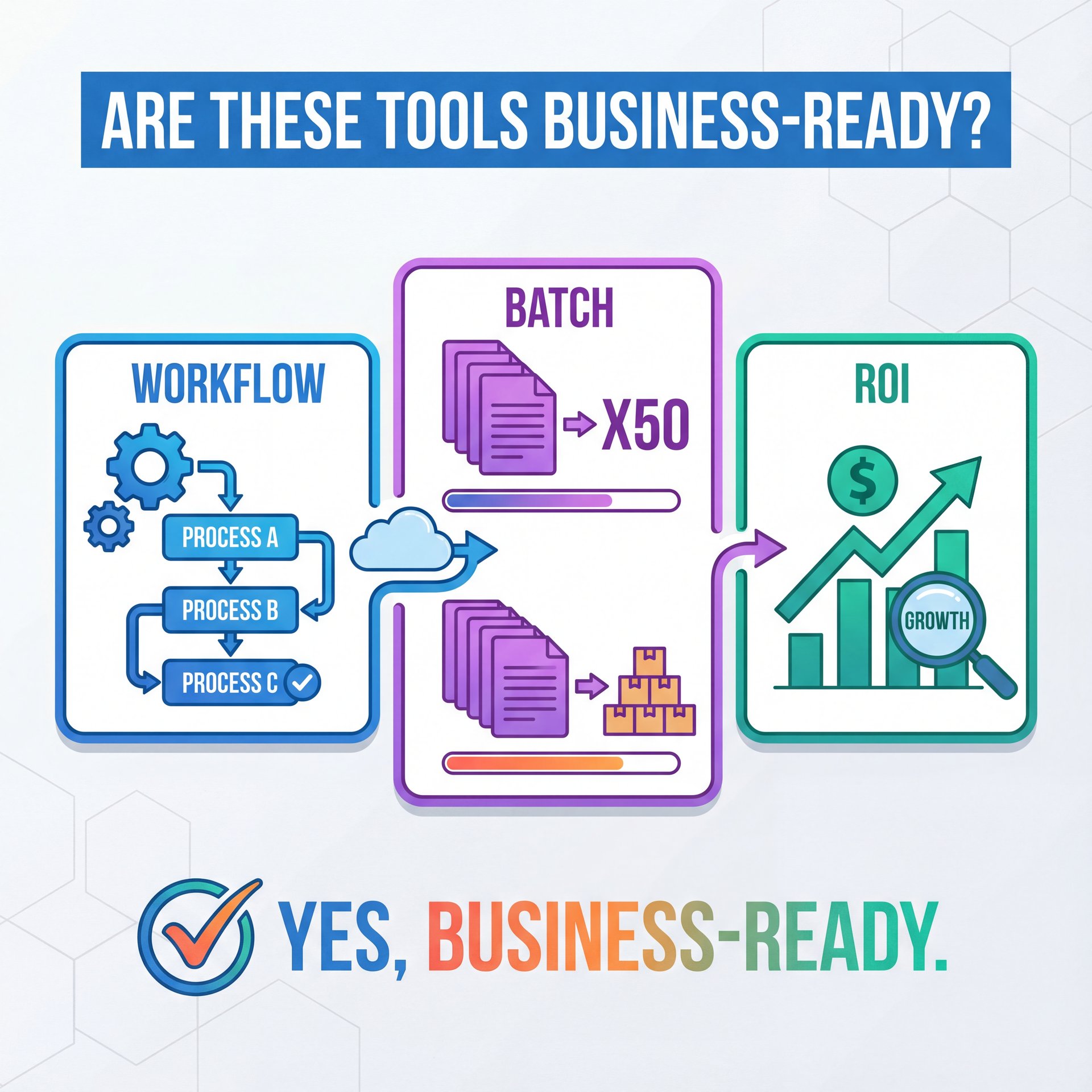
Short answer: yes, with a disciplined process. With 88% of organizations reporting regular AI use and 62% experimenting with AI agents (McKinsey 2025), widespread adoption aligns with what teams need: speed, plus auditability and clear, explainable licensing terms for clients.
(You’ll see why in a second.)
Asset type determines the approach for professionals. Product renders, packaging mockups, and anything clients will read? Prioritize Gemini for legibility or handle text outside the model. Mood boards, early art direction and background plates? Midjourney is fast and inspiring—just pair it with human designers for final polish. Character-driven series work requires FLUX 2 Dev, specifically designed to address character drift by leveraging multiple reference inputs.
Always verify commercial licensing terms. Midjourney’s paid plans typically grant broader rights. Gemini’s usage varies between API and consumer tiers. Screenshot the terms and save them in project folders to avoid later complications.
(Actually, wait.)
Real ROI from agencies using AI image tools
A marketing agency case study demonstrated practical ROI: 40% reduction in design costs with six-figure annual savings using Midjourney for concepting. They now generate 90% of blog headers with AI. Another agency achieved an 89% increase in organic traffic. They also saw a 156% improvement in brand mentions after tightening their AI-assisted content flow (Generative Engine, 2025).
:::common-mistake
⚠️ Common Mistake — Mixing models mid-asset
Swapping models after locking a style introduces off-brand elements. If you must switch, reapply your style system and placement SOPs. Bake that into our workflows so every asset passes the same gates.
:::
Pro Tip: Batch in threes. Generate three options per asset and limit yourself to one revision round. Endless re-rolls kill ROI faster than model choice.
How do you get started without drowning in prompt engineering?
Good news: you don’t need complicated prompt spellbooks anymore. Midjourney’s Style Creator reverse-engineers looks visually. Meanwhile, Gemini understands plain-English layout descriptions and often delivers close results on first try.
A lightweight starter path for each audience
Casual users should pick one Midjourney style, generate ten backgrounds, then add text overlays to keep it fun. Creators can build a two-model pipeline—Midjourney for look, Gemini for text—while standardizing canvas sizes. Professionals should formalize this within Digital Asset Management systems and task managers. Attach model and version notes to each asset for traceability.
Define your “north star” asset
Choose the single image type you produce most frequently (thumbnail, ad banner, blog header).
Assign a model per task
Midjourney for backgrounds/style; Gemini for text/precise placement; FLUX 2 Dev for consistent characters.
Template your export sizes
Save presets for 1:1, 16:9 and 9:16 ratios to avoid redoing layout every time.
Interface-level features like Midjourney’s promptless style building point toward a future where “prompt engineering” becomes “style and layout editing”—better for everyone as the industry scales.
Frequently Asked Questions
Which tool is better for text on images?
Gemini 3 Pro Image achieved 94% legible text in November 2025 benchmarks compared to Midjourney’s 12%.
How much do Gemini and Midjourney cost right now?
Midjourney ranges from $10–$120/month with no free tier. Gemini starts at $0.039 per image or $20/month for Advanced.
Do I still need prompt engineering skills?
Not really—Midjourney’s Style Creator removes most prompt friction, and Gemini follows plain-English layout instructions well.
How do I keep character consistency across generations?
Use FLUX 2 Dev with up to 10 reference images or maintain a strict style sheet and reuse the same seeds/styles.
Can I use these images commercially for clients?
Yes on paid plans in most cases, but always confirm each platform’s current commercial terms and keep a copy in project docs.
💡 Quick Tip — Fast brand audit
Before scaling, generate 6–9 test assets across both tools, then check logo placement, color consistency, and type legibility. Save the winning recipe in our features so your next set is one click.
Word Count: 1,963 words
Related Videos
Related Content
For more on this topic, check out: midjourney
Listen to This Article