
Master AI Image Editing & Creative Transformations
How Can AI Transform Your Image Editing Workflow?
AI image editing transforms photos in seconds using machine learning algorithms trained on millions of images. Whether you're a casual user wanting to swap backgrounds, a content creator producing viral thumbnails for YouTube and TikTok, or a professional marketer designing eye-catching campaigns, AI tools make professional results accessible to everyone—no technical skills required.
By the Banana AI Team — AI researchers, professional designers, and content creators with 50,000+ images created
Our mission is to democratize professional-quality image editing. We've helped thousands of users generate stunning images that would traditionally require hours of manual work or expensive designers. Now, we're sharing everything we've learned about AI tools, creative transformations, and techniques that make images stand out across platforms.
What you'll discover on this blog:
- ✓ AI image editing fundamentals for beginners and casual users
- ✓ Creative transformation tutorials for backgrounds, outfits, thumbnails, and more
- ✓ Content creator strategies for YouTube, TikTok, Instagram, and emerging platforms
- ✓ Professional marketing tips for businesses, brands, and campaigns
- ✓ Real case studies from diverse users achieving creative success with AI
- ✓ Tool comparisons and reviews to find your perfect AI creative assistant
See these techniques in action on our AI features page.
What Topics Can You Learn About AI Image Editing?
AI Image Editing Basics
Learn the fundamentals of AI-powered image creation and editing. From background removal to creative transformations, master the tools everyone's using in 2025.
Browse Editing Basics →Perfect for: Casual users & beginners
Creative Transformations
Discover endless possibilities for transforming your images. Swap backgrounds, change outfits, create stunning effects, and bring your wildest creative ideas to life.
Explore Transformations →Perfect for: Everyone from casual users to creators
Content Creator Tools
Boost your content across all platforms. Learn to create scroll-stopping thumbnails, social media graphics, and visual content that drives engagement and growth.
Read Creator Tips →Perfect for: YouTube, TikTok & Instagram creators
Marketing & Business Graphics
Create professional designs for social media campaigns, advertisements, branding, and marketing materials. Stand out with AI-powered business graphics.
View Marketing Tips →Perfect for: Professionals & business owners
Tutorials & How-Tos
Step-by-step guides for mastering AI image editing techniques. From beginner basics to advanced workflows, learn at your own pace with detailed tutorials.
Start Learning →Perfect for: All skill levels
Inspiration & Showcases
Get inspired by creative examples, transformation galleries, and real-world success stories. Discover what's possible with AI-powered image editing.
Get Inspired →Perfect for: Everyone seeking creative ideas
What Are the Latest AI Image Editing Tutorials?
Frequently Asked Questions About AI Image Editing
What is AI image editing and how does it work?
AI image editing uses machine learning algorithms trained on millions of images to automatically transform photos in seconds. The technology analyzes your image, understands the content (people, objects, backgrounds), and applies sophisticated edits like background removal, outfit changes, or creative effects without requiring manual work or technical skills.
Most modern AI tools use deep learning models that have learned from billions of examples, allowing them to make intelligent editing decisions that would traditionally require professional designers hours to complete.
Can beginners use AI image editing tools?
Yes, modern AI image editing tools are designed for beginners with zero technical skills. Most tools feature simple interfaces where you upload an image, select a transformation (like "remove background" or "change outfit"), and get professional results in 10-30 seconds. No Photoshop experience, design knowledge, or technical training required.
The AI handles all the complex work automatically, making professional-quality editing accessible to casual users, students, small business owners, and anyone who needs quick image transformations.
What types of images can AI transform?
AI can transform any digital image including portraits, landscapes, products, social media content, YouTube thumbnails, marketing graphics, and more. The technology works with photos from smartphones, professional cameras, screenshots, or existing graphics in formats like JPG, PNG, and WEBP.
Popular transformation types include background removal and replacement, outfit and style changes, creative effects and filters, thumbnail generation for content creators, product photography enhancement, and marketing graphic creation.
How long does AI image editing take?
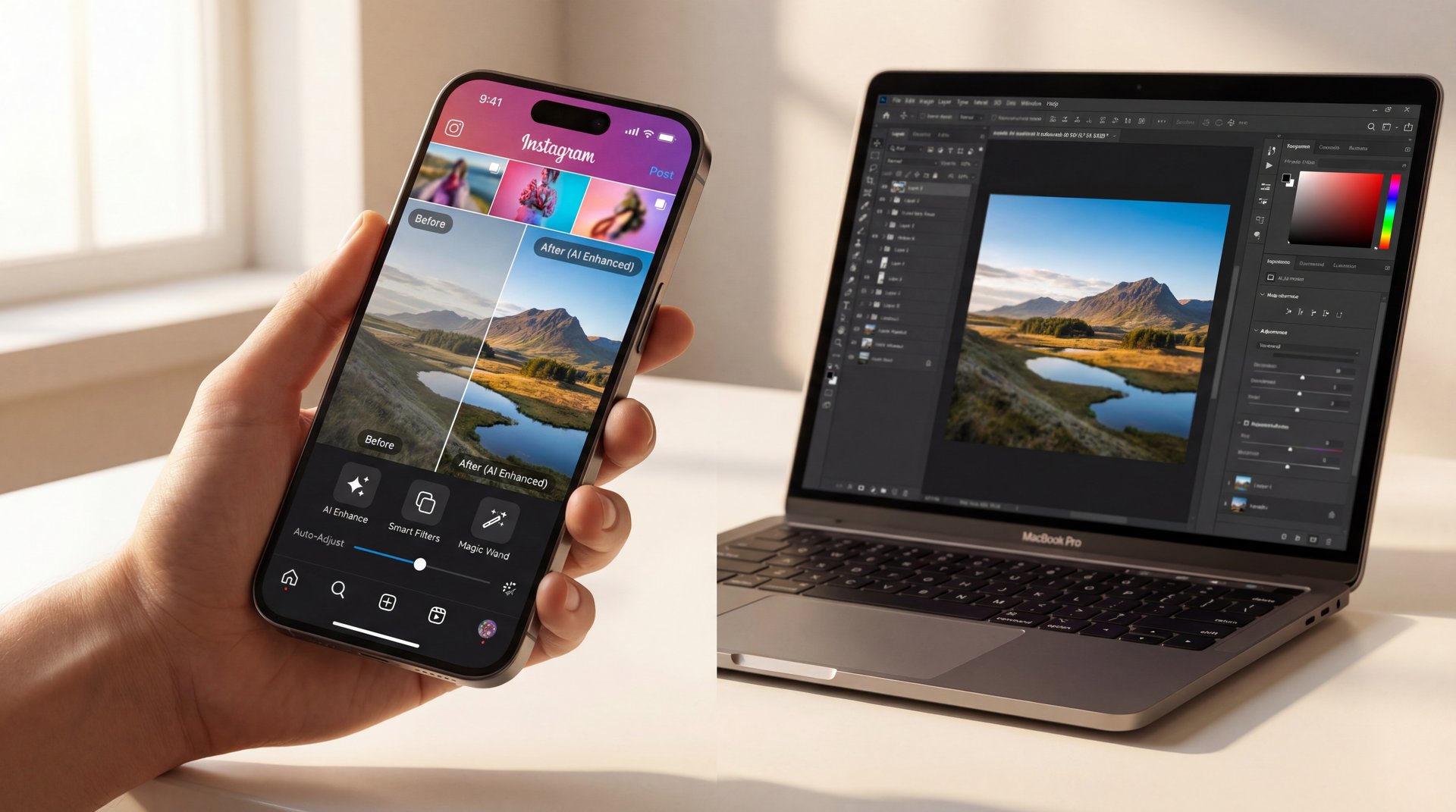
Most AI image transformations complete in 10-30 seconds, compared to traditional manual editing which can take hours. Complex edits like background removal, outfit changes, or creative style transfers that would require professional Photoshop skills are automated instantly by AI algorithms.
For example, removing a background manually in Photoshop might take 30-60 minutes for beginners. With AI tools, the same task completes in 10 seconds with professional-quality results. Explore these fast creative workflows.
What are the best AI image editing tools in 2025?
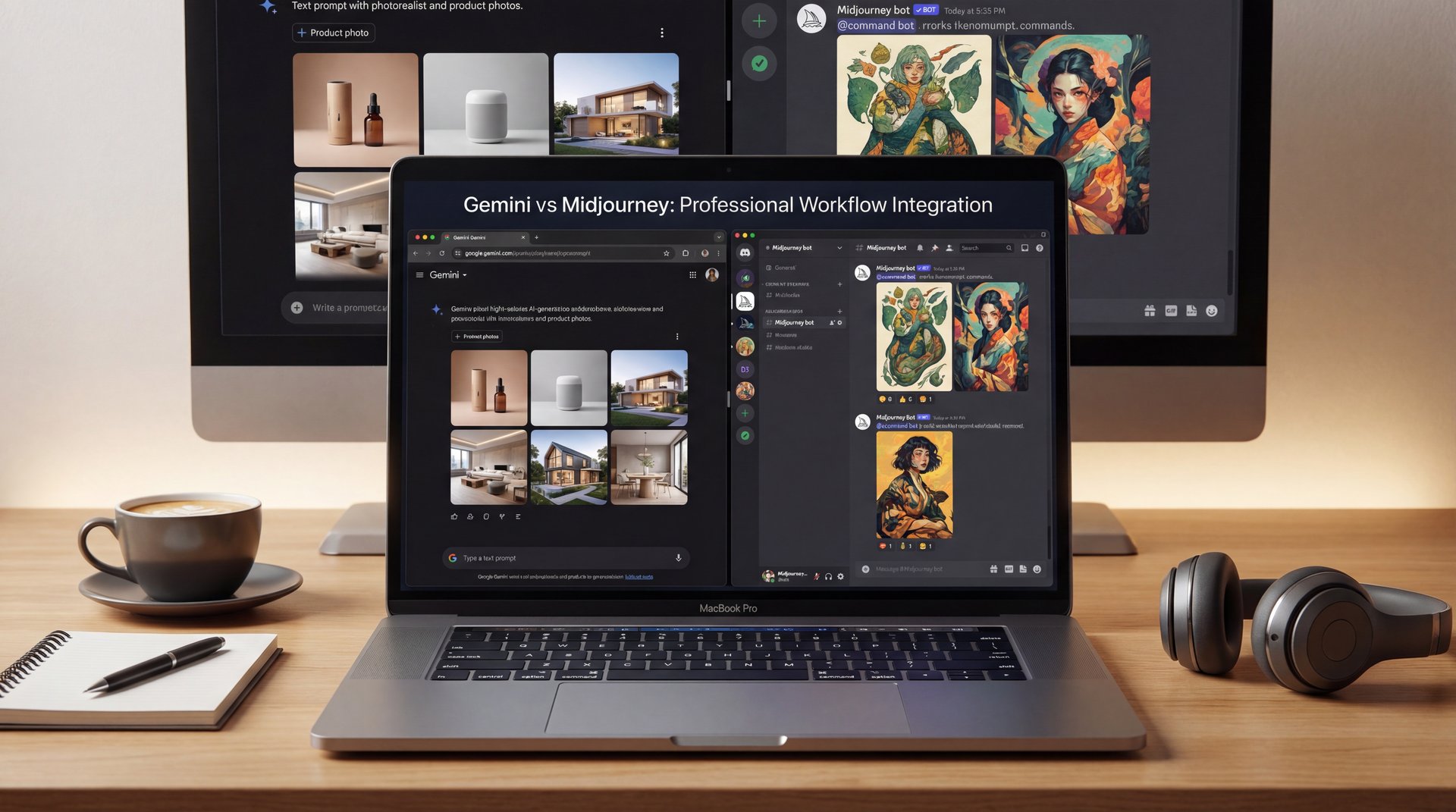
Top AI image editing tools in 2025 include background removal, outfit transformation, thumbnail generation, creative style transfers, and automated retouching. The best tools offer intuitive interfaces, fast processing (under 30 seconds), high-quality results, and accessibility for everyone from casual users to professionals.
When choosing AI tools, look for features like multiple aspect ratios (for different platforms), batch processing capabilities, and customization options. See our complete AI features breakdown for detailed comparisons.
Can AI edit photos for YouTube thumbnails?
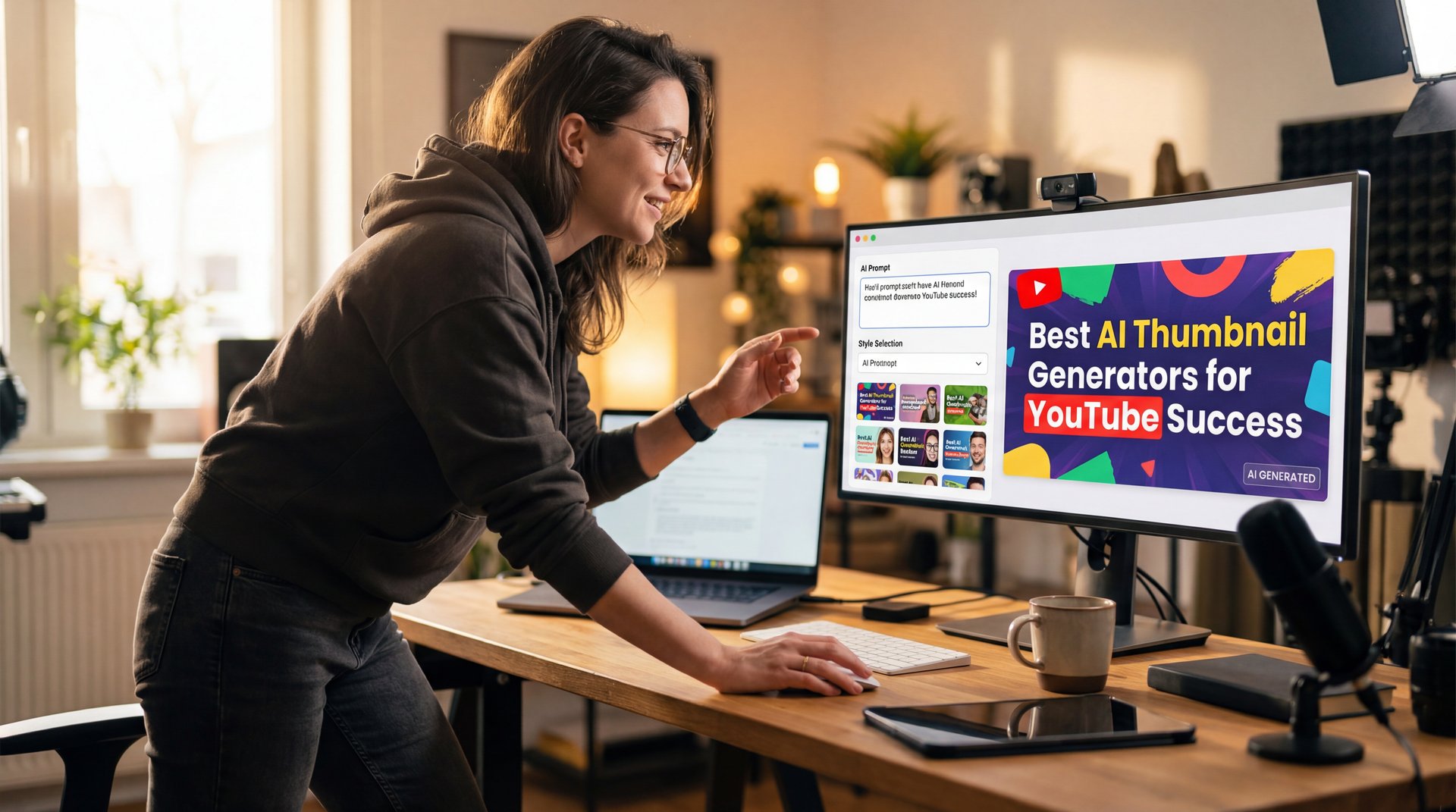
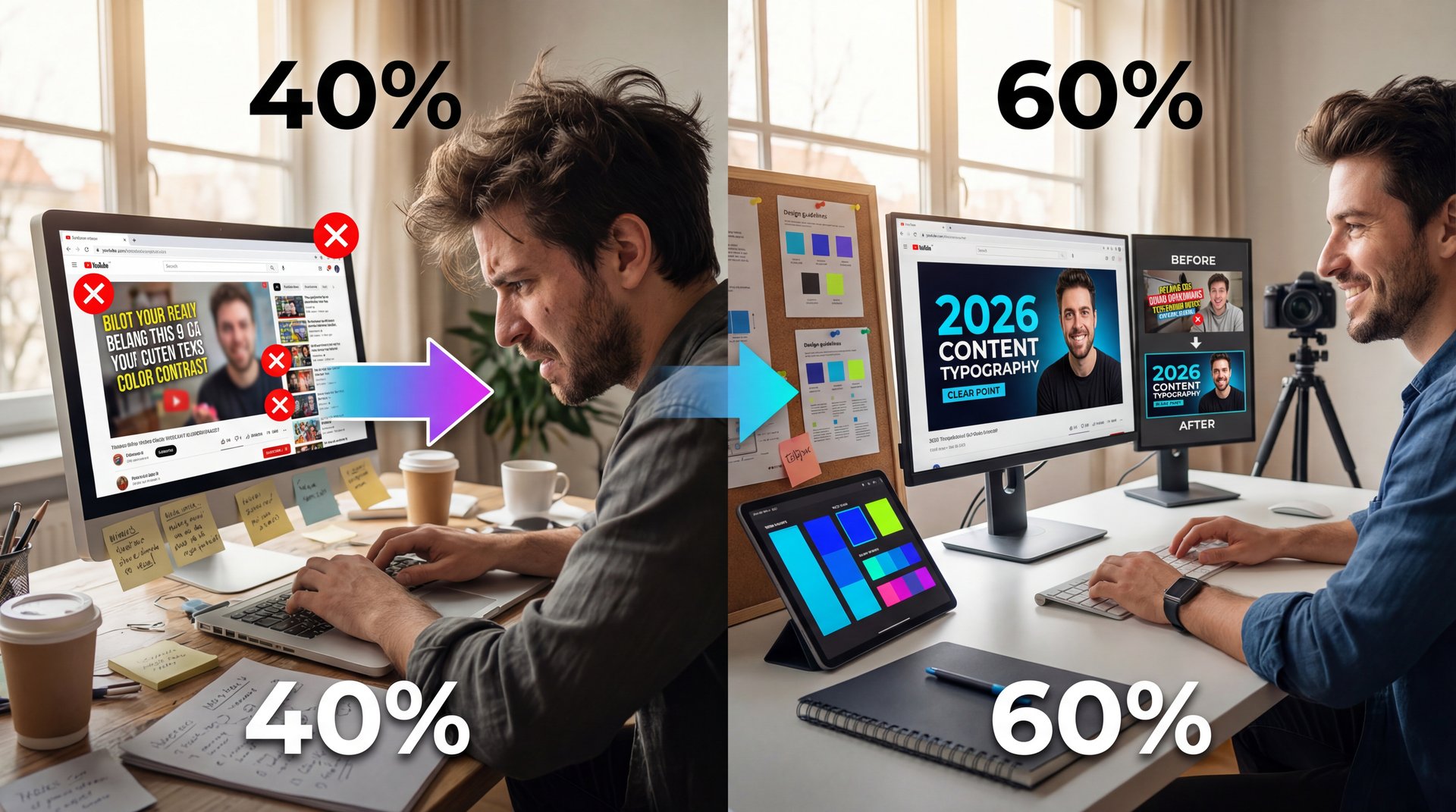
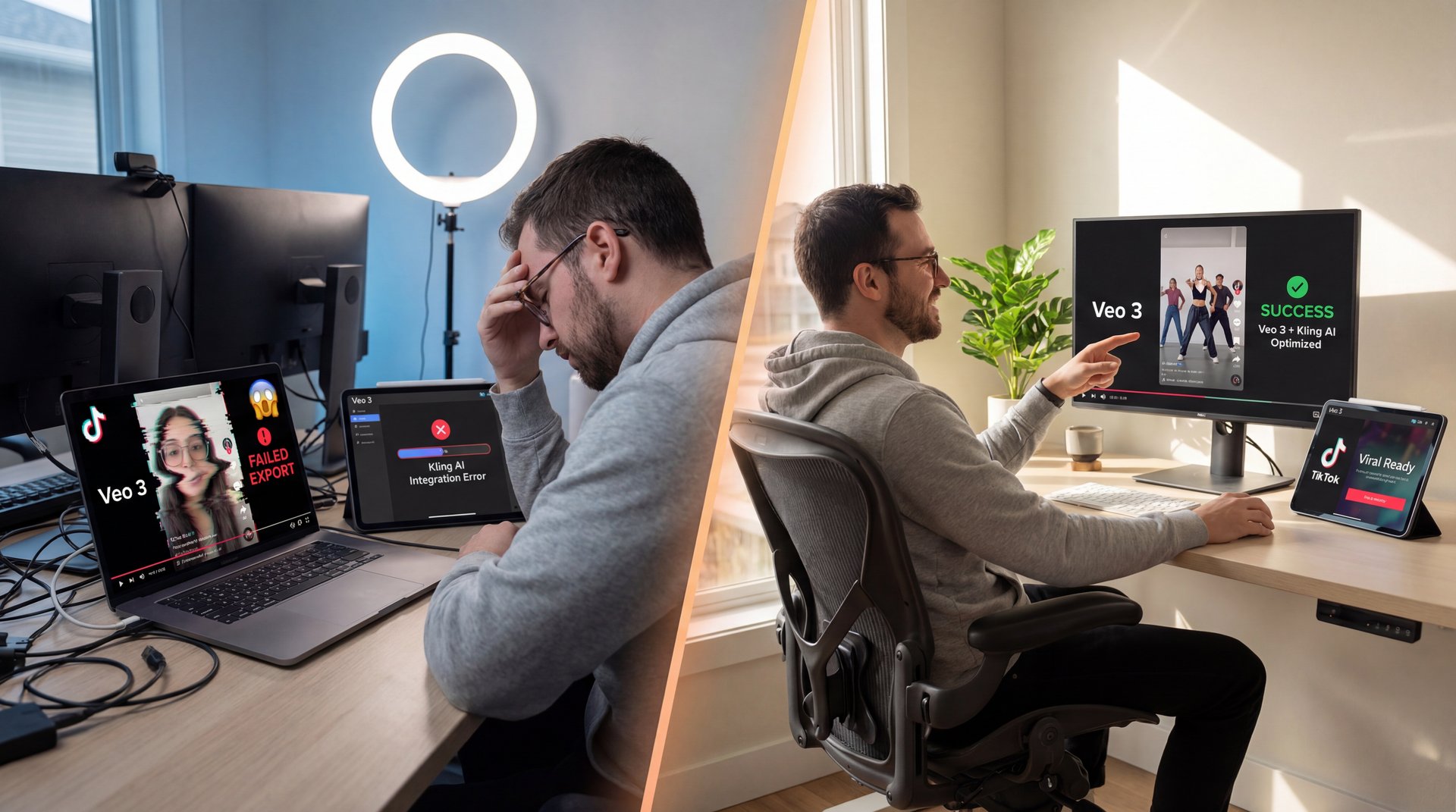
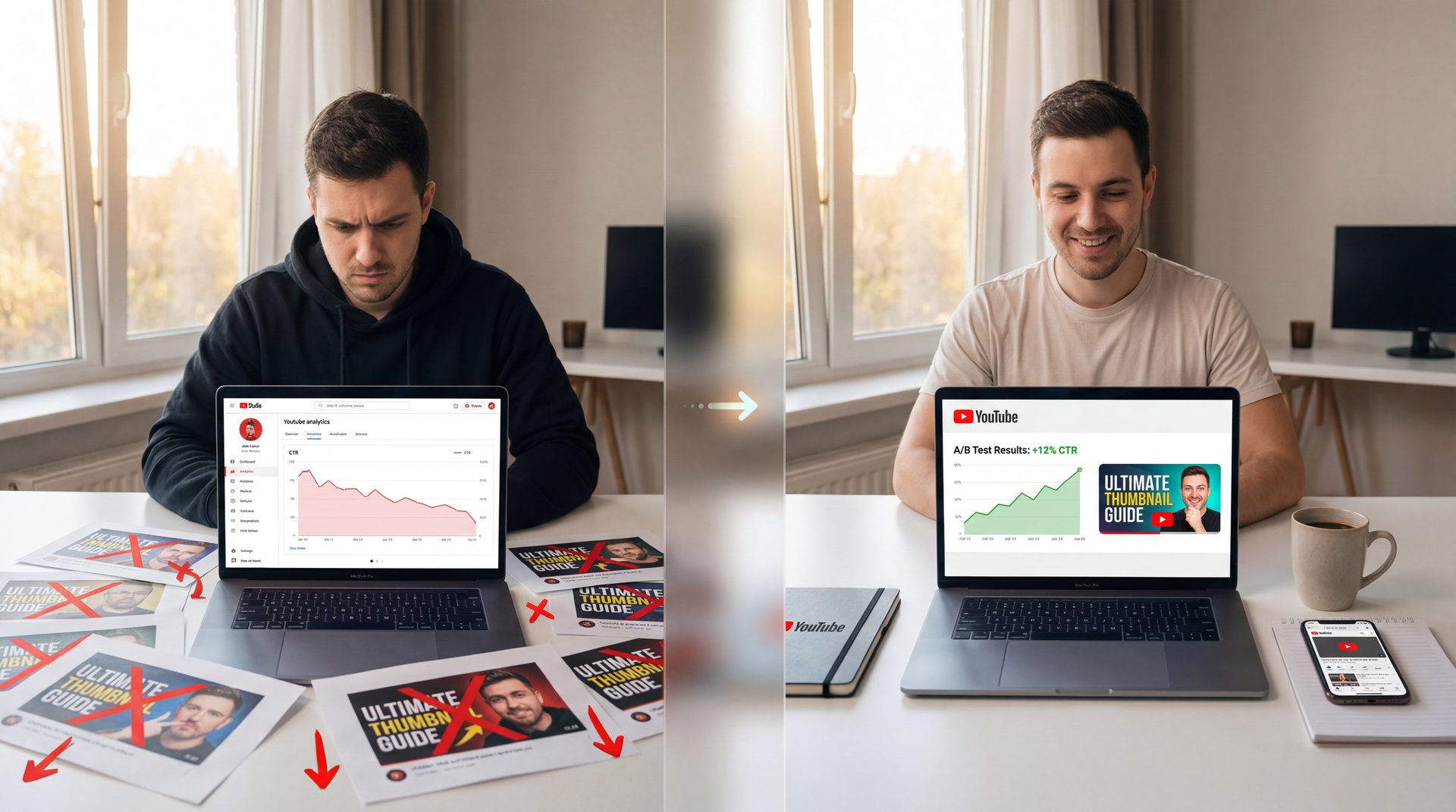
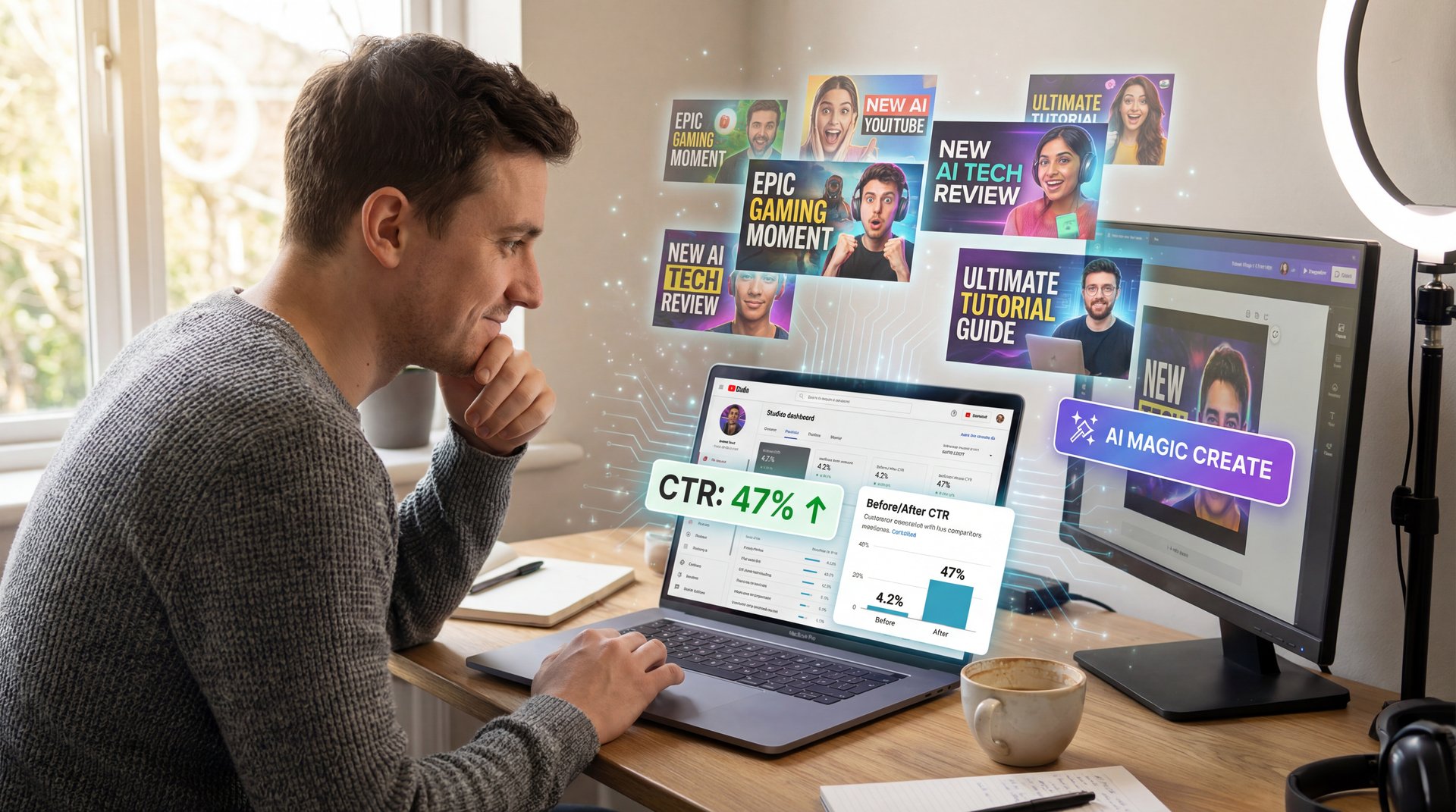
Yes, AI-specialized tools create professional YouTube thumbnails in seconds by analyzing viral patterns, optimizing colors and contrast, adding creative effects, and formatting for perfect 16:9 dimensions. Content creators use AI to produce thumbnails that would traditionally require hiring designers or spending hours in Photoshop.
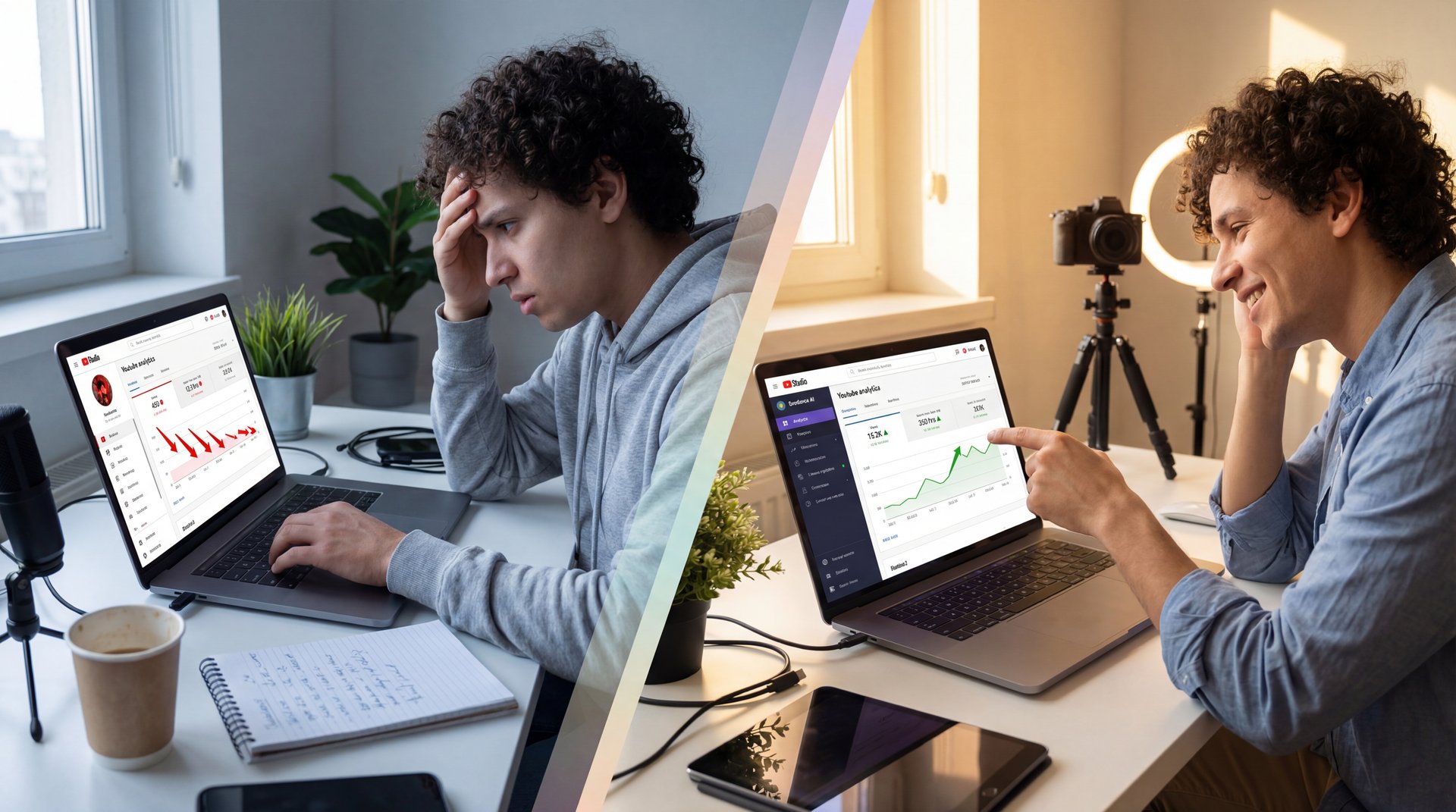
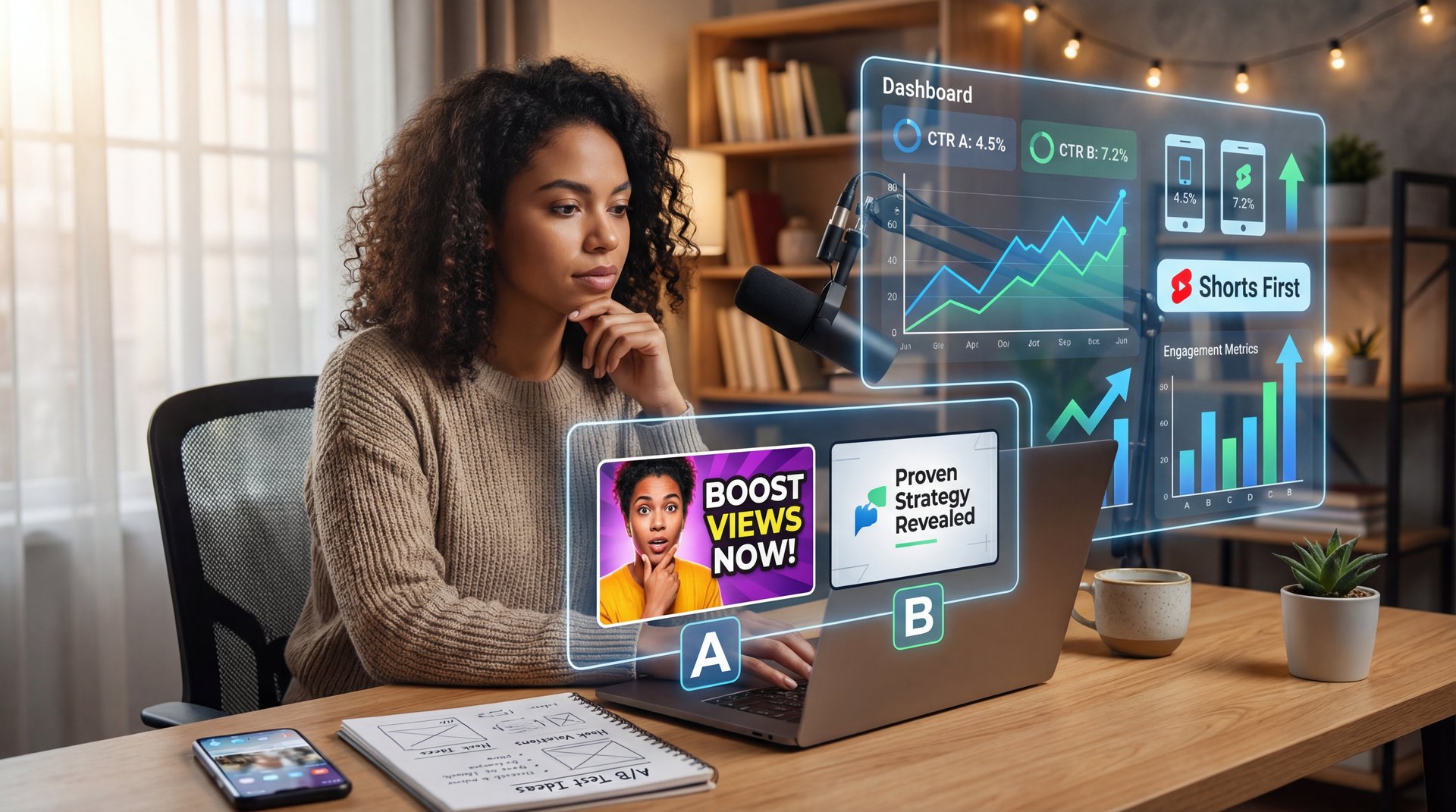
Professional creators leverage AI-powered video and thumbnail tools to maintain consistent quality while producing content at scale. Many successful YouTubers report 2-3x higher click-through rates after switching to AI-optimized thumbnails.
Is AI image editing free?
Many AI image editing tools offer free trials or token-based pricing models. Users typically get free credits (often 10-25 tokens) to test the service, then pay per transformation (like $0.10-$0.50 per edit) or subscribe for unlimited access ($10-$30/month). This makes professional-quality editing affordable compared to hiring designers ($50-$200 per project) or buying expensive software like Photoshop ($20+/month).
Token-based pricing is ideal for casual users who edit occasionally, while subscriptions benefit content creators and professionals who need high-volume editing. Check transparent pricing options to find the best fit for your needs.
Get Weekly AI Creative Tips & Tutorials
Join 10,000+ creators, designers, and image enthusiasts who receive our weekly newsletter packed with actionable insights:
- Creative transformation ideas and inspiration
- AI tool comparisons and honest reviews
- Design strategies for beginners and professionals
- Exclusive downloadable resources and templates
Plus: Download our free AI Image Editing Starter Guide (PDF)
We respect your privacy. Unsubscribe anytime. Read our Privacy Policy.