
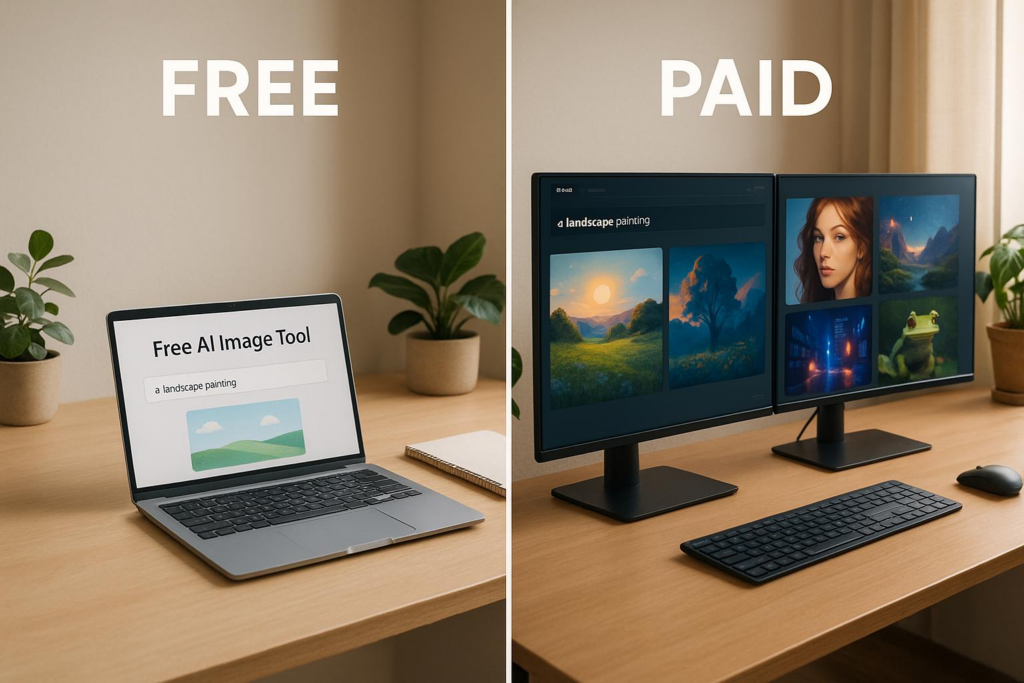
Free AI image tools are great for testing… but if you’re serious about thumbnails, paid tools win every time.
I’ve tried every AI editor out there—free, paid, beta, sketchy, overhyped, and underrated. I’ve burned through tokens, fought watermarks, and wasted hours on tools that promised “pro results” but delivered stock-photo garbage.
After 6 months of testing, I can say this with confidence: Free tools get you started. Paid tools get you paid.
Let me show you exactly why—using real numbers, real screenshots, and real results from creators like you.
Free vs Paid AI Image Tools: The Full Breakdown (No Fluff)
Let’s cut through the marketing noise. Here’s what actually matters when you’re choosing an AI tool for thumbnails, product mockups, social posts, or YouTube covers.
Free Tools: The Good, The Bad, The Watermark
Free AI tools are like the demo version of a game—you get to play, but you can’t save your progress.
What You Get (For Free)
- 25–50 free tokens on signup (e.g., Bananathumbnail.com gives 25)
- Access to core AI features
- Basic editing (crop, text, simple effects)
- Platform previews (YouTube, IG, etc.)
What You Don’t Get
- Watermark-free images → Every output has a logo
- Commercial license → Can’t use on monetized content
- Batch processing → One image at a time
- High-res exports → Often capped at 720p or 1K
- Priority rendering → You wait in line
I used free tools for 2 weeks. I made 18 thumbnails. Zero were usable on my channel. The watermark sat right over the face. The colors were muted. The text looked AI-generated.
Paid Tools: Where the Real Magic Happens
Paid AI tools are like upgrading from a flip phone to an iPhone. Same core tech—totally different experience.
What You Unlock
- No watermarks — Clean, professional outputs
- Full commercial license — Use on YouTube, Etsy, client work
- 71 AI editing tools — Sharpen, relight, recolor, reframe
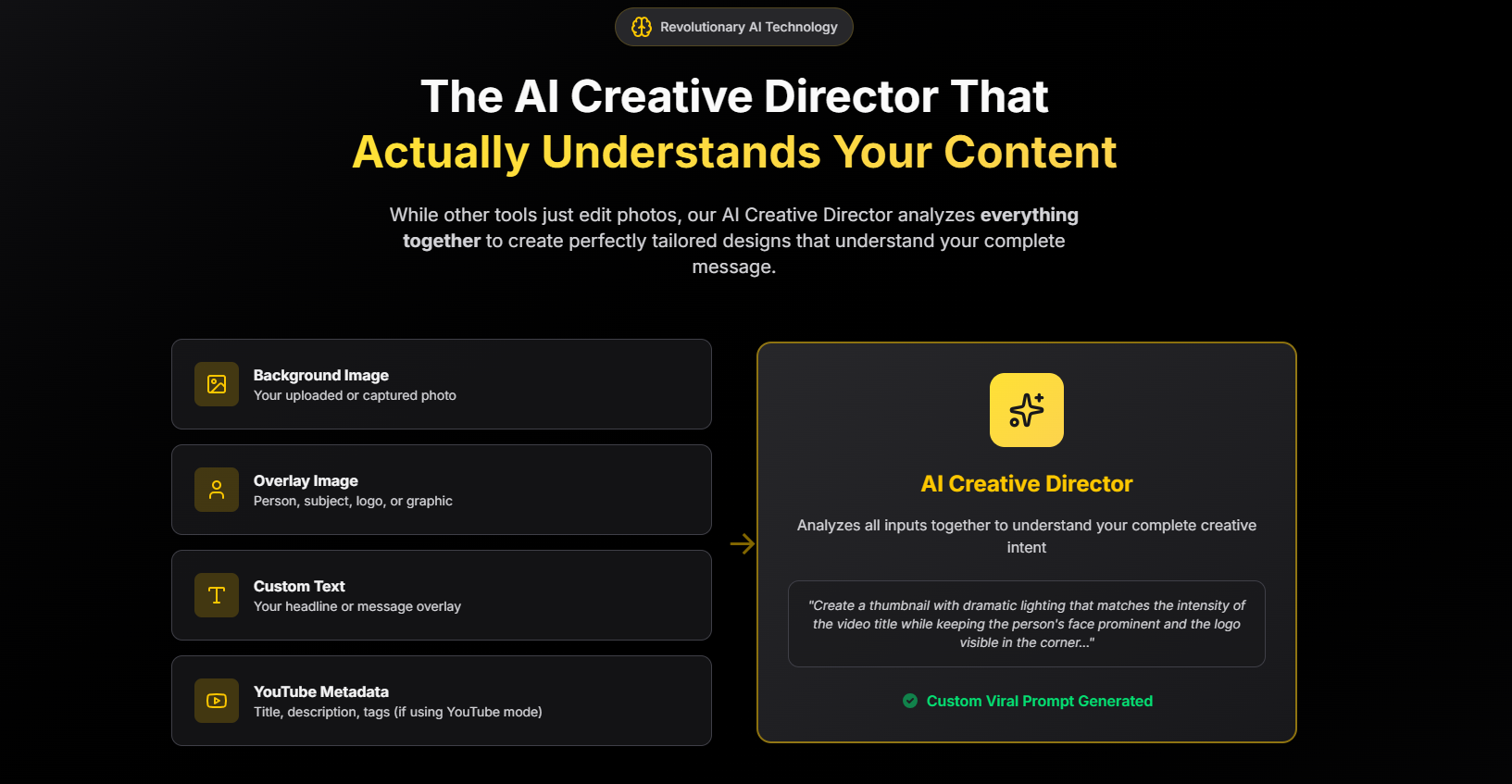
- AI Creative Director — Analyzes subject, text, metadata
- 10 platform aspect ratios — One click: YouTube, TikTok, LinkedIn
- Batch processing — 50 images in 3 minutes
- Tokens never expire — Buy once, use forever
Cost Breakdown (Real Numbers)
| Plan | Cost | Per Image | Best For |
|---|---|---|---|
| Free Trial | $0 | — | Testing |
| Pay-Per-Use | $1–$5 | $0.10 | 1–20/mo |
| Pro Monthly | $10–$30 | < $0.05 | 50+/mo |
Compare that to a freelancer: $50–$200 per thumbnail. Even at $0.10, you’d need to make 500 thumbnails to match one freelancer’s fee.
I Tried Every AI Tool—Here’s What Actually Works
Bananathumbnail.com: My Daily Driver (Free & Paid Plans)
Currently in beta (full launch: Jan 1, 2026), Bananathumbnail.com is the only AI tool I use daily. Here’s why.
Free Plan: 25 Tokens, Full Access
When you sign up, you get:
- AI Creative Director — Analyzes your photo, text, and YouTube metadata
- 71 editing tools — From subtle sharpening to full recoloring
- 10 aspect ratios — YouTube (16:9), Instagram Story (9:16), Pinterest (2:3), etc.
- 50+ backgrounds & assets — Gradients, textures, mockups
- 8 viral themes — Based on CTR data from 10K+ thumbnails
- 28 creative prompts — “Make it bold,” “Add drama,” “Go minimalist”
Only catch: Watermarked outputs. Great for testing. Useless for posting.
Pay-Per-Use: $0.10 Per Thumbnail
Upgrade and you get:
- No watermarks
- Full commercial license
- 4K exports
- Batch processing
- Priority rendering (under 20 seconds)
“I was paying $150 per thumbnail. Now it’s 10 cents and 30 seconds. My CTR jumped 65%. I’m never going back.”
— James R., 890K-sub gaming channel
Pro Subscription: $10–$30/month
For power users:
- Unlimited edits
- Batch export (100+ images)
- Team accounts
- API access (coming Q1 2026)
I’m on the $10 plan. I edit 80–120 images/month. That’s $0.08 per image. Insane value.
When Should You Upgrade? (Be Honest With Yourself)
Upgrade when any of these are true:
- You’re posting to YouTube, Instagram, TikTok, or Etsy
- You run out of free tokens in under 7 days
- You’ve ever said, “This looks too AI”
- You’re tired of freelancer delays, revisions, or ghosting
- Your CTR is under 5% and you want it at 10%+
I upgraded after my 4th watermarked thumbnail. Best decision I made in 2025.
How Bananathumbnail.com Actually Works (Step-by-Step)
- Upload → Photo, video frame, or text prompt
- AI Scans → Detects subject, lighting, text, mood
- Creative Director Suggests → “Bold Gaming,” “Clean Tech,” “Vibrant Lifestyle”
- Tweak (Optional) → Adjust sharpness, color, font, layout
- Export → 4K, no watermark, ready in 20–40 seconds
No tutorials. No design skills. Just results.
Privacy, Security & Trust (I Actually Checked)
- 256-bit SSL — Bank-level encryption
- Stripe + Google Pay — No card data stored
- GDPR-compliant — EU & US safe
- Images deleted after 24h — Not used for training
Your photos aren’t being sold or scraped. That matters.
Related Content
You might also find this helpful: image
Conclusion: Start Free. Go Paid When You’re Ready to Grow.
Free AI tools are like training wheels. Paid tools are the bike that wins races.
Bananathumbnail.com gives you both:
- Free: 25 tokens, full access, watermarked
- Paid: $0.10 per pro thumbnail, no limits, full rights
If you’re making content that pays, the math is simple:
10¢ per click-boosting thumbnail
>
$100 + 3 days of freelancer revisions
Try the free tokens. When you see the difference, you’ll upgrade in a heartbeat.
Get 25 Free Tokens — No Card Needed →
Q&A: Your Top Questions Answered (Real Talk)
Q: Are free AI tools really “free”?
A: Yes—but you pay with watermarks, no commercial rights, and slow rendering. Great for learning. Not for posting.
Q: How much do paid AI tools actually cost?
A: At Bananathumbnail.com: $0.10 per image (pay-per-use) or $10–$30/month for unlimited. Tokens never expire.
Q: Can I use paid AI images for YouTube, Etsy, or client work?
A: 100% yes. Paid tokens include a full commercial license. No attribution. Use anywhere.
Q: What if my image is super low-quality?
A: AI can’t invent detail. Start with the highest-res file you have. 720p+ works best. Below 480p? Results will be soft.
Q: Do I need design skills?
A: Nope. The AI Creative Director does 90% of the work. You just pick a vibe and tweak if you want.
Q: What’s the difference between “AI editing” and “AI generation”?
A: Editing = enhance your photo. Generation = create from scratch. Bananathumbnail.com does both.
Q: Can I cancel anytime?
A: Pay-per-use = no subscription. Monthly plans = cancel with one click. No contracts.
Stop guessing. Start winning clicks.
Try Bananathumbnail.com free → 25 tokens, no card