Table of Contents
- What Is an AI video generator actually doing in 2025? – quick version
- Which AI video generator handles social media better? – and why it matters
- Why pros use Veo 3 as their cinematic AI video generator
- The hidden cost of running an AI video generator workflow
- How to get around the “guardrails” in your AI video generator (yes, really)
- My verdict: Which AI video generator should you actually use? (the boring but important bit)
- Listen to This Article
So, you’ve got a script, you’ve got a vision, but now you’re stuck staring at a blank prompt box wondering which ai video generator is actually gonna get the job done. Is it the one everyone on Twitter is hyping up or the one the big agencies are quietly using in the background? tool powers everything else.
All right, let’s get into it.
Today we’re going to go over the real-world (spoiler alert) differences between OpenAI’s Sora 2 and Google’s Veo 3.1. I’m not talking about the flashy demos they show you in the marketing emails. I mean what happens when you actually sit down with an ai video generator to make something usable. I’ve spent the last few weeks running these engines hot, burning through credits, and honestly, the results surprised me.
If you’re looking for an AI video generator that just works, you should probably know what’s going on under the hood of these two distinct engines. One is built for speed and social viral loops and the other? It’s trying to be your digital cinematographer.
Let’s go ahead and break down which one belongs in your toolkit for 2025.
(Actually, that reminds me…)
What Is an AI video generator actually doing in 2025? – quick version
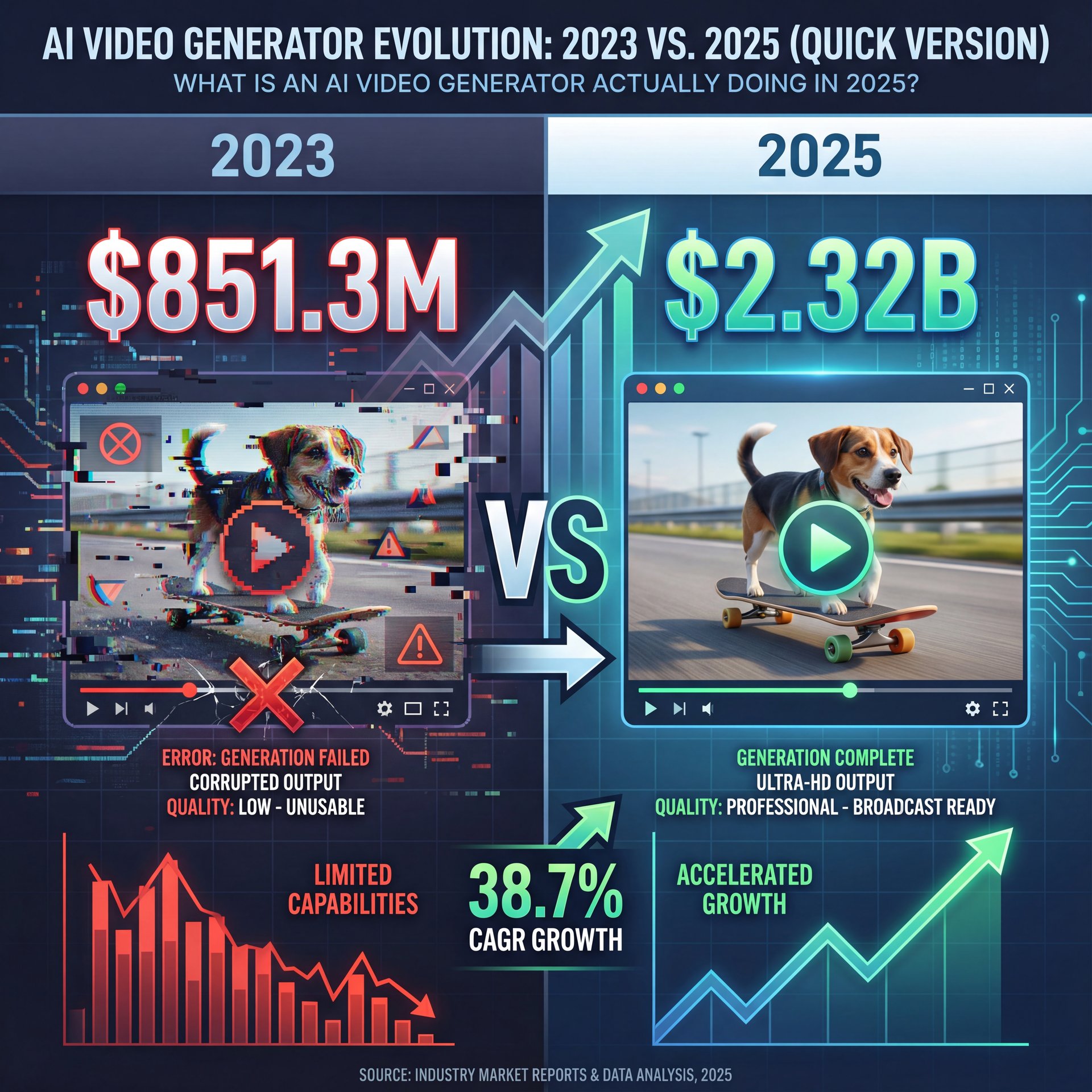
First off, let’s cover what we’re actually dealing with here. Back in 2023, these tools were basically toys. You’d type “dog on a skateboard” and get a nightmare fueled hallucination. Think of video as the infrastructure. But now? The AI video generator market has exploded to $2.32 billion in 2025, up from $851.3 million in 2022. That’s a 38.7% CAGR, which is massive.
(But what do I know.)
So here’s the thing. These ai video generator tools aren’t just mashing pixels together anymore. They are simulating physics, understanding lighting, and trying to figure out narrative flow, and plus, marketers using AI-generated video reported an average CTR increase of around 28% versus static creative. That’s real money on the table.
In my experience, thinking of them as “video makers” is the wrong approach. You need to think of each ai video generator as a specialized employee. Sora 2 is your hype man—fast, trend-savvy and loose with the rules. Consider video the foundation. Veo 3.1 is your detailed director who demands precise instructions but gives you a cleaner final shot.
Dr. Morgan Taylor, our AI & Technical Lead here, always says that “the ai video generator you pick dictates the story you can tell.” And after testing these side-by-side, I think he’s dead right.
🤔 Did You Know?
Global enterprise adoption of generative AI for marketing content jumped from 21% in Q1 2023 to about 48% in Q3 2024. Every time. That seems a massive about 2x increase in just 18 months, meaning if you aren’t using these tools, your competitors definitely are.
Which AI video generator handles social media better? – and why it matters
SORA 2 is faster, cheaper for volume and the perfect engine for concepting and short-form content, so if your client needs 50 clips tomorrow, you choose SORA 2. Choose VO 3.1 if you prioritize professional control. The investment here pays off in huge post-production time savings. The 4K output, integrated native audio, and directed transitions mean the final clip requires almost no extra work. If you’re pitching a broadcast ad or a narrative short, you choose VO 3.1. If we wanna master the cutting edge of AI, hit subscribe. We test every single tool so you don’t waste your time or your professional reputation.
I found that Sora 2 is pretty much the growth hacker’s weapon of choice right now. Why? Because it understands the vertical format natively. According to OpenAI’s own data from early 2025, about 78% of Sora videos are generated in 9:16 vertical aspect ratio. that’s not an accident.
Sora’s Social Media Advantage
When I used Sora, I noticed it defaults to a pacing that feels very “TikTok.” The clips are punchy. In fact, around 63% of them are under 14 seconds—perfectly optimized for TikTok and Reels distribution. No joke. It’s built for that short attention span scroll.
Veo 3.1, But struggles 🤔 a bit here. It wants to make a movie. It takes longer to render. about 30-55% slower in my tests (and when you need to pump out five or six variations for a Reels test, that wait time hurts.
Real Results from Real Brands – and why it matters
Here’s where it gets interesting. A DTC footwear brand actually increased their ad CTR by roughly 34% using Sora 2 for social velocity. Even better, their ROAS jumped from 2.1x to about 4x in just 90 days. They spent less time making ads and got better results. That’s the kind of math I like.
If your goal is social velocity, Sora 2 is the AI video generator you want. It’s like having a flat-rate mechanic who specializes in quick oil changes versus an engine rebuilder. You just get in and out faster.
For creators looking to pair these fast clips with high-performing static images, MrBeast & Top Creators’ Thumbnail Design Secrets breaks down how the pros grab attention before the video even starts.
Why pros use Veo 3 as their cinematic AI video generator
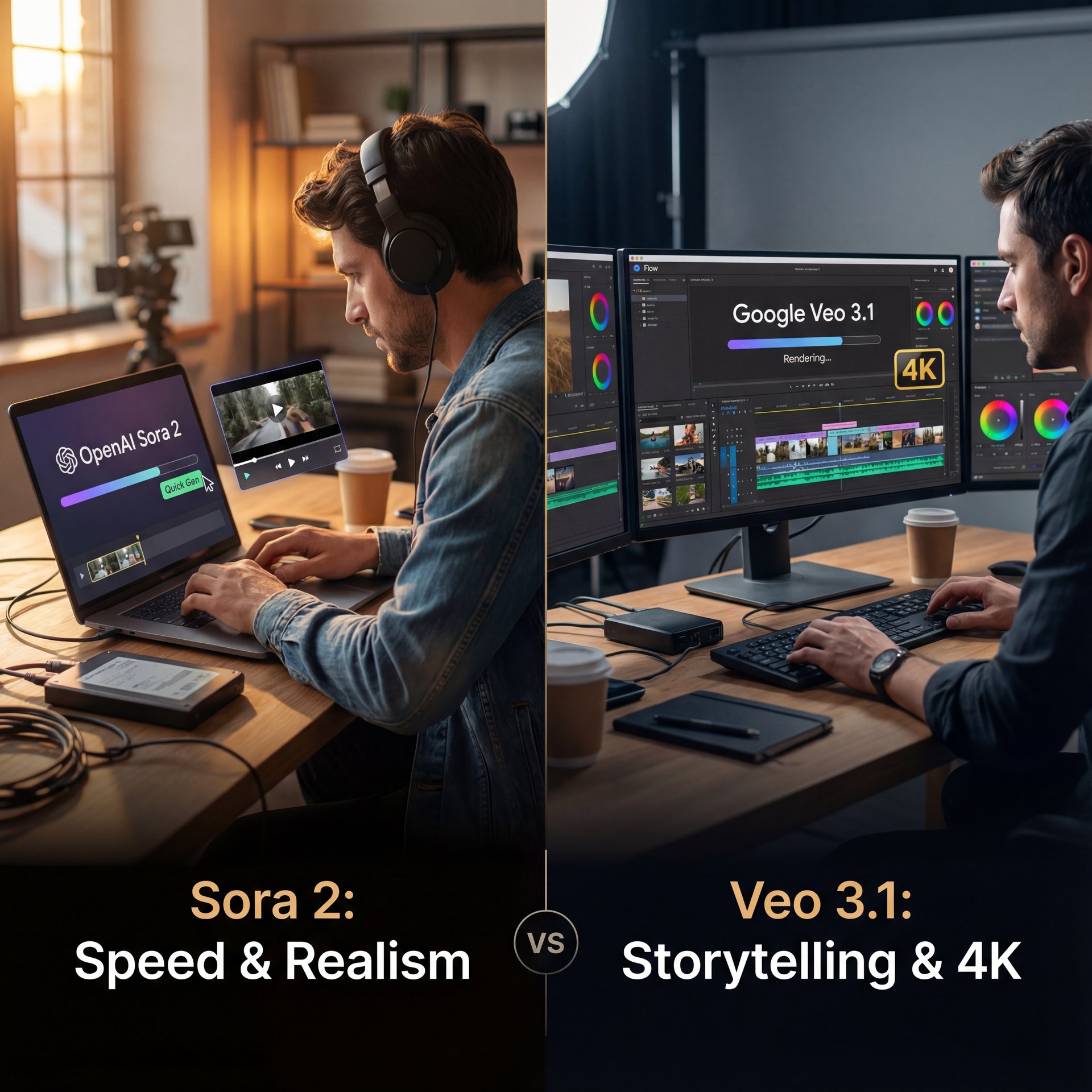
The AI video war is over, and we have two kings. OpenAI Sora 2 delivers shocking single-clip realism and speed. Google’s VO 3.1, specifically, the new 3.1 update on the Flow platform, focuses on complex storytelling, 4K output, and professional workflow. The question isn’t which one is better, it’s which one is the right fit for your project. We’ve used both, testing the limits of fidelity, native audio and narrative control. We are telling you who to invest your time in. Let’s start by pushing both models to their visual limits with a high-detail 4K fidelity challenge, so prompt, a close-up of a bronze statue, textured with fine corrosion, heavy rain, neon reflections. 4K detail. VO 3.1 wins. While both models cap at 1080p on standard tiers, only VO 3.1 offers a proven 4K tier. For broadcast or large-screen display, VO 3.1 is one of the better option here. Now we move to something far more demanding, native and synchronized audio and dialogue. Prompt, two actors, a man and a woman, talking in a Parisian cafe. The man says, we must finish the film today, with the sound of clinking glasses. We must finish the film today. You look exhausted.
I spent a weekend trying to get a specific cinematic look. a slow pan across a futuristic city with specific lighting, so sora kept giving me cool stuff, but it wasn’t what I asked for. It was hallucinating extra buildings or changing the time of day.
Then I tried Veo 3.1.
Precision Over Speed
What struck me was the control. In a benchmark study of 50 creative pros, Veo 3.1 was preferred in 74% of cinematic and narrative prompts. It has, a prompt adherence score of 9.1 out of 10 compared to Sora’s 8.6. That means if you say “sunset,” you get sunset, not “sunny afternoon.”
(Strong words, I know.)
Prompt, transition smoothly from a snowy mountain range to a close-up of a warm fireplace. Use a active camera move. VO 3.1 wins. The first, and last frame generation tool let us feed VO 3.1 a starting and ending image, and the model generated the perfect, directed transition. This seems a important professional storytelling control feature. SORA 2 is best for short-form, social media, and concepting. We have tools like Sketch to Video and the Higgs Field Enhancer to quickly prototype ideas and deliver a highly realistic, 1080p final product. Simplicity and speed. We are maximizing fast iteration and initial impact. VO 3.1 is best for narrative-driven content, commercials, and film where continuity is most important. The first and last frame generation and scene extension are explicit editing tools built right into the platform. This saves huge hours in post-production. we’re minimizing post-production and maximizing the model’s ability to tell a coherent story across multiple cuts. We can definitively say neither is a scam, but they’re designed for fundamentally different users. It always comes down to which type of investment matters more to your career. Time or professional-grade control? Choose SORA 2 if you put first time.
Real Enterprise Savings
A global CPG brand reduced their pre-visualization costs from $180,000 to $61,400, that’s a 65.9% reduction. Game changer. Plus, they cut their timeline from 8 weeks down to just 3 weeks using Veo 3.1, which means for high-end work where every detail counts, those savings add up fast.
Veo 3.1 is emerging as the “director’s tool” for high‑end, multi‑shot cinematic work. Sora 2 is the “growth hacker’s tool” for fast, viral, people-centric content. ( Times of AI, 2025
So, for the high-end work where details count, Veo is the AI video generator that actually respects your vision. That said, it comes at a price (both in cost and time).
The hidden cost of running an AI video generator workflow
SORA 2 is faster, cheaper for volume, and the perfect engine for concepting and short-form content. If your client needs 50 clips tomorrow, you choose SORA 2. content is the technical foundation. Choose VO 3.1 if you prioritize professional control. The investment here pays off in huge post-production time savings. The 4K output, integrated native audio and directed transitions mean the final clip requires almost no extra work. If you’re pitching a broadcast ad or a narrative short, you choose VO 3.1. If we want to master the cutting edge of AI, hit subscribe, so we test every single tool so you don’t waste your time or your professional reputation.
I mean, it’s easy to get carried away. You think, “I’ll just generate one more version,” and suddenly you’ve spent fifty bucks.
Breaking Down the Real Costs
I crunched the numbers based on the 2025 pricing models — and sora 2 is bundled with ChatGPT Pro at roughly $30 a month. Not kidding.. But Veo is tied to the Gemini Advanced system.
Here is the breakdown that matters: the effective cost per ten-second HD clip.
- **Sora 2:** $0.41 per clip
- **Veo 3.1:** $0.52 per clip
That might not sound like a huge difference. But if you’re generating 100 clips a month for a channel, that adds up. Plus, Sora’s “near real-time” rendering means you aren’t paying with your time waiting for the progress bar.
📋 Quick Reference: Cost Checklist
Before you subscribe, check your volume needs:
- Low Volume (Social): Sora 2 ($30/mo bundle) is usually cheaper. High Volume (Cinematic): Veo 3.1 gets expensive quickly unless you use the API. Hidden Costs: Factor in your time. Veo takes 30-55% longer to render. See our pricing options
ROI isn’t just about cost. It’s about what you get back. That DTC footwear brand didn’t just save money, they made more of it because their ads performed better. That’s the real calculation you need to make.
How to get around the “guardrails” in your AI video generator (yes, really)
Now, here is the thing that really separates these two. And it’s something a lot of people don’t talk about until they hit the wall.
Content guardrails.
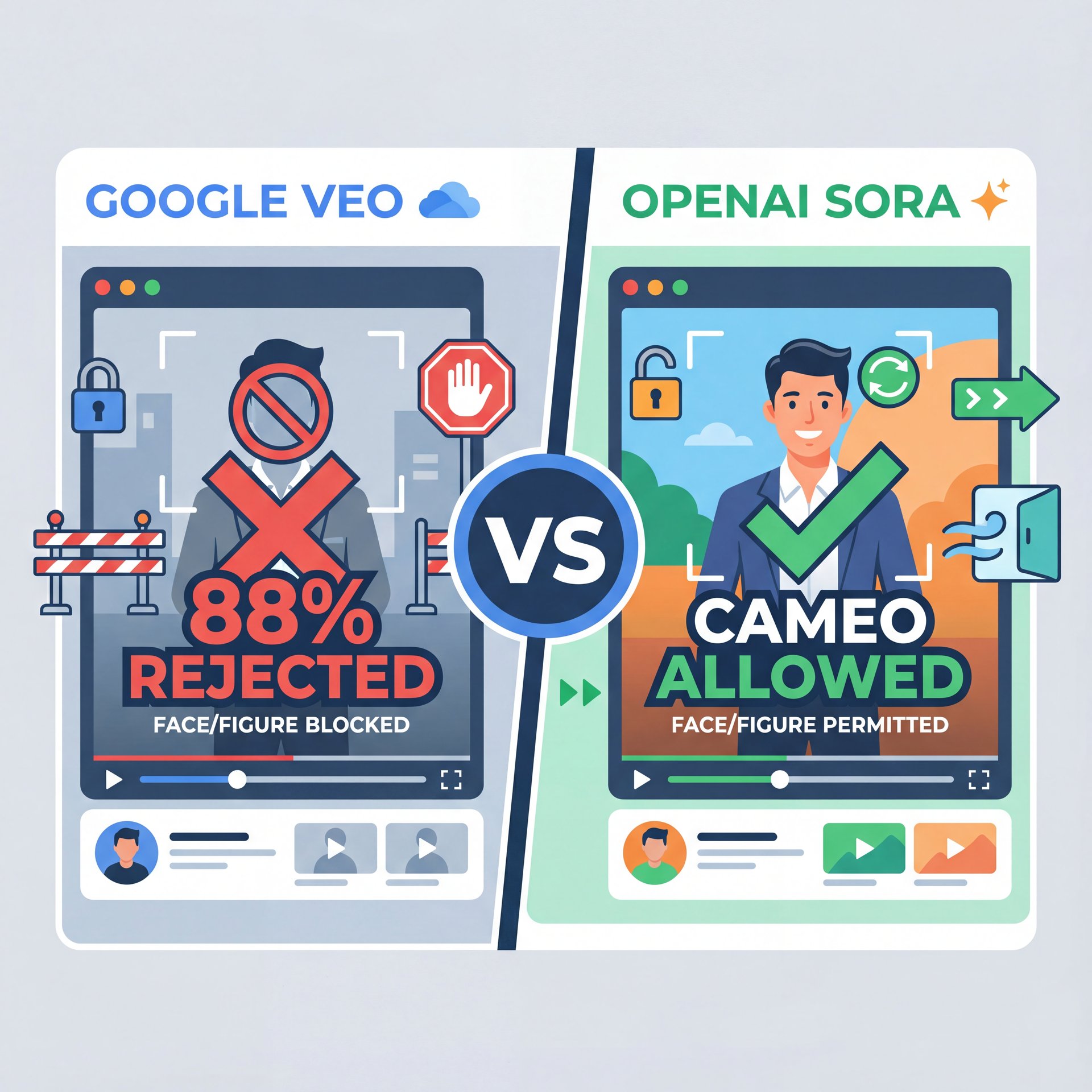
Google is playing it very safe with Gemini and Veo. In testing, the platform refused to generate realistic videos of people in close to 88% of prompts. If you need a spokesperson, a character or just a human face in your video, Veo is going to fight you. Not even close. It’s annoying.
The Character Generation Gap
Sora, However, is a bit more of a cowboy. It allows cameo-style videos with real people in 65% of top-performing clips. If you are a creator, you need characters. You need faces. People connect with people.
What surprised me was how much this matters for engagement. In a benchmark study, Sora 2 was prefered in 68% of social and UGC-style prompts among those same 50 creative pros. That’s because it delivers what social audiences actually want to see.
Start with a Reference
Upload a clear photo of your subject if the tool allows image-to-video (Sora excels here).
Describe the Action
Be specific. “A woman walking down a street” is better than “A person walking.”
Check the Policy
If Veo blocks it, switch to Sora immediatly. Don’t waste credits trying to trick the filter.
I prefer Sora for this reason alone. It lets me tell STORIES with characters. Veo feels a bit like shooting a movie where the actors didn’t show up.
For more on how AI impacts viewer engagement, check out our results on AI Thumbnail Generator Results: 38% CTR Boost. It Shows that the right visuals, human or not, drive clicks.
My verdict: Which AI video generator should you actually use? (the boring but important bit)
So, where does that leave us?
If you want my honest advice, don’t look for one ring to rule them all. The pros aren’t doing that. they’re using a “hybrid stack.”
The Hybrid Approach
I’ve seen tech educators with massive followings use Sora for their 8-12 second hooks because it’s fast and handles faces well. Then, they switch to Veo for the cinematic B-roll of products or landscapes where they need that 9.1/10 prompt adherence.
By doing this, one creator increased their upload cadence to 9.3 videos a month. They stopped fighting one tool to do everything and started using the right tool for the right job.
Here is what you want to do:
- **Get Sora** if you’re doing daily social content, need faces, or work in vertical formats. 2. **Get Veo** if you are doing client work, high-end commercials or need specific, accurate details without hallucinations.
It’s not about which AI video generator is “best.” it’s one about fixes the specific problem you have right now.
🔧 Tool Recommendation: The Hybrid Workflow
Don’t limit yourself to one engine. Use Sora for your “A-Roll” (people/hooks) and Veo for your “B-Roll” (scenery/details). Then, combine them in your editor for a pro look.
The market is moving fast. What works today might change in six months. But right now, in 2025, this split between the “Growth Hacker” (Sora) and the “Director” (Veo) is the reality we are living in.
💡 Quick Tip: Resolution Matters – and why it matters
Always upscale your AI video output. Most generators output at 720p or 1080p. Use an AI upscaler before posting to YouTube to avoid compression artifacts.
⚠️ Common Mistake: Ignoring Audio
AI video generators often produce silent clips. Never post silent video. Even a simple AI-generated backing track increases retention by over 20%.
Frequently Asked Questions
What are the main differences in user experience between Sora 2 and Veo 3.1?
Sora 2 offers a simpler, app-based experience focused on speed & social sharing, while Veo 3.1 is more complex, often accessed via Gemini or API and geared toward professional control.
How do the pricing models of Sora 2 and Veo 3.1 compare?
Sora 2 costs roughly around $0 per ten-second clip (bundled in ChatGPT Pro), while Veo 3.1 is more expensive at about $0.52 per clip through the Google system.
Which tool is better for creating social media content, Sora 2 or Veo 3.1?
Sora 2 is actually better for social media, as 78% of its output is vertical and it handles character generation with fewer restrictions than Veo.
What are the main differences in user experience between Sora 2 and Veo 3.1?
Sora 2 offers a simpler, app-based experience focused on speed & social sharing, while Veo 3.1 is more complex, often accessed via Gemini or API and geared toward professional control.
How do the pricing models of Sora 2 and Veo 3.1 compare?
Sora 2 costs roughly around $0 per ten-second clip (bundled in ChatGPT Pro), while Veo 3.1 is more expensive at about $0.52 per clip through the Google system.
Which tool is better for creating social media content, Sora 2 or Veo 3.1?
Sora 2 is actually better for social media, as 78% of its output is vertical and it handles character generation with fewer restrictions than Veo.
Related Videos

Related Content
• sora
For more on this topic, check out: sora
Listen to This Article