
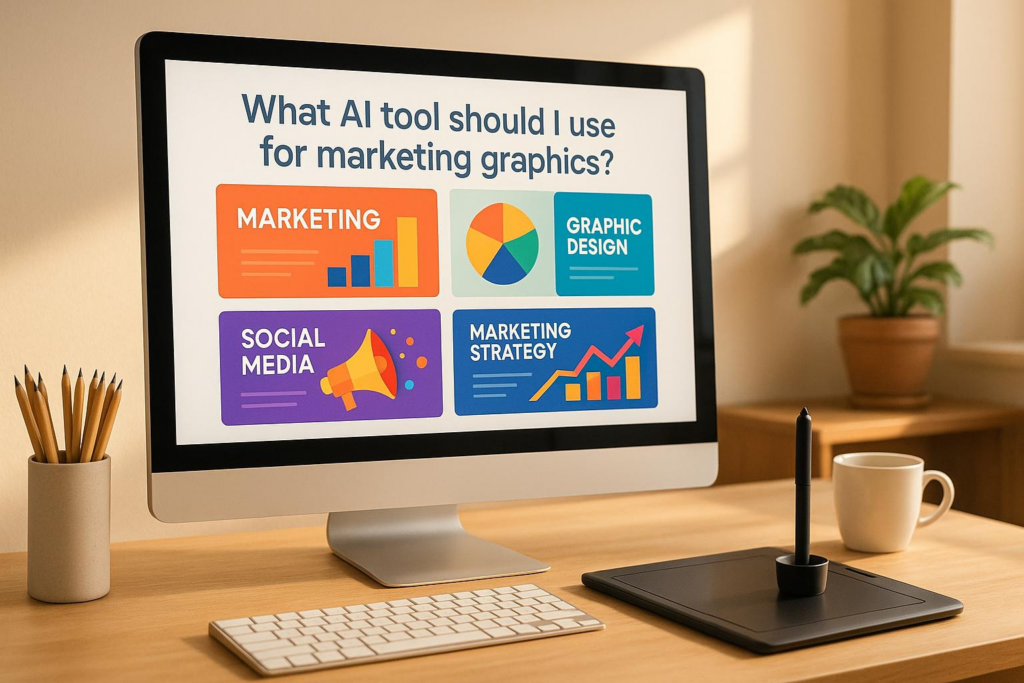
Creating thumbnails and social graphics used to eat hours. Now? AI tools do 90 % of the work in 30 seconds. I’ve tested dozens — these three actually deliver. No fluff, no fake reviews, just what I use every week while running my @flatratemechanic YouTube channel, airbrushing custom parts, and building apps on the side.
Quick TL;DR
| Tool | Best For | Starts At | Kill Switch |
|---|---|---|---|
| Bananathumbnail | YouTube & Instagram | $0.10 per image | Mobile-only (for now) |
| Canva AI | Teams & quick posts | Free / $15/mo | Watermarks on free AI images |
| Adobe Express | Pro branding | $10/mo | Steep learning curve |
1. Bananathumbnail.com — My Daily Driver (Yes, I Pay for It)
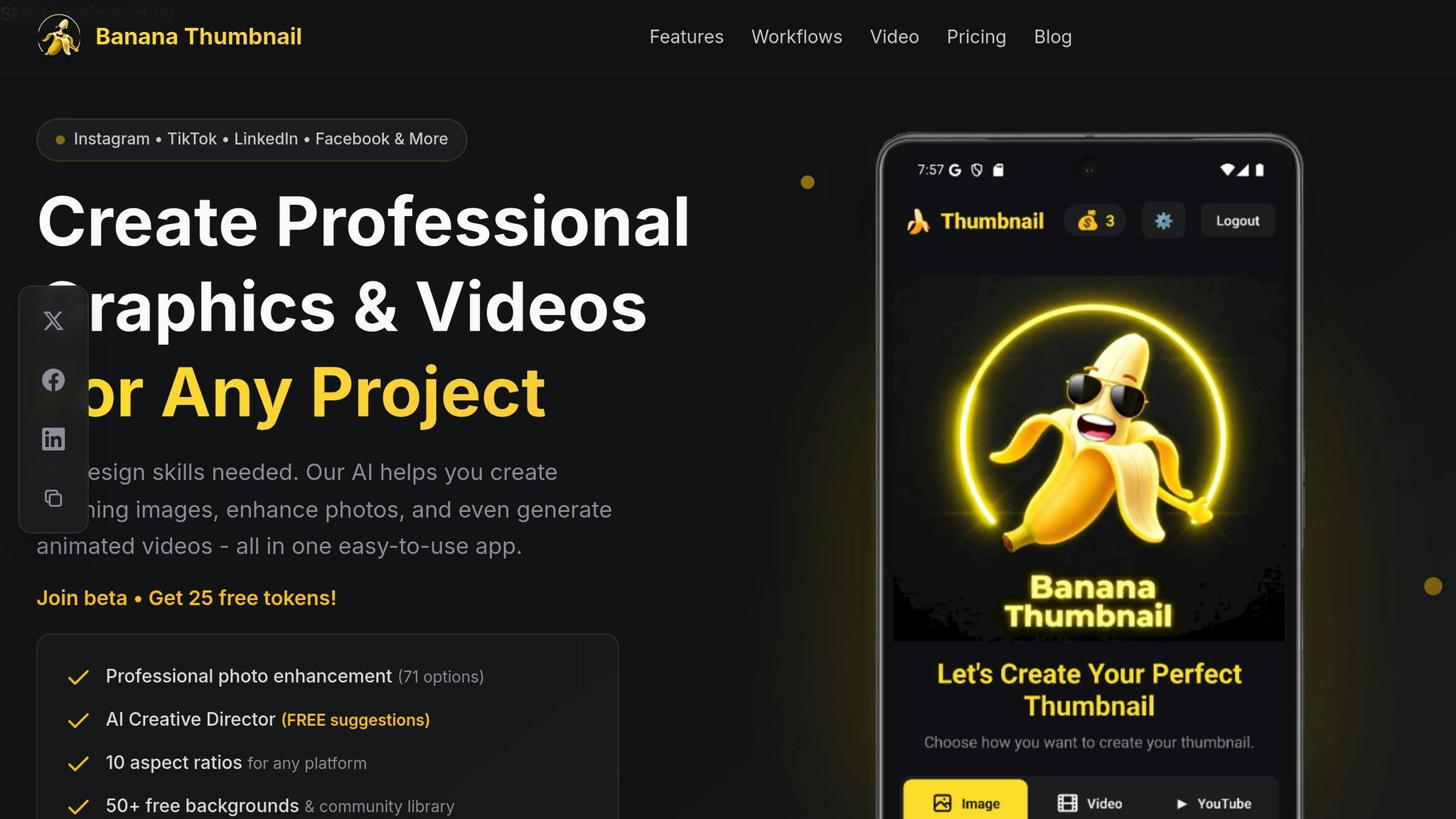
I make 5–10 YouTube thumbnails a week for @flatratemechanic. Before this app, I’d spend 20 minutes per image in Photoshop — cropping, testing fonts, guessing what clicks. Last month I filmed a “$200 Junkyard Turbo Swap” video. I uploaded a rusty engine bay shot, pasted the title, and 30 seconds later I had 6 pro-level options — each rebuilt for YouTube (16:9), Instagram Reels (9:16), and even my shop’s Facebook banner (21:9).
It’s not just cropping. The AI reads my metadata. When I typed “Budget LS Swap Gone Wrong,” it slapped on cracked-piston graphics, red warning arrows, and a cracked background. I posted it — CTR hit 6.8 % (my old average was 2.1 %). That one thumbnail got me 42K extra views. Real money from ad revenue and shop leads.
What Actually Works (and What Doesn’t)
- AI Creative Director: Analyzes image + text + YouTube tags → builds context-aware designs
- 8 Viral Themes: Shock & Awe, Curiosity Gap, Before/After, etc. — backed by click data
- 5 Input Modes: Upload photo, use camera, paste YouTube URL, text prompt, or turn image into video
- 71 Photo Fixes: Auto-enhance, blur background, add glow, etc.
Downsides? It’s mobile-only right now. I edit on my iPhone between wrenching on cars. Desktop launches January 1, 2026. Also: free credits add a tiny watermark. I buy $20 in credits every two months — never expires, no subscription. Cheaper than the $12 latte I spill in the shop.
Pricing That Actually Makes Sense
- Free: 25 credits at signup (watermarked)
- Paid: $0.10 per thumbnail, commercial license, no expiration
- No upsells. No “Pro” tier. Just pay per use.
Pro tip: Use the “YouTube URL” mode. I paste my unlisted link — it pulls title, description, and tags automatically. Zero typing while I’m under a hood.
2. Canva AI — When I Need Merch Mockups Fast
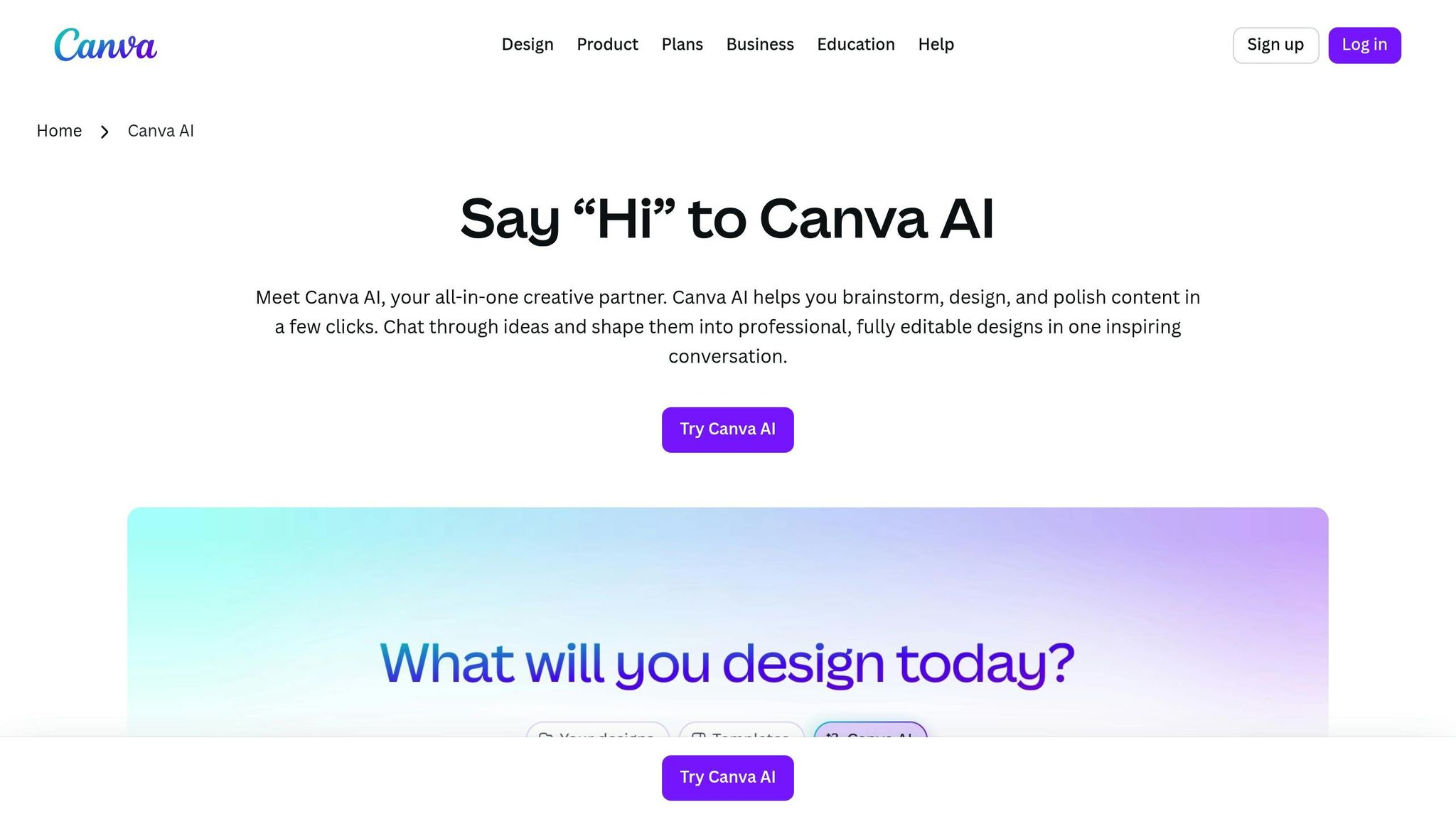
I airbrush custom helmets and tank panels. When a biker wants a mockup, I used to sketch by hand, scan, trace in Illustrator — 45 minutes gone. Now I snap a photo of the raw helmet, drop it into Canva Magic Design, type “flames + skull + matte black,” and boom — 8 mockups in 20 seconds. Client picks one, I airbrush it that afternoon.
- Magic Write: “Write a badass Instagram caption for custom airbrushed helmet” → done
- Text to Image: “Chrome skull with glowing eyes” → clean PNG
- Background Remover: One click, no green spill
Free plan limits: AI images have watermarks. Pro ($15/mo) removes them + unlocks Brand Kit. I pay it because my shop logo stays consistent across 200+ posts.
Best for: Merch mockups and cross-platform posts. Not my go-to for YouTube thumbnails — too generic.
3. Adobe Express AI — When the Client Pays for “Agency”
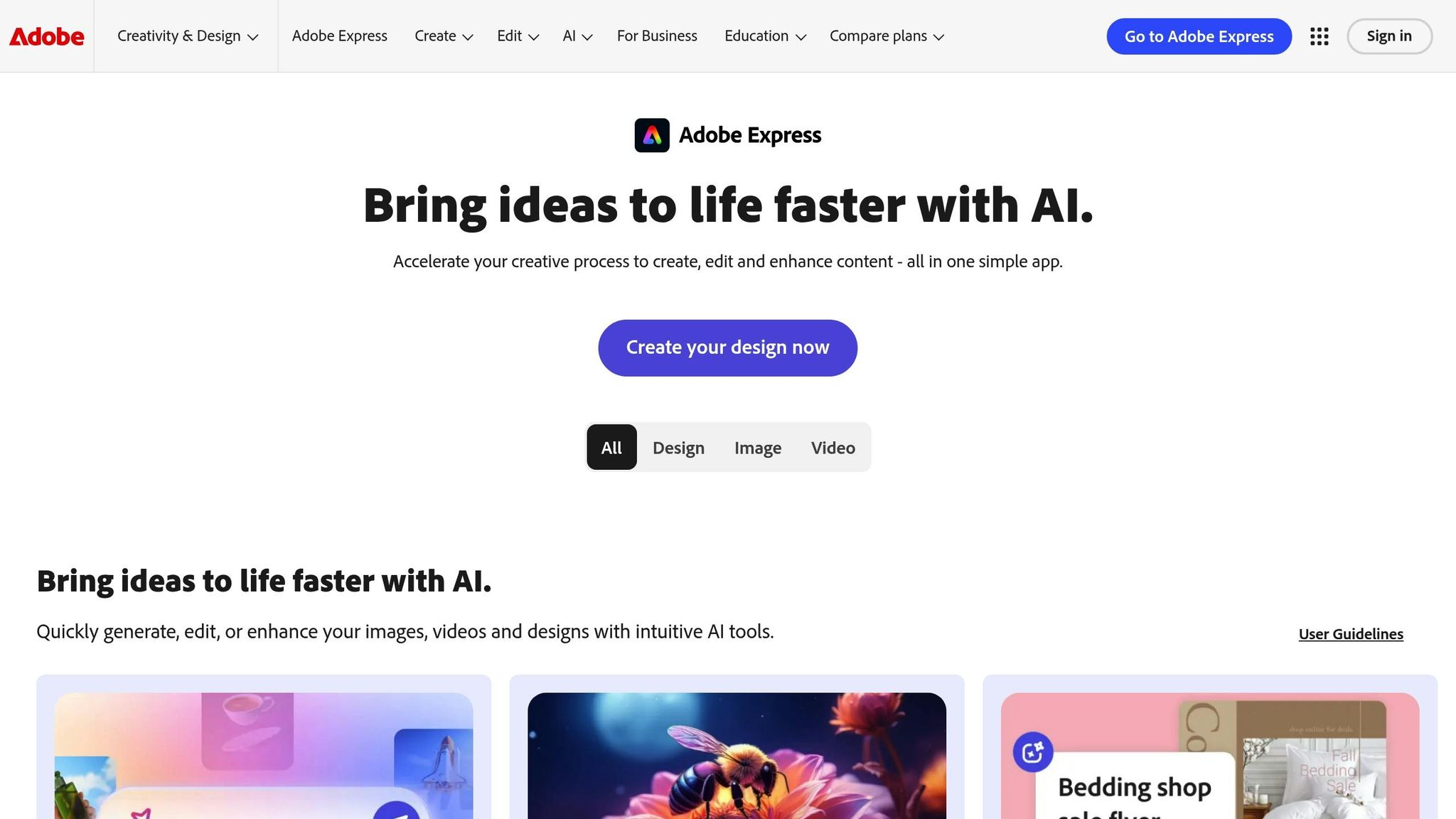
Last week a race team paid me $800 to brand their trailer. They wanted hero shots that don’t exist yet: “Matte black trailer, neon underglow, night city backdrop.” I typed that into Firefly Text to Image → got 4 cinematic options. Used Generative Fill to add their sponsor logos. Final mockup looked like a $5K photoshoot. Total time: 12 minutes.
- Quick Actions: Remove background, animate text, export 4K
- Content Scheduler: Post directly to their Instagram
- Shared Libraries: They upload brand assets once, I never hunt for hex codes
Downside: $10/month is overkill if you’re just doing YouTube. I only fire it up for paid client work.
Strengths & Weaknesses (No BS)
| Tool | Strengths | Weaknesses |
|---|---|---|
| Bananathumbnail | Fastest for YouTube/social Cheapest pro output No design skills needed Metadata-aware AI |
Mobile-only Beta until 2026 Watermark on free |
| Canva AI | Templates for everything Team collaboration Free tier works |
AI feels basic Watermarks on free Generic designs |
| Adobe Express | Legal-safe AI art Pro-level control Brand consistency |
Expensive for casual use Learning curve Overkill for thumbnails |
Bottom Line — Which Should You Use?
- Solo creator, phone-based, YouTube-focused?
→ Bananathumbnail (I use it daily) - Small team, mixed platforms, need templates?
→ Canva AI (Pro is worth $15) - Agency, brand guidelines, legal-safe AI art?
→ Adobe Express AI
I tried deleting Bananathumbnail for a week to “save money.” My CTR tanked 40 %. I’m back — and paying happily. If you wrench on cars, airbrush, or code apps like me, start here.
FAQs
Can I use Bananathumbnail on desktop?
Not yet. Mobile-only (iOS/Android). Desktop launches January 1, 2026. I edit on my phone between oil changes — takes 2 minutes max.
Are the AI images copyright-safe?
Bananathumbnail: Yes (you own commercial rights on paid credits)
Canva: Yes, but free tier has watermarks
Adobe: Yes, trained only on licensed stock
How much time do these save?
I used to spend 2 hours per video on thumbnails. Now? 3 minutes. That’s 8+ hours back per week — time I spend under the hood or coding my next app.
Related Content
For more on this topic, check out: tool