Table of Contents
- What Are You Trading in AI vs Manual Photo Editing?
- Speed Tests: How Fast Is Algorithmic Processing in 2025?
- Who Gains Most From AI Image Editing Speed?
- Where Manual Editing’s Creative Control Still Matters
- The Hybrid Editing Workflow: Best of Both Worlds
- Cost, Consistency and Ethics: What to Know in 2025
- Listen to This Article
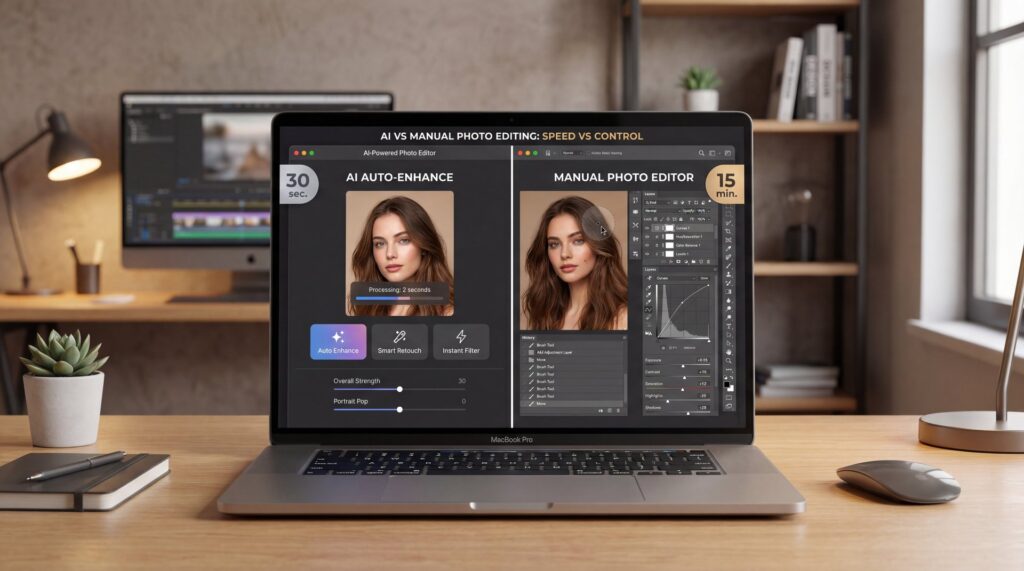
Imagine this: AI can process 100 product photos in just five minutes. Manual editing? That same batch takes eight hours. If you’ve ever spent a Saturday cloning out dust or resizing images, you know that feels like forever. So, the real question is: do you need algorithmic speed, or surgical-level creative control for every pixel?
In 2025, the conversation isn’t “AI or manual.” It’s how to combine the two so you move faster without sacrificing taste. Most of us—casual shooters, creators, and client-facing pros—benefit from a hybrid editing workflow. We use AI for repetitive tasks. Manual tools come in when nuance matters.
What Are You Trading in AI vs Manual Photo Editing?
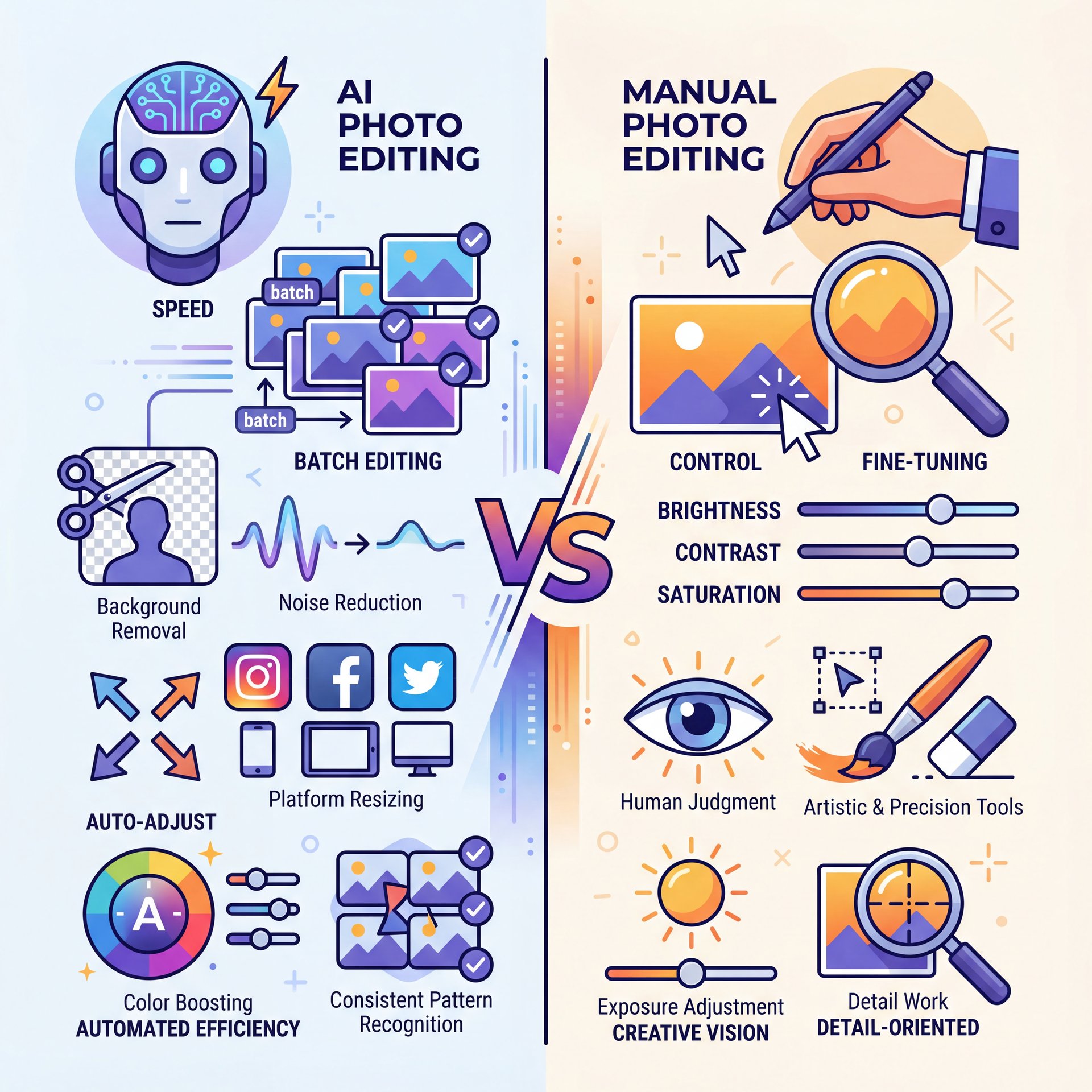
Think of AI editing like having a super-fast assistant. This assistant excels at batch image editing. It removes backgrounds, cleans up noise, denoises high ISO shots and resizes for different platforms. Plus, it boosts color and exposure. It works by recognizing patterns in your images using learned models, so you usually get consistent and surprisingly good results.
However, manual editing is still best when you care about details only a human eye would notice. We’re talking about brightening just the iris of one eye. Or seamlessly blending a composite with a hand-painted mask. Or retouching skin without destroying its natural texture. That level of detailed, creative control is why tools like Photoshop and other image enhancement software remain popular.
Why Pros Still Open Photoshop
When I ask pros why they still open Photoshop, it’s always the same: client expectations. A bridal portrait needs gentle dodging on the cheekbones. A commercial hero shot needs the reflection aligned, the shadow extended, and the color cast in the highlights neutralized—but not the mids. AI can miss the nuance because it applies uniform logic, not intent.
Where AI Saves You Hours
Deploy AI first for high-volume moments and repetitive edits. That means e-commerce catalogs, real estate listings, and lifestyle shoots with consistent lighting. Content libraries work great too, especially where your priority is speed and uniformity. Recent industry data shows AI can process 100 product photos in about 5 minutes. Manual editing takes 8 hours or more for the same set—no contest for workflow throughput (see the analysis from SmartLi).
Where Manual Still Wins
Manual editing shines for object removal with complex overlaps. It’s also better for hair detail around frizz and fine edges, selective color work, and precise composites. It’s the difference between an edit that’s “fine” and one that feels seamless. AI can get you close, but human masking and healing finish the job.
Speed Tests: How Fast Is Algorithmic Processing in 2025?
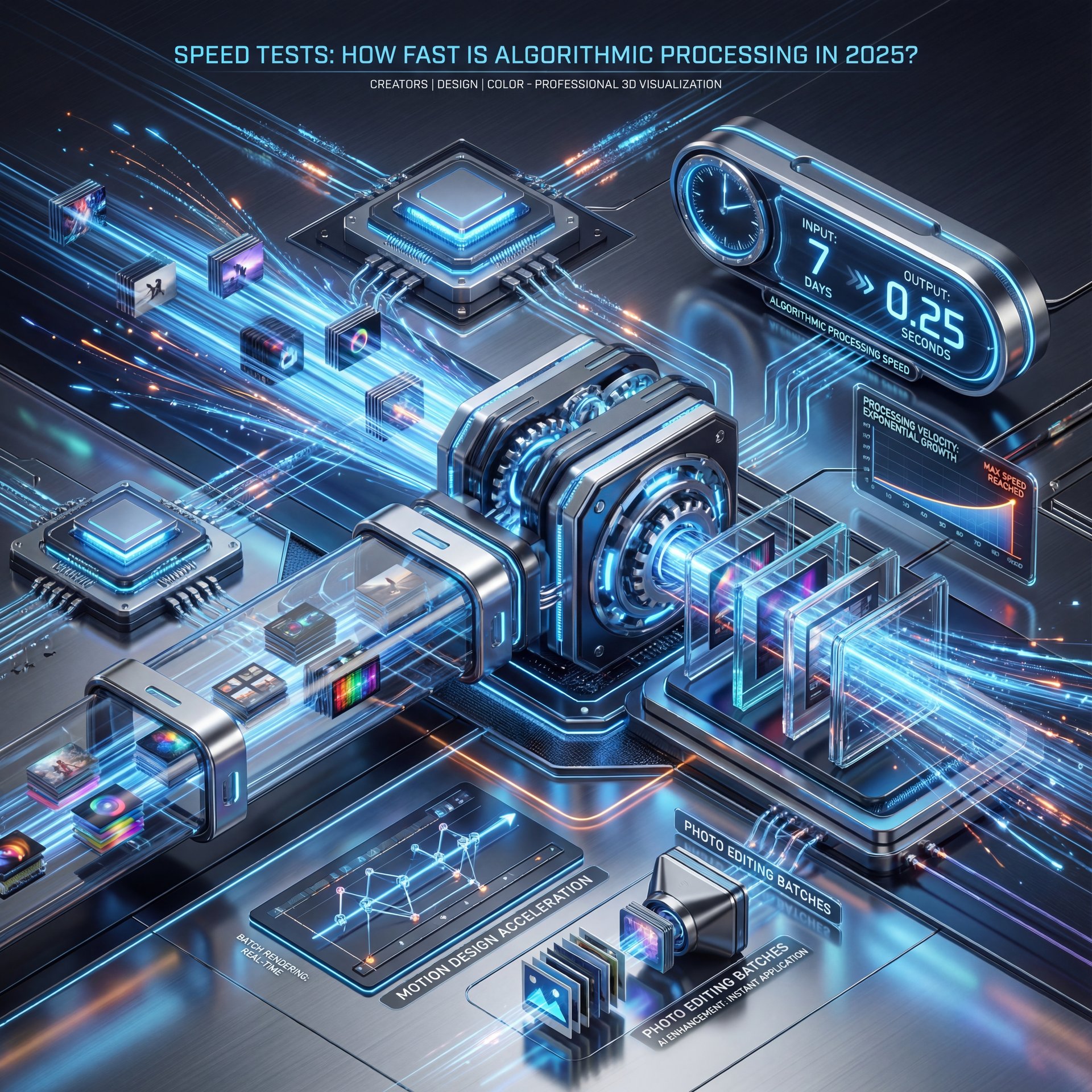
Speed is the headline. AI image editing runs in seconds per photo. In batch mode, it’s transformative. The difference is not just convenience—it’s a strategic edge for creators and teams who live on schedules and deadlines. Motion designers report shaving entire days off production. The same is happening in photo editing with batch tools.
What This Speed Does for You
This efficiency translates directly into practical benefits across various workflows. When you can publish content more consistently, it boosts click-through rates and broadens engagement. Your creative process gets room to breathe. For those managing stories, shorts and carousels, this speed provides the flexibility to experiment without falling behind. Professionals find that quicker turnaround times lead to satisfied clients. Plus, they get more opportunities for the detailed refinements that secure ongoing business.
So What Does This Mean for Your Editing Workflow?
Here’s the kicker: this speed advantage keeps growing. With model updates in 2025 improving hair segmentation, edge fidelity, and color preservation, the “AI first, manual refine” pattern works even for picky use cases. Use AI for about 80% of effort. Then decide if the last 20% is necessary based on your audience’s expectations.
🤔 Did You Know? AI’s Market Momentum
The AI image editor market hit $88.7B in 2025. It’s projected to reach $229.6B by 2035. Meanwhile, 71% of consumers believe AI images are common on social media. About 20% of Americans have used AI to generate images or videos (PhotoRoom’s 2025 stats).
Who Gains Most From AI Image Editing Speed?
Casual Users: Good Enough,—wait, no— Fast
📊 Before/After: Throughput Swap
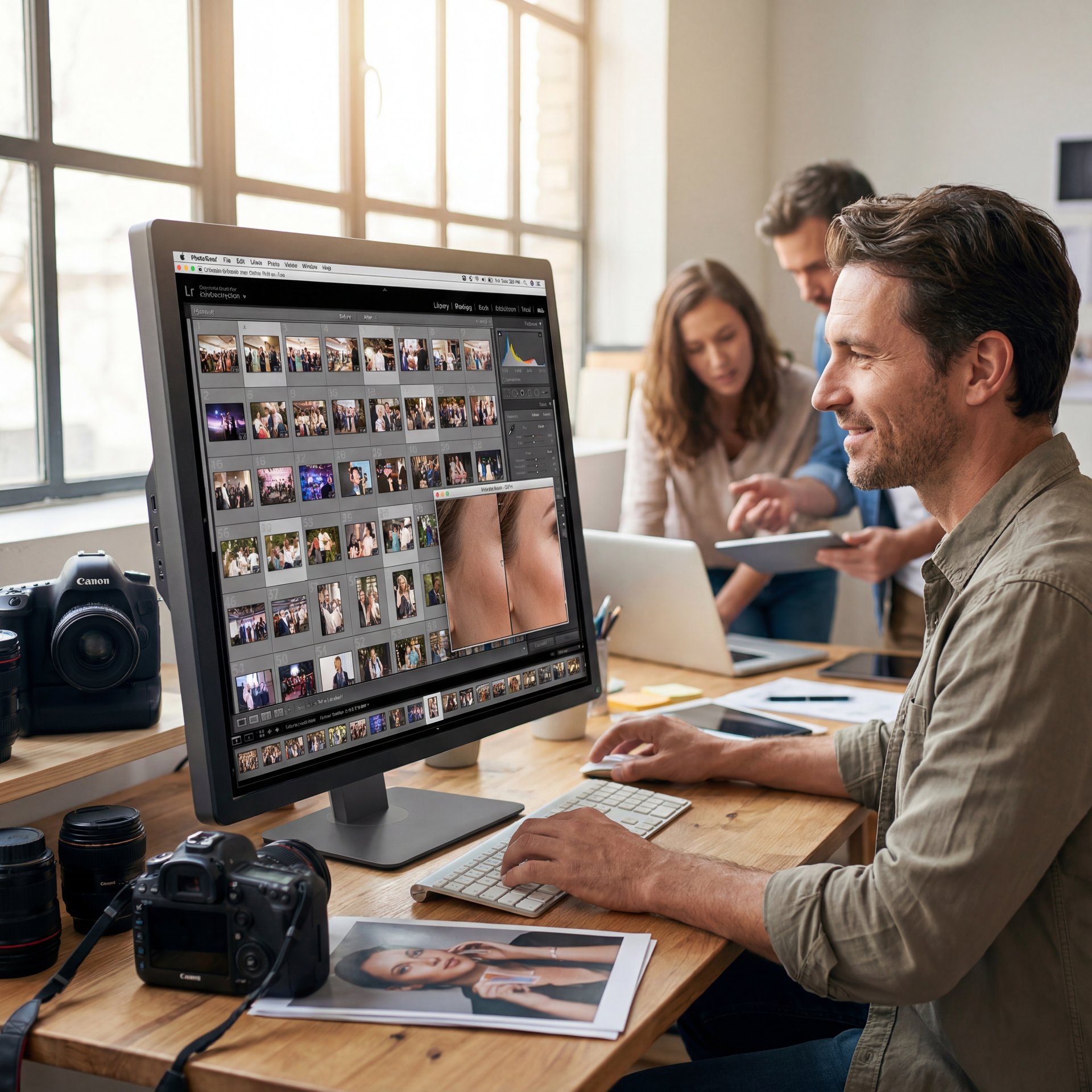
Batch-editing 50 event photos takes hours manually. AI can finish in around 5 minutes with uniform color and contrast. Previewing your batch in Banana Thumbnail features helps you spot outliers before you publish.
Pro Tip: Start with automatic exposure and white balance, then toggle before/after at 200% zoom. If the AI edit looks clean on edges and skin texture, you’re done.
This builds on, you know, the basics we covered in Fix Blurry Photos Fast: AI Solutions That Work. If a shot is soft, AI sharpening and upscaling can rescue it for social media—no complicated tools required.
Content Creators: Consistency at Scale
Creators juggling multiple platforms need consistent output fast. AI delivers uniform color grading, aspect ratio adjustments, and background removal across entire shoots. This consistency is really crucial, super crucial when you’re publishing daily. Your audience expects a cohesive visual brand, so AI helps you deliver that.
Professionals: Quality Where It Counts
Pros are in a different league. Commercial and wedding photographers use AI to ingest, cull, apply base grading, and handle basic retouch passes. Then they switch to manual for hero selects: skin cleanup, precise dodge and burn, and composite fixes. It’s not about AI replacing your eye. It’s AI protecting your time.
Where Manual Editing’s Creative Control Still Matters
High-Stakes Edits Need Human Eyes
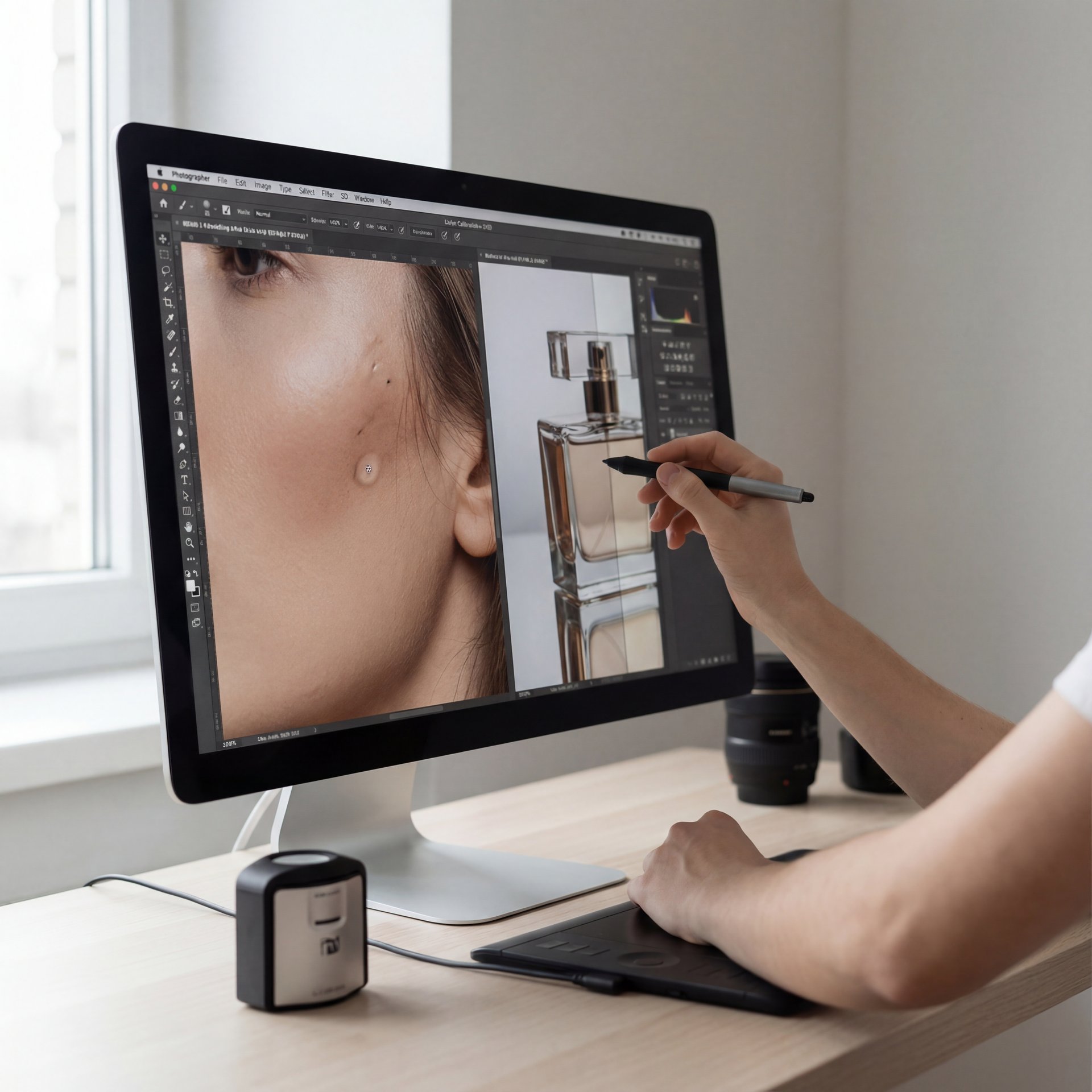
For portraits, manual dodge and burn lets you sculpt depth without making skin look artificial. In product photography, color accuracy and edge fidelity are non-negotiable—especially for shiny or transparent items. AI often applies adjustments uniformly. This can flatten the look or miss those micro-contrasts that clients notice.
⚠️ Common Mistake: Trusting AI on Hair + Glass
AI struggles with fine hair flyaways and transparent surfaces. Always zoom to 200% and refine edges by hand. Our workflow guides show fast manual touch-ups that keep texture intact.
When AI Struggles with Complex Scenes
This is where I still open Photoshop. When you need to – seriously need to brighten a single eye or nudge a shadow 3 degrees cooler without touching the mid-tones, there’s no substitute for manual control.
The Hybrid Editing Workflow: Best of Both Worlds
The honest path in 2025 is hybrid. AI does the heavy lifting; manual refines the story. This keeps your editing workflow fast, flexible, and client-safe. It also lowers costs: AI tools often run $five–20/month, while pro suites land at $20–55/month. For new creators, that price gap makes AI an easy on-ramp.
A Simple Hybrid Process
Here’s how I structure it for creators, you know, and small teams:
- **Import & AI base pass**: Apply auto-exposure, color correction, and noise reduction
- **Quick QC at 200%**: Scan edges, skin and text areas for artifacts
- **Manual refinement**: Touch up hero frames with selective adjustments
- **Export & archive**: Save both AI and final versions for reference
🔧 Tool Recommendation: Batch, Then Refine
Use AI to batch-create clean cutouts and stylized looks. Then finalize hero images with selective manual edits. Explore AI-powered presets and background tools in Banana Thumbnail features. Map repeatable steps in workflows.
(More on that later.)
If you’re deciding which stack to commit to, we unpack the trade-offs in Photoshop vs AI Image Editors: Which to Choose?
Curtis, our Founder & Creative Director, puts it simply: “AI for volume, human for voice.” That sums up this hybrid flow better than any slide deck could.
Cost, Consistency and Ethics: What to Know in 2025
How AI Handles High-Resolution Files
Most AI tools handle 4K stills effortlessly now. Many scale to larger dimensions if you’re okay with longer processing times. For ultra-high-res commercial work, I still recommend a manual QC pass. This catches tiny halos, text misalignments, or patchy skin smoothing at print sizes.
Here’s the Key Takeaway
The landscape is adopting fast. Photography circles report that 78% of professionals grabbed at least one AI tool in their workflow. You don’t have to be an early adopter to benefit. You just need a system that balances speed with taste.
Frequently Asked Questions
How does AI image editing impact the overall cost of photo editing workflows?
AI helps lower software and training costs while significantly cutting down labor time, especially for batch work. This frees up manual time for high-value edits.
Is AI better for batch image editing than manual methods?
Yes, AI is dramatically faster and more consistent for large sets. Manual methods are better for nuanced, single-image work.
Can a hybrid workflow preserve creative control while using AI?
Absolutely—use AI for base edits and volume, then apply manual refinements to hero frames for maximum control.
What are the ethical considerations surrounding AI-generated images in e-commerce?
Keep edits faithful to the product and avoid misleading generative changes. Disclose when required by platform or policy.
How do AI image editing tools ensure consistency in batch processing?
They apply learned patterns and presets uniformly across images, which standardizes color, exposure, and contrast.
Related Content
For more on this topic, check out: control
Listen to This Article