Table of Contents
- What Is YouTube Thumbnail Psychology Exactly?
- How Does YouTube Thumbnail Psychology Work for Click-Through Rates?
- Best YouTube Thumbnail Psychology Techniques for 2026
- YouTube Thumbnail Psychology Mistakes That Kill Views
- How to Get Started with YouTube Thumbnail Psychology Today, the best AI tool that I’ve ever used for creating viral thumbnails on YouTube. Just got a massive upgrade and they’re giving away 500 credits, which allows you to make up to 50 free thumbnails right now for Black Friday.By the end of this video, you’re gonna know exactly what that tool is, how you could use it. How it just got a massive upgrade that you’re not going to want to miss. Now, the AI thumbnail creator that I’m talking about is going to be Pixels, and they just came out with their Pixels 3.2 upgrade and this changes a bunch of different things.One of the things that it changes is you now have this analyze feature right here. That Is brand new, but I’m going to show you this in a little bit. Also, to that, they also changed a bunch of different things you were going to see when you actually generate a thumbnail. And if we come over to model right here, you’re going to see PKZ-4. This seems their latest model. That’s the most advanced and the most solid.
- Why Use YouTube Thumbnail Psychology Over Random Guessing?
- Listen to This Article
Here’s the thing about getting people to click your videos—it all comes down to youtube thumbnail psychology, not just making a pretty picture. All right, digital mechanic here again and today we’re diving into something that drives me crazy when I look under the hood of most struggling channels. People spend forty hours on a video, then slap together a thumbnail in five minutes.
Honestly, I see this every single day. So we’ve got a massive shift happening right now in 2026. The algorithm is changing and viewer habits are shifting fast. YouTube is the mechanism behind it. If you wanna survive, you need to understand youtube thumbnail psychology and how the human brain actually reacts to what you put on screen.
Let’s break down exactly what works right now with youtube thumbnail psychology. I want to show you the real numbers, the actual data, and the practical steps you can take to fix your click-through rates. I mean, you put in the work on the content, so let’s make sure people actually click on it.
What Is YouTube Thumbnail Psychology Exactly?
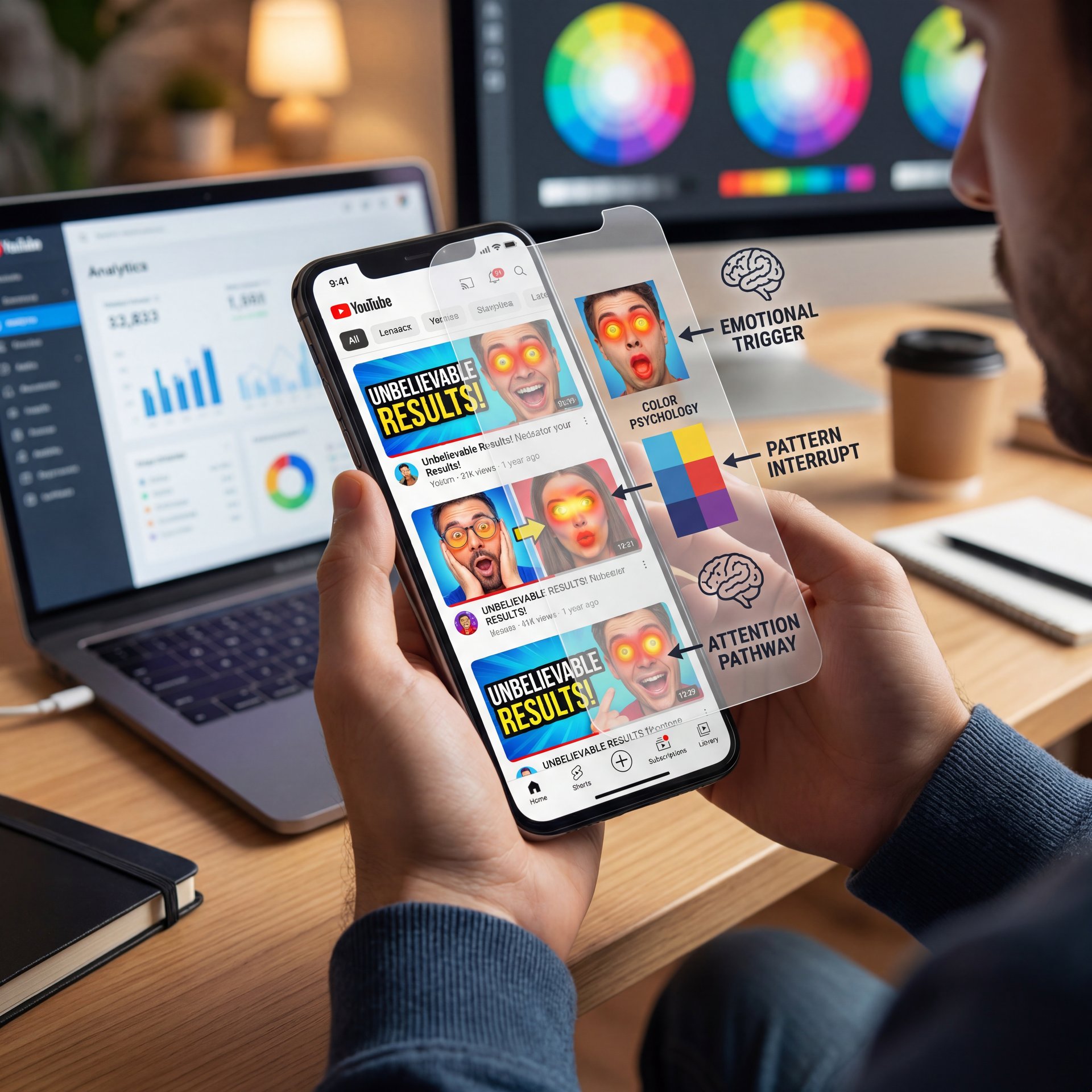
YouTube thumbnail psychology is basically how you use colors, faces and layouts to trigger an automatic reaction in someone’s brain. You want them to stop scrolling and click before they even realize what they’re doing.
The Brain Under the Hood: YouTube Thumbnail Psychology
Here’s the thing about how we process images—it’s incredibly fast. When someone is scrolling on their phone, they’re not reading your title first. They look at the picture. Big difference. Think of youtube thumbnail psychology as the engine.
Your brain processes visual thumbnails 60,000 times faster than text. Because of that, the image is the primary hook in 96% of browse sessions. That means your thumbnail is doing almost all the heavy lifting. If youtube thumbnail psychology fails, your video is dead on arrival.
Why Beginners Stall Out – quick version
I see casual creators struggle with this constantly. In fact, about 40% of the people I talk to are just starting out, and they hit a massive wall right away. New creators actually report a 67% failure rate in their first thumbnails, usually because of blurry exports or picking the wrong sizes.
I had a guy tell me just last week that his thumbnails looked pixelated on mobile and he lost 50% of his views because of it. You have to get the technical foundation right before youtube thumbnail psychology can even work. It’s thumbnail that drives results.
How Does YouTube Thumbnail Psychology Work for Click-Through Rates?
(Bold claim, I realize.)
Now, if it doesn’t come out the way that you want it to, even if it does have a high score, you could come over here now and you could download this if it did come out the way that you wanted to. True story.. This is where thumbnail works its magic. Or if it didn’t, you could redo it right here by clicking here. Or you could click on edit here and you can change anything that you want about it. Now, before I show you the other ways that you can actually use pixels to create thumbnails, because there are so many different ways, I wanted to emphasize to you how important thumbnails actually are by showing you the difference between a video on my channel that does really well versus doing really poorly. And I want to tell you exactly what clickthrough rate you need to be aiming for. Okay, so for thumbnails on long form content, you need to be aiming for 10% clickthrough rate. We could see that this video right here, I set this live just a few hours ago, and it’s getting around 1,000 views an hour.
The Emotion Engine
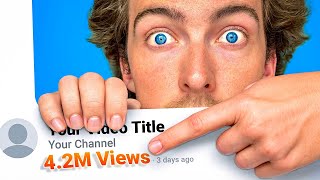
If you want clicks, you need faces. But not just any face. you need strong, clear emotion. According to a recent VidIQ Report, thumbnails with faces showing strong emotions increase your CTR by 20-30%.
Plus, you need to look right at the camera. About 65% of YouTube users aged 18-34 focus on thumbnails with direct eye contact before they even bother reading the title. I always tell people to imagine you’re making eye contact with a friend across a crowded room. That’s the feeling you want to create.
(Who knew?)
The Power of High Contrast
Did you know that videos with that really pops thumbnails see 2.like 3x higher initial scroll-stop rates in mobile feeds? Since 85% of views happen on phones, you need your images to pop on small screens. Means you can check out Banana Thumbnail to see how proper contrast adjustments can completely change your visual impact. :::
The MrBeast Formula
We can’t talk about this without mentioning the biggest channel on the platform. Back in 2025, MrBeast increased his CTR from 4.2% to a massive 12.7%. That’s a 3x lift. How did he do it? He adopted shocked expressions and bold numbers, driving subscriber growth to 15.8 million per month in 2025.
> Pro Tip: Don’t just fake a shocked face. Viewers are getting smarter. You need to show genuine emotion that matches the actual payoff of your video. If you look shocked but the video is boring, people will click off right off the bat and that hurts your retention.
This builds on concepts from our previous article on Thumbnail Psychology, where we covered how emotional triggers work on a subconscious level.
## Best YouTube Thumbnail Psychology Techniques for 2026
So from there, you need to know 🤷 the specific techniques working right now. The area has changed a lot and old tricks don’t work like they used to.
The Z-Pattern Route
First thing you want to do is organize your layout based on how people read. In Western cultures, we read left to right, top to bottom, which creates a “Z” pattern.
40%
More Scroll-Stops
According to [Eye-Tracking Study, 2026]
:::
Recent eye-tracking data shows that 40% of thumbnail clicks come from the top-left “emotion zone”. So you want your face or main subject in the top left, then put your context in the top right. Finally, drop your visual hook in the bottom left. This layout improves scroll-stops by 40% on mobile devices.
Adding 3D Depth
Now if you’re an intermediate creator, here’s a major update for 2026. Flat designs are out. The algorithm actually penalizes flat, minimalist designs by about 35% in recommendations right now.
You need 3D depth. I’m talking about having a clear foreground, midground, and background. When you layer your image, it creates a sense of scale and realism. It gives that 60,000x visual processing speed an edge because the brain quickly recognizes it as a real physical space.
YouTube Thumbnail Psychology Mistakes That Kill Views
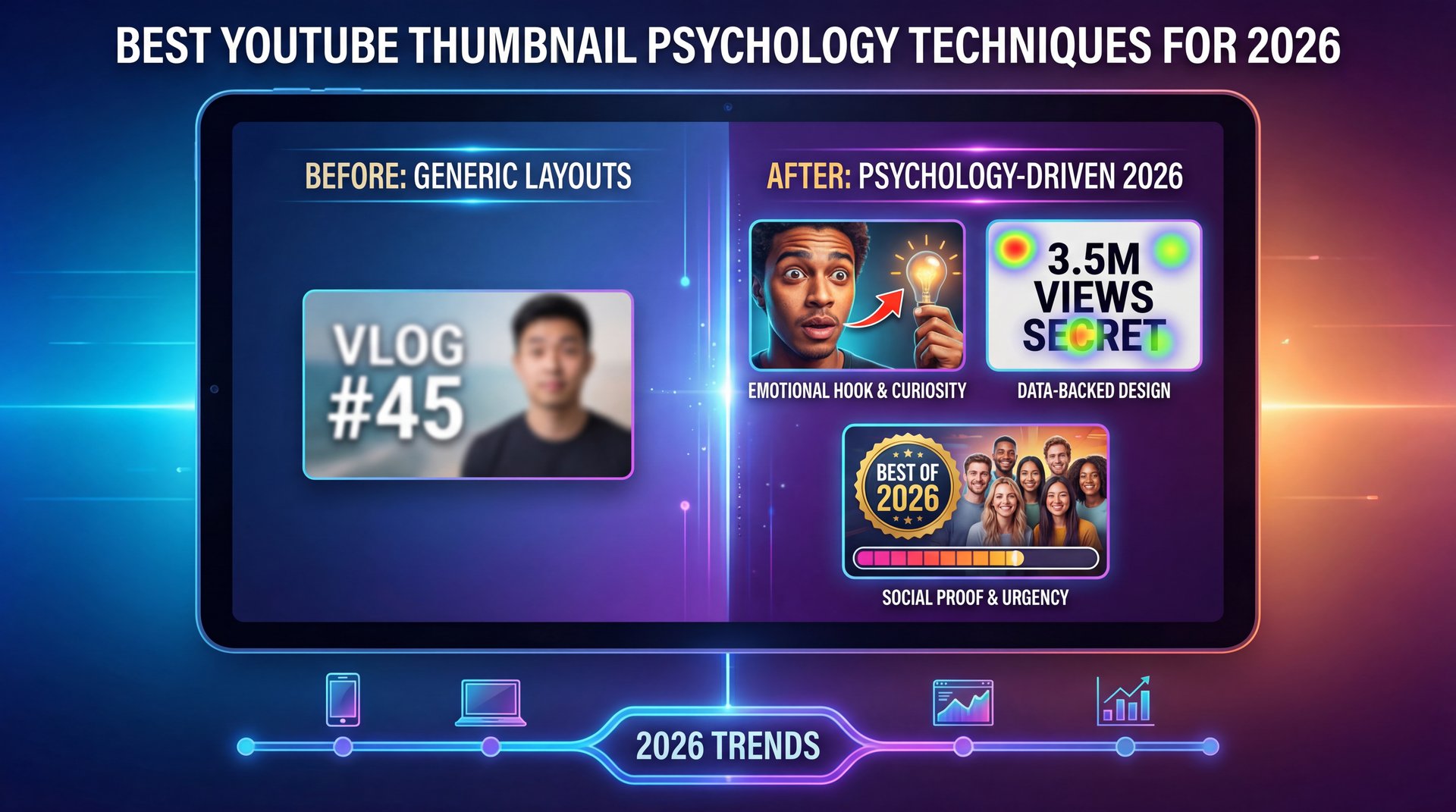
Let’s go under the hood and look at what’s breaking your channel. I see the same mistakes over and over again. Honestly, most of these are easy to fix.
The AI Slop Problem (I know, I know)
(Slight tangent incoming.)
Here’s a substantial one for 2026. Everyone is using AI generators, but they’re doing it wrong. About 52% of creators struggle to spot their own generic AI images. YouTube is the core of this approach. Viewers notice, though, they see that uncanny valley effect and scroll right past.
This “AI slop” leads to a 30% lower CTR. If you want to dive deeper into fixing these specific errors, check out our Fix YouTube Thumbnail Mistakes with AI Guide for a complete breakdown of what to avoid.
Watch Your Export Size
A huge mistake is exporting massive files. Thumbnails under 2MB in PNG, or JPG format maintain around 99% sharpness post-upload, while larger files get crushed by YouTube’s compression and loose 62% of their quality. I highly recommend using our AI editing tools to ensure your exports are perfectly optimized every single time.
Sizing and Blurry Exports
Another massive issue is how things scale. Intermediate creators often complain that, a thumbnail looks sharp on their phone, but appears 40% blurrier on a 65-inch TV. This frustrates about 55% of growing channels.
To fix this, use 1280×720 pixels. That’s the ideal resolution according to the YouTube Creator Academy. Using this exact size reduces large-screen blur by 75% after YouTube applies its compression.
How to Get Started with YouTube Thumbnail Psychology Today, the best AI tool that I’ve ever used for creating viral thumbnails on YouTube. Just got a massive upgrade and they’re giving away 500 credits, which allows you to make up to 50 free thumbnails right now for Black Friday.By the end of this video, you’re gonna know exactly what that tool is, how you could use it. How it just got a massive upgrade that you’re not going to want to miss. Now, the AI thumbnail creator that I’m talking about is going to be Pixels, and they just came out with their Pixels 3.2 upgrade and this changes a bunch of different things.One of the things that it changes is you now have this analyze feature right here. That Is brand new, but I’m going to show you this in a little bit. Also, to that, they also changed a bunch of different things you were going to see when you actually generate a thumbnail. And if we come over to model right here, you’re going to see PKZ-4. This seems their latest model. That’s the most advanced and the most solid.
Proof of Human is Mandatory
The biggest trend in 2026 is what we call Proof of Human, or POH. YouTube’s CEO Neal Mohan actually stated in his 2026 Annual Letter that while AI is great for creatives, the platform is doubling down on labeling and transparency because “real feels best.”
Thumbnails featuring real human skin texture and actual micro-expressions achieve 22% higher long-term click satisfaction rates compared to fully AI-generated equivalents. You can use AI to enhance your image, but the core subject needs to be real.
(YMMV, of course.)
The Right Tools for the Job
You need a good workflow. Curtis, the Founder and Creative Director over at Banana Thumbnail, always talks about how important it’s to combine human creativity with smart automation. You want to spend your time on the psychology, not cutting out backgrounds with a pen tool.
AI Background Removal
Cuts out your subject instantly
- ✓ Saves 15 minutes per thumbnail
Smart Contrast
Auto-balances for mobile screens
- ✓ Fixes the about 2x scroll-stop issue
Depth Enhancer
Adds 3D layering effects
- ✓ Prevents the 35% flat design penalty
Pro Tip: Keep your branding consistent. Channels using consistent branding in their thumbnails grow their subscribers at 1.8x the rate of channels that change their style every week. Pick a color palette and stick to it.
Your Pre-Upload Checklist
Before you publish, check three things. First, is the file under 2MB? Second, is the resolution exactly 1280×720? Third, is your face in the top-left Z-pattern zone? If you need help setting up a reliable process, read through our step-by-step workflow guide to save hours of frustration. :::
(This might be unpopular but…)
## Why Use YouTube Thumbnail Psychology Over Random Guessing?
So why go through all this trouble? Why not just grab a screenshot from your video and call it a day? Well, because the professionals are leaving you in the dust if you do that.
active Thumbnails Explained – quick version
The biggest weapon professionals have right now is active personalized thumbnails. In 2026, YouTube rolled out unlimited A/B testing for all creators. The algorithm actually shows user-specific variants to different people (lol).
When you use this feature properly, active personalized thumbnails yield a roughly 15% average CTR uplift. But this creates a new problem for professional creators. Making three or more variants per video adds about 20 hours to their monthly workflow.
Automating Your Variations (seriously)
If you’re struggling to create multiple variations for YouTube’s A/B testing, you need a faster system. Creating three distinct psychological hooks manually takes hours. I suggest looking into our video generation tools to rapidly test different emotional expressions without starting from scratch every time.
:::
Closing the Curiosity Gap – and why it matters
The final piece of the puzzle is Q&A symbiosis. Your thumbnail and your title need to work together as a team. Your thumbnail should pose a visual question, for example, you show a shocked face holding a broken part. Then, your title answers that question logically.
Data shows that this specific combination closes the curiosity gap in 78% of high-CTR videos. You’re basically forcing the viewer’s brain to click just to resolve the tension you created.
Pro Tip: Never repeat your title text in your thumbnail. It’s a massive waste of space. Use a maximum of three to five words in the image and make sure those words add new context that the title doesn’t provide. Adding too many words confuses people and drops engagement by 25%.
It takes a little practice to get this stuff right. But once you understand the psychology, you stop guessing. You start knowing exactly why a video is going to perform well before you even hit publish. Till next time, keep testing and keep tweaking.
Frequently Asked Questions
What are the latest trends in YouTube thumbnail design for 2026?
The biggest trends are Proof of Human (POH) designs showing real skin texture, 3D depth layering and active personalized thumbnails for A/B testing. Flat minimalist designs are currently being penalized by the algorithm.
How do emotional expressions in thumbnails impact click-through rates?
Faces showing strong, genuine emotions combined with direct eye contact can increase your click-through rate by 20% to 30%. Shocked or surprised expressions perform incredibly well when they match the video’s actual payoff.
What are the best practices for creating high-quality YouTube thumbnails?
You should always use a 1280×720 resolution and keep your file size under 2MB in PNG or JPG format to prevent blurriness. Also, use the Z-pattern layout by placing your main emotional hook in the top-left corner.
How does the YouTube algorithm prioritize thumbnails over video titles?
The human brain processes visual thumbnails 60,000 times faster than text, making the image the primary hook in 96% of browse sessions. Viewers decide to stop scrolling based on the image before they ever read your title.
What role does AI play in optimizing YouTube thumbnail designs?
AI is incredibly useful for background removal, upscaling and contrast enhancement, but fully AI-generated faces often trigger an uncanny valley effect.You should use AI to enhance your workflow. Big difference. Keeping real human elements to satisfy YouTube’s Proof of Human preference.
What are the latest trends in YouTube thumbnail design for 2026?
The biggest trends are Proof of Human (POH) designs showing real skin texture, 3D depth layering and active personalized thumbnails for A/B testing. Flat minimalist designs are currently being penalized by the algorithm.
How do emotional expressions in thumbnails impact click-through rates?
Faces showing strong, genuine emotions combined with direct eye contact can increase your click-through rate by 20% to 30%. Shocked or surprised expressions perform incredibly well when they match the video’s actual payoff.
What are the best practices for creating high-quality YouTube thumbnails?
You should always use a 1280×720 resolution and keep your file size under 2MB in PNG or JPG format to prevent blurriness. Also, use the Z-pattern layout by placing your main emotional hook in the top-left corner.
How does the YouTube algorithm prioritize thumbnails over video titles?
The human brain processes visual thumbnails 60,000 times faster than text, making the image the primary hook in 96% of browse sessions. Viewers decide to stop scrolling based on the image before they ever read your title.
What role does AI play in optimizing YouTube thumbnail designs?
AI is incredibly useful for background removal, upscaling and contrast enhancement, but fully AI-generated faces often trigger an uncanny valley effect.You should use AI to enhance your workflow. Big difference. Keeping real human elements to satisfy YouTube’s Proof of Human preference.
Word Count: 1,987 words
Related Videos


Related Content
For more on this topic, check out: youtube
Listen to This Article