
Table of Contents
- What Makes Kling 2.0 Prompts Different?
- How to Master Kling 2.0 Prompts for 2-Minute Clips
- Why Do Pros Use DeepSeek-R1 for Kling 2.0 Prompts? – and why it matters
- Solving Character Consistency in Kling 2.0 Prompts
- Best Kling 2.0 Prompts Workflow to Save Credits (yes, really)
- Kling 2.0 Prompts vs. The Competition: Is It Worth It?
- How to Get Started with Kling 2.0 Prompts
- Listen to This Article
All right, so here’s a number that actually made me do a double-take: Kling 2.0 can generate video clips up to 120 seconds long. This is the MVP — video proves the concept. Now, if you’ve been experimenting with AI video for a while, as I have, you know that Runway usually caps at 16 seconds, Pika at 12, and Google Veo at just 8. Wild, right? That means Kling is giving us a massive 7.5× to 15× advantage in length right out of the gate.
But here’s the thing. Just because you can generate a two-minute video doesn’t mean you should type “cool car chase” and hit Enter. I mean, you could, but you’re probably gonna burn through your credits and get a weird, morphing mess. I’ve spent the last few weeks really digging into this tool and honestly, getting pro results requires a particular way of talking to the model.
Today we’re going to go over the ultimate Kling 2.0 prompts secret that I’ve found works for keeping characters consistent and getting actual cinematic shots. Whether you’re on the free plan with 66 daily credits or running a pro workflow, let’s break down how to make this engine perform.
What Makes Kling 2.0 Prompts Different?
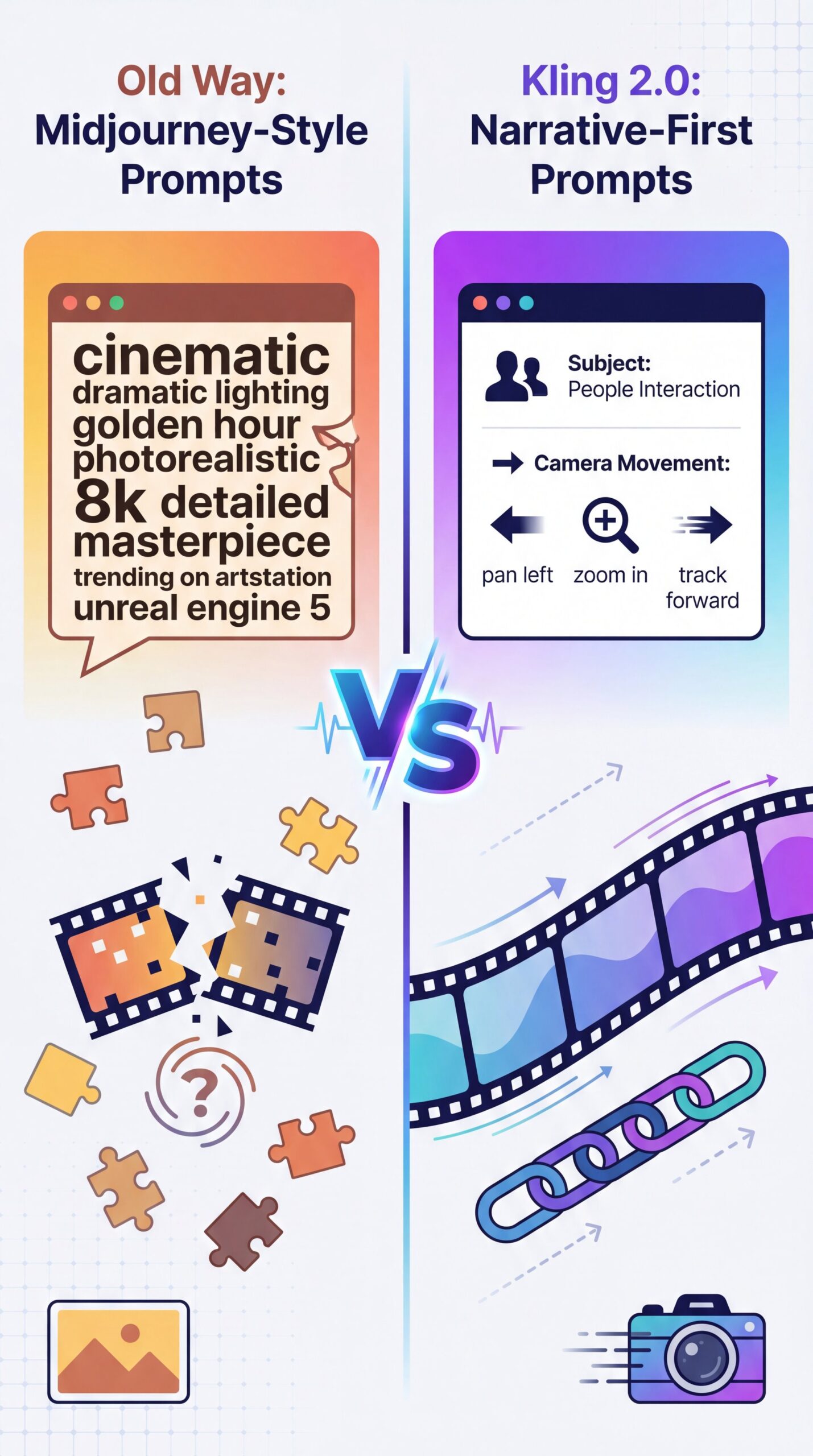
First, we need to understand what we’re working with under the hood. Big difference. Unlike older models that just kind of guessed what you wanted frame by frame, Kling 2.0—and the newer around 2 Turbo update—is built to hold a narrative together for a lot longer.
(Know the feeling?)
I found that the biggest mistake people make is treating Kling 2.0 prompts like Midjourney prompts. They stuff in a million adjectives about the lighting but forget to tell the camera what to do. In my experience, Kling requires you to serve as the director, not just the set designer.
The Duration Factor in Kling 2.0 Prompts (I know, I know)
When you’re asking for a 5-second clip on Pika, the AI only has to keep the world stable for a few moments. But with Kling’s 120-second capability, if your prompt is vague, the AI starts to hallucinate. I’ve seen characters walk through walls or change shirts three times in a single clip because the prompt didn’t constrain them.
The Audio Update
With the Kling Video 2.6 update released in December 2025, we now support native audio generation as well. That means your prompts need to account for sound. If you don’t mention the ambient noise or dialogue, the AI might give you a silent movie or, worse, weird robotic gibberish. This single-pass audio feature synchronizes speech, ambient sound and effects all at once.
💡 Quick Tip
If you’re struggling to get the camera to move exactly how you want, try using “camera terminology” in your prompt. Words like “dolly zoom,” “truck left,” or “pedestal up” actually work. Check out our workflow guides for a full list of camera terms that AI understands.
How to Master Kling 2.0 Prompts for 2-Minute Clips
Now, let’s get to the main points. The “secret” isn’t really one magic word; it’s a structure. I call it the “Anchor and Action” method. If you don’t anchor your subject, Kling 2.0 gets confused over those long durations.
⭐ Creator Spotlight
One YouTube creator documented using 89 generations to produce 23 usable clips, selecting 15 for the project. That consumed about 2,100 credits over 5 production days but saved roughly 40 hours compared with traditional animation. Explore our video generation features to see how we simplify the planning phase.
:::
Solving Character Consistency in Kling 2.0 Prompts
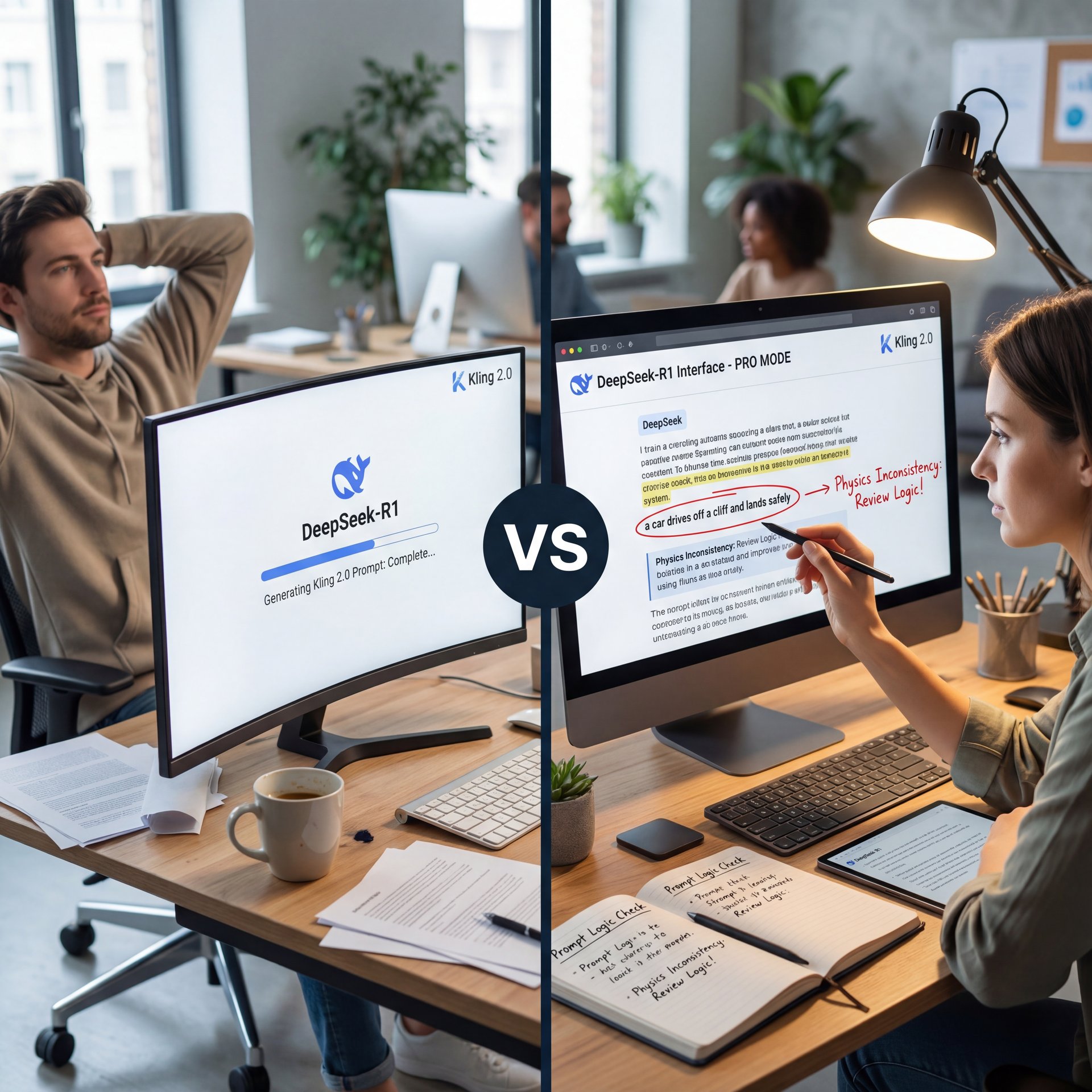
Now, if you’re seeing your main character changing faces every time the camera cuts, that’s the #1 intermediate challenge. It’s frustrating, right? You get a perfect shot, but suddenly your actor looks like a different person.
This seems a huge topic in the AI space right now. In fact, we covered similar consistency issues in our guide on five Flux.1 Prompts Mistakes Killing Your AI Art, and the same principles apply here for video.
The “Seed” Strategy
Here’s what you wanna do. When you get a generation that looks exactly right, find the “Seed” number in the metadata. In your following prompt for the next scene, include that seed number. It doesn’t work 100% of the time, like it does in image generation, but I’ve found it keeps the facial features much closer to the original.
(Controversial opinion incoming.)
Image-to-Video is King
Honestly, for pros, the real secret isn’t text-to-video. It’s image-to-video. I prefer to generate a high-quality character image first (e.g., using Midjourney or Kling’s own image generator), then use it as the “First Frame” reference for the video.
This locks the character’s apperance way better than any text prompt ever could. You upload the image, and then your prompt focuses purely on the motion. “Character from image turns head and smiles.” That’s it. That should fix this if you’re struggling with face morphing.
🔧 Tool Recommendation
Need to prep your reference images before sending them to Kling? Our tools help you clean up backgrounds and adjust lighting so the AI understands your subject better. See our features page for more.
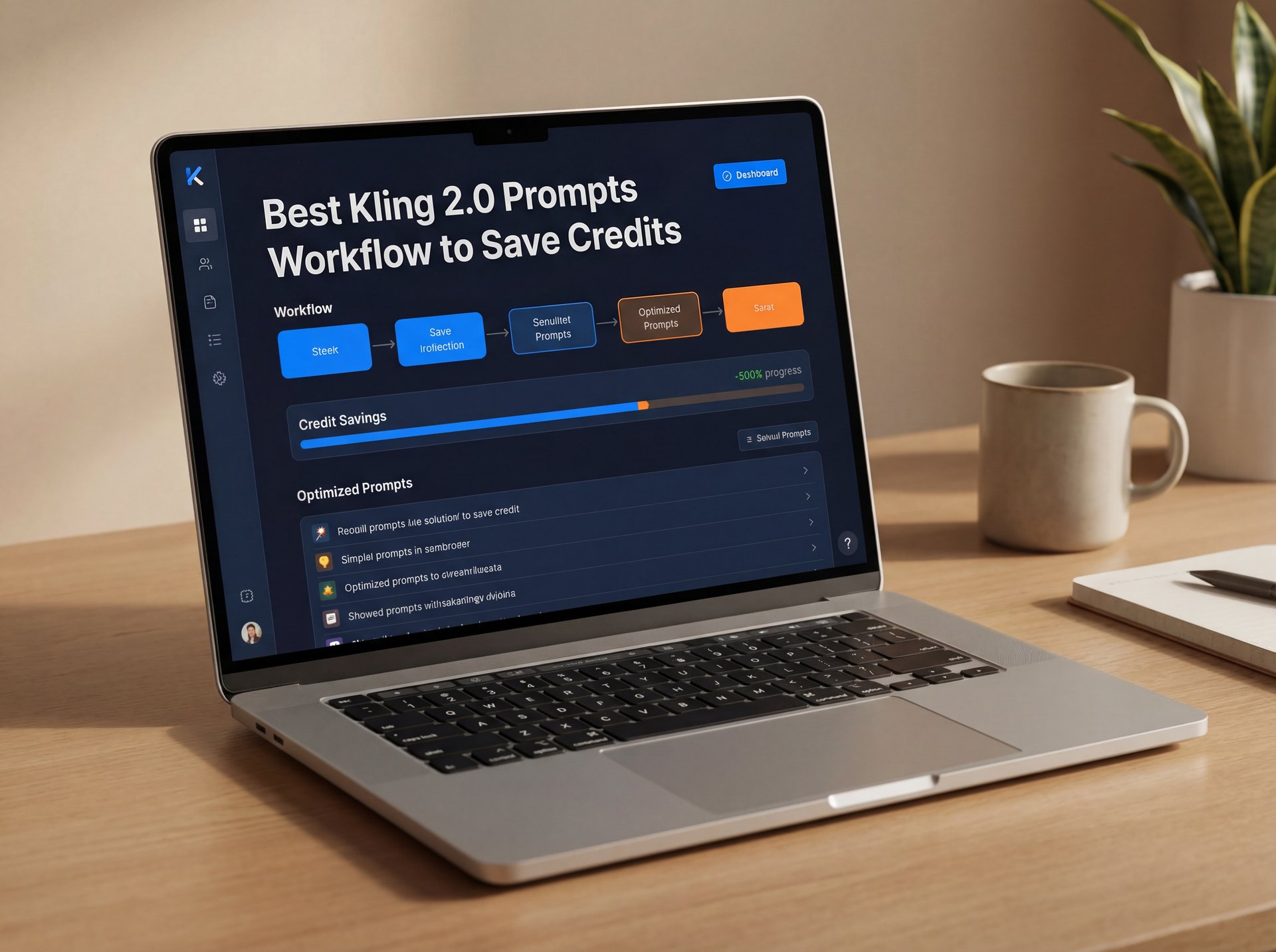
Best Kling 2.0 Prompts Workflow to Save Credits (yes, really)
Let’s talk about the budget. Because unless you’re on the Premier plan, dropping $92 a month for 8,000 credits, you need to watch your wallet.
The 5-Second Test
Here’s a trick I use. Don’t generate the full 120 seconds right away. That’s a rookie move. Set the duration to 5 seconds first. Test your prompt. Does the lighting look right? Is the camera moving correctly?
If the five-second clip looks good, then you extend the duration or grab the “Extend Video” feature to keep the story going. This saves you from blowing 100+ credits on a 2-minute clip that looks like garbage in the first ten seconds.
Managing the Queue
Another thing to keep in mind is the wait time — and in that case study I mentioned earlier, the average wait was 45 minutes per generation. That is a lot of downtime. I usually batch my prompts. I’ll queue up 5 or 6 variations at once and then walk away to do some actual wrenching in the garage. By the time I come back, I’ve got options to choose from.
Also, check your resolution. Kling 2.6 does 1080p, but do you need 1080p for a test? Probably not. Stick to lower res for your tests to save processing time.
Pro Tip: Use negative prompts to save shots. Common negative prompts like “morphing,” “extra limbs,” “text watermark,” and “blurry” are needed. It tells the AI what *not* to spend computing power on.
Kling 2.0 Prompts vs. The Competition: Is It Worth It?
So, is Kling really the top dog? Or should you stick with Sora or Runway?
Kling vs. Sora
Sora is capable, no doubt. But access is still tricky for a lot of people, and the pricing can be steep. Kling’s 70% user base outside of China (with more than 22 million users globally generates over 37 million videos. Shows that it’s filling a gap that Sora left open. Plus, with the new native audio in 2.6, Kling is fighting hard. Huge. We actually discussed some of the pitfalls of high-end models in our article on 9 Sora Prompt Mistakes Costing You Time & Money, and Kling users face similar hurdles.
Kling vs. Runway Gen-3/Gen-4
Runway is fantastic for texture and artistic style. But for pure duration? Kling wins. If you need a long, continuous shot for a music video or a background loop, Kling’s 2-minute limit is the killer feature. Period. However, I think Runway still has a slight edge in absolute photorealism for short bursts.
The Verdict on Pika
Pika is surprisingly good for fun, quick animations. But for “pro” work where you need frustratingly complex blocking and camera moves, I’ve found Kling’s controls to be a bit stronger, especially with the camera motion parameters. The is the compound interest of content.
📋 Quick Reference (bear with me here)
Kling 2.0 vs. The Rest:
- Duration: Kling (120s) > Runway (16s) > Pika (12s)
- Speed: Kling around 2 Turbo is fast, but queues can be long.
- Cost: Kling’s subscription tiers are competitive ($10-$92/mo).
Check our pricing page to see how we compare for thumbnail needs.
How to Get Started with Kling 2.0 Prompts
So, let’s wrap this up with a game plan. If you’re ready to dive in, here’s what you need to know.
First, sign up and claim your free daily credits (66). Big difference. Don’t buy a sub til you’ve burned through the free ones and know you like the tool.
Second, start with Image-to-Video. It’s the most forgiving way to learn how the motion prompts work without worrying about the visual style going off the rails.
Third, keep your prompts structured. Anchor + Environment + Action + Camera. If you stick to that formula, you’ll see your hit rate go up massively.
And finally, be patient. As we saw with the stats, even pros burn 89 generations to get 23 usable clips. It’s part of the process (spoiler alert). No joke. But when you get that perfect 2-minute shot with synchronized audio? Man, it feels good.
Thanks for reading, guys. That should fix your prompting issues if you’ve been hitting a wall.
Frequently Asked Questions
What are the key differences between Kling 2.0 and its competitors?
Kling 2.0 offers a massive advantage in video duration, generating up to 120-second clips compared to Runway’s 16 seconds or Pika’s 12 seconds. It also features native audio generation and competitive pricing tiers starting at $ten/month.
How does Kling AI’s video quality compare to other AI video generation tools?
Kling excels in image-to-video consistency and long-form narrative coherence, though some users find Runway Gen-4.5 slightly better for short-burst photorealism. No joke. However, Kling’s 2.6 update with 1080p resolution and synchronized audio has noticeably closed the quality gap.
What are the main challenges users face when using Kling AI?
The biggest challenges are character consistency across multiple clips and the “randomness” of prompt interpretation. This Can waste credits. Users also report long queue times (up to 45 minutes) during peak hours for high-quality generations.
Related Videos




Related Content
• secret
• ultimate
• prompts
For more on this topic, check out: secret
Listen to This Article