Table of Contents
- What Is a Modern Sketch to Render Workflow?
- Why Does Your Sketch to Render Workflow Fail? (bear with me here)
- How to Build, a Sketch to Render Workflow That Works
- Sketch to Render Workflow vs Traditional Modeling
- Best Sketch to Render Workflow Tools for 2025
- Common Mistakes in the Sketch to Render Workflow
- How to Get Started with Sketch to Render Workflow
- Listen to This Article
Here’s a number that really caught my attention recently: cloud rendering projects for VFX jumped from 15,000 in 2023 to 28,000 in 2024. That’s a massive spike, and it tells me that people aren’t just drawing on napkins anymore—they’re pushing those rough ideas into high-end production pipelines faster than ever.
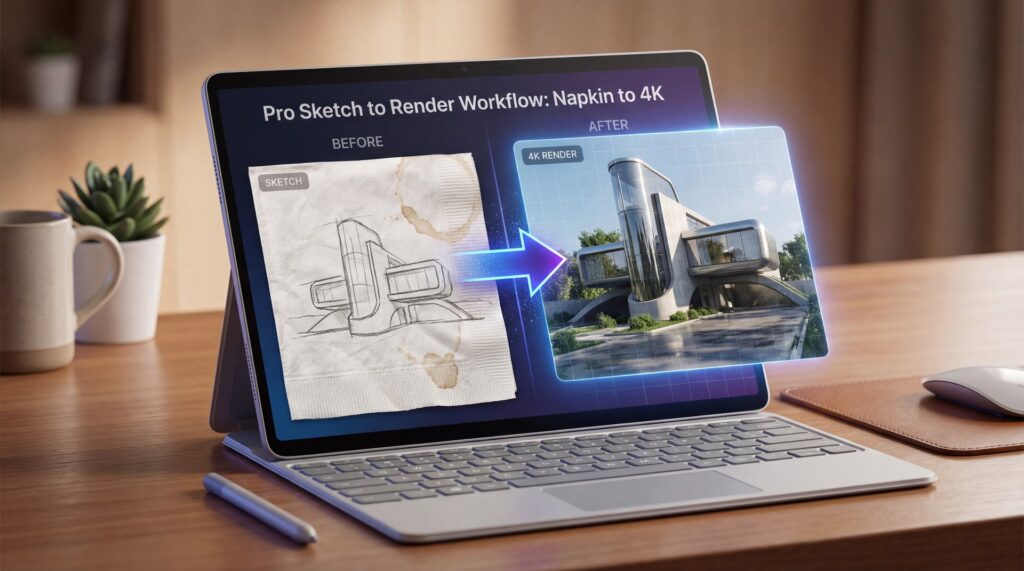
I’ve been there. You’re sitting at a coffee shop, you get this brillant idea, and you scribble it down on a napkin or the back of a receipt. In your head, it looks like a blockbuster movie scene. But when you look at the paper? It looks like a potato. The gap between that rough sketch and a polished 4K render used to be about three weeks of tough labor and a lot of caffeine.
But today, we’re gonna go over how that gap is closing. I wanna walk you through the sketch to render workflow that’s changing how creators, architects and designers work in 2025. It’s design that makes it possible. We’re talking about taking a messy drawing and turning it into something that looks like it cost thousands of dollars to produce.
What Is a Modern Sketch to Render Workflow?
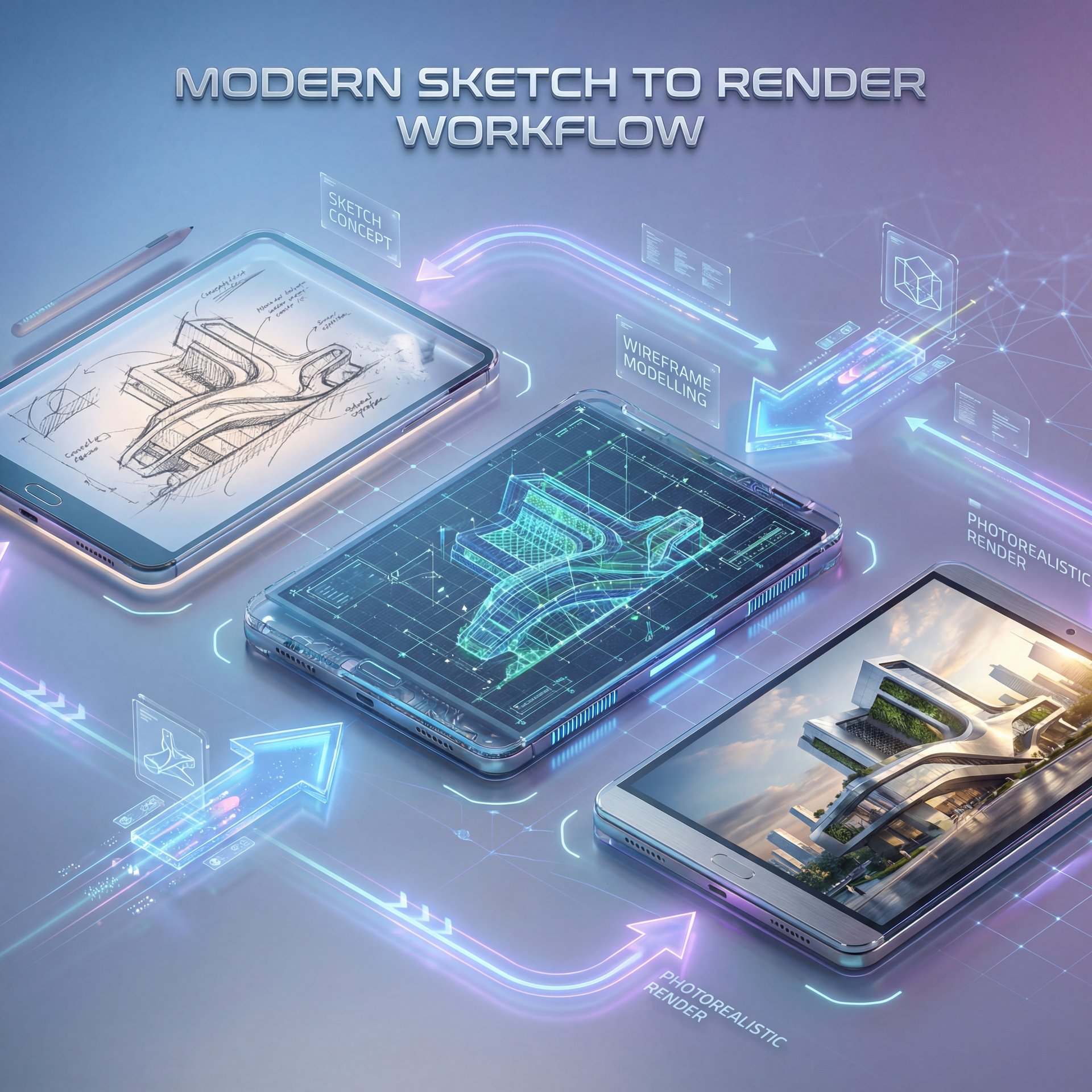
So, let’s cover the basics first. A sketch to render workflow isn’t just about scanning a drawing. Huge. It’s a pipeline where you take a 2D concept—literally lines on paper or a tablet (and use a mix of 3D blocking and AI tools to generate a photorealistic image.
I found that the biggest shift lately is the money moving into this space. The global 3D animation software market generated US$19.06 billion in 2024 and is projected to reach US$53 billion by 2033 at roughly 12% CAGR, with media & entertainment holding a around 40% share. From is the glue that holds it together. Not even close. That’s huge growth and it’s happening because everyone from indie game devs to marketing agencies needs high-quality visuals fast.
In the past, you had to model every single polygon. Now, if you have a sketch, you can use tools like Stable Diffusion or Adobe Firefly to interpret those lines and generate textures, lighting and depth information for you. It’s not “cheating”. it’s just a different way to get to the finish line.
I mean, think about it. If you can cut the time it takes to visualize an idea, you can pitch more ideas. Plus, cloud rendering investments grew 38% in 2024, with VFX projects rendered in the cloud forecast to exceed 75,000 by 2032. That’s the name of the game.
(Wild, isn’t it?)
Why Does Your Sketch to Render Workflow Fail? (bear with me here)
Now, here’s the thing. A lot of beginners (prolly about 40% of you reading this (try this and get terrible results). You feed a sketch into an AI tool or try to model over it and the perspective is all wrong. tool delivers what it promises. The building looks like it’s falling over, or the character’s arm is coming out of their neck.
In my experience, the problem usually starts with the “napkin” part. A napkin sketch lacks depth information, so when you try to translate that directly to 4K without a proper guide, the computer has to guess. And computers are terrible guessers.
I’ve seen casual users struggle because they expect the software to fix bad fundamentals. If your horizon line is crooked on the napkin, it’s going to be crooked in the render. No amount of fancy AI 🤷 can fix broken bones in your composition.
Pro Tip: Always run your rough sketch through a basic perspective grid overlay before you start rendering. Think of From as the key ingredient here. If the bones are broken, the 4K skin won’t fix it.
Also, lighting is a huge pain point. You might draw a circle for the sun, but the render engine needs to know the intensity, color temperture, and shadow softness. Without that data, your “professional render” looks flat and unconvincing.
[icon:clipboard] Check Your Fundamentals
Before moving to render, check these three things on your sketch:
1. Is the horizon line straight?
2. Are your vanishing points consistent?
3. Did you indicate where the light is coming from?
If you skip this, no amount of 4K rendering will save the image.
How to Build, a Sketch to Render Workflow That Works
All right, so let’s get under the hood. If you want to do this right, you need a process. You can’t just hit a “magic button” and expect art, well, not yet anyway.
The Four-Step Process – quick version
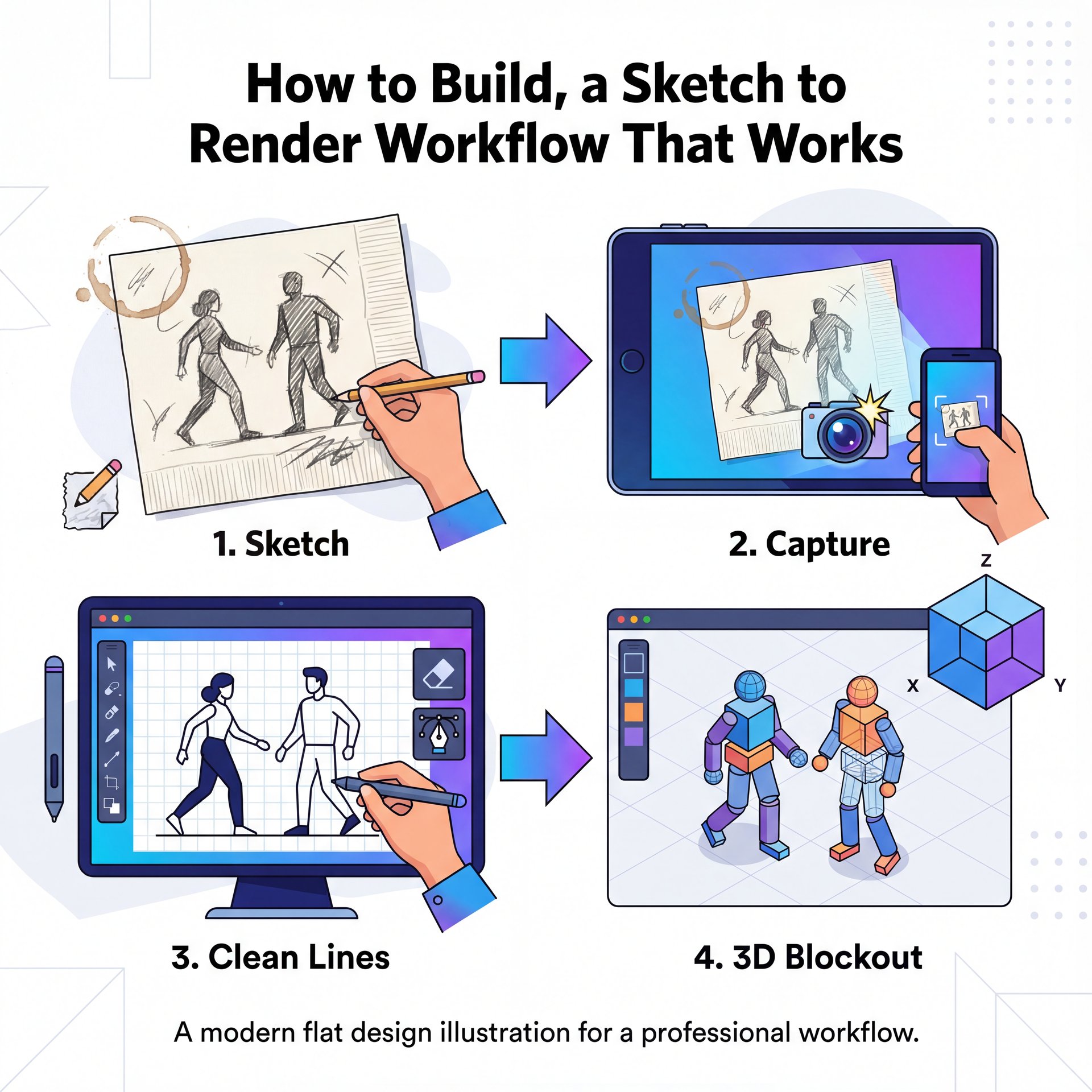
Here’s the workflow I prefer for getting consistent results. First, I take that napkin drawing and snap a photo, which means then, I bring it into an app like Procreate or Photoshop to clean up the lines. You want high contrast and clear shapes.
Second, I create a 3D blockout. This is the (honestly) step most people skip, but it’s important. I use a pretty simple tool to create rough 3D shapes that match the sketch. It doesn’t need detail. it just needs depth and proper perspective.
Third comes the AI interpretation. This is where 2025 tech really shines.I use tools that support “ControlNet” or simlar features. It Allow the AI to look at my blockout for structure and my sketch for style.
Finally, there’s upscaling. You usually generate at 1080p initially, so to get to 4K, you need a dedicated upscaler. I was talking to Dr. Morgan Taylor, our AI & Technical Lead, about this recently. She pointed out that, the jump from HD to 4K isn’t just adding pixels, it’s about hallucinating detail that wasn’t there. If you use a bad upscaler, you just get blurry massive pixels. Game changer. You need an AI that understands texture: wood grain, skin pores, concrete roughness.
For a deeper dive on how resolution impacts quality, check out Fix Blurry Photos Fast: AI Solutions That Work.
Adobe Firefly
Great for quick ideation
- ✓ Clean copyright safety
Stable Diffusion
Best for local control
- ✓ Infinite customizability
Unreal Engine five
Real-time path tracing
- ✓ Instant 4K feedback
Sketch to Render Workflow vs Traditional Modeling
So, you might be asking, “Why not just model it the old way?” Honestly? Time is the answer.
I looked at some data from architecture firms recently. They slashed the time from the first sketch to a presentable 4K render from 21-28 days down to just 7-ten days. That’s a speedup of 2.1-about 3x and they also decreased client late-stage change requests by 43%. Period. If you’re billing by the project, that’s pure profit.
And for game developers, it’s even crazier. Indie game teams cut vertical slice development from 6 months to 3.1 months using sketch-to-engine workflows. That means they can find the fun faster and stop wasting time on assets that get thrown away.
But here’s the thing.traditional modeling is still king for the final, game-ready asset. The sketch to render workflow is for visualization, pitching, and concept art. If you need to animate a character for a movie, you still need clean topology. Though for selling the idea? The sketch workflow wins hands down.
Best Sketch to Render Workflow Tools for 2025
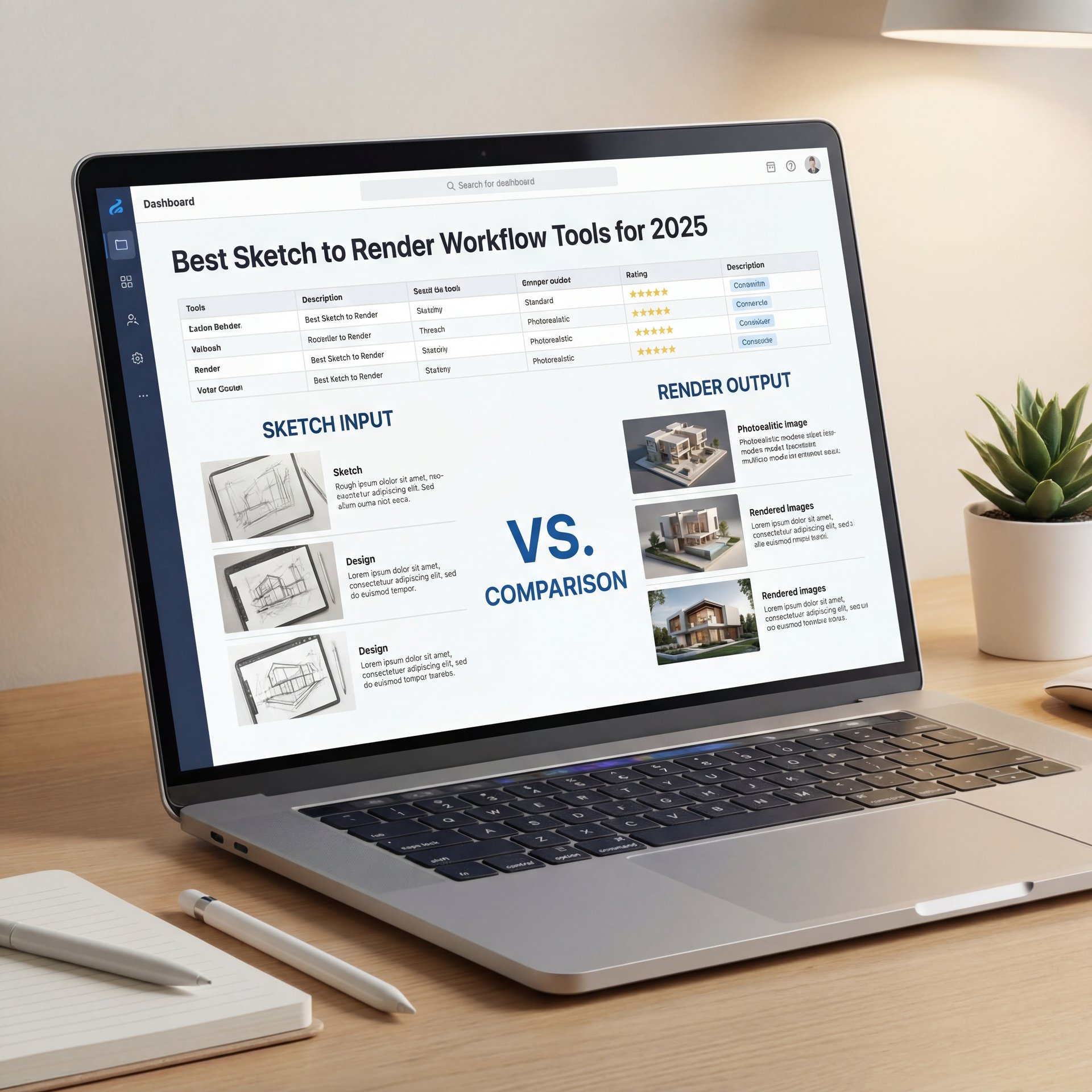
Let’s talk about the gear. True story.. You wouldn’t fix, a transmission with a spoon, and you can’t do high-end rendering with Paint, right?
(Cards on the table…)
Top Tools for Different Needs (I know, I know)
Adobe Firefly has really stepped up. What I like about it is how integrated it is, you can sketch in Photoshop, select an area, and use Generative Fill to render materials. It’s easy and perfect for designers already in the Adobe system.
Stable Diffusion is the heavy hitter for power users. If you’re comfortable installing some software locally, the control you get is unmatched. You can tell it exactly how strictly to follow your sketch lines, and adjust every parameter.
And then there’s the cloud. Cloud rendering investments grew 38% in 2024 for a reason (you don’t need a $5,000 PC to render 4K anymore). You can offload that heavy lifting to a server farm and get results while you grab coffee.
[icon:wrench] Banana Thumbnail for Visuals
If you’re creating thumbnails or social graphics from your renders, you need text that pops and backgrounds that work.
Our AI tools help you composite your new 4K renders into clickable assets fast.
Also, keep an eye on real-time engines. Unreal Engine five and Blender’s Eevee Next enable 4K look-dev iterations without render farms. You can drop a sketch texture onto a wall and see it lit realistically in real-time, period, every time. It’s honestly mind-blowing.
For a comparison of costs, we broke down the options in Free vs Paid AI Image Tools: Full Comparison.
Common Mistakes in the Sketch to Render Workflow
Now, if you try this, you’re going to mess up. It happens to everyone, but let’s try to avoid the big potholes.
Resolution and Quality Issues – quick version
First mistake is ignoring resolution. If you’re rendering at 720p and hoping it looks quality on a 65-inch screen, you’re going to have a bad time. You need to target at least 4K for professional work now, especially since display technology keeps advancing.
Second, over-reliance on AI is a trap I see constantly. People let the AI design the whole thing, and the result usually looks generic. You have to keep your hand on the wheel. Your sketch should dictate the composition, not the prompt alone.
[icon:chart] Resolution Matters
Before: A 1080p render upscaled linearly looks soft and lacks texture detail on large monitors.
After: A native 4K render or AI-upscaled image retains sharpness in wood grain and reflections, needed for client presentations.
Third, rough lighting reference will kill your render. If your sketch has shadows going left and your render prompt says “sunset on the right,” the image will look fake. Trust me on this. It creates, a cognitive dissonance for the viewer that screams “amateur work.”
And finally, don’t forget the market impact. AI-enhanced product images lifted e-commerce conversion rates by roughly 19% versus non-enhanced control images in A/B tests, while the AI image enhancer market grows from USaround $2 billion in 2024 to US$2.45 billion in 2025 at 16% CAGR. If you’re doing product sketches, that polish translates directly to sales.
How to Get Started with Sketch to Render Workflow
If you’re sitting there with a napkin and a pen, here’s what you want to do. Don’t overthink the software yet. just draw. But draw with volume in mind. Think about 3D shapes underneath your lines.
Then, pick one tool. Maybe Adobe Firefly if you’re new, or Blender if you’re brave. Try to map that sketch onto a simple cube or sphere just to understand the process.
The goal isn’t to be perfect on day one. It’s to build a pipeline where you can iterate quickly. Because that’s what this is all about, getting the bad ideas out of the way fast so you can get to the gold. What surprised me most when I started was how much faster I could test different compositions once I had a reliable workflow.
Frequently Asked Questions
What are the latest trends in 3D animation software for 2025?
Real-time path tracing and AI-assisted workflows are the biggest trends, allowing for instant feedback and faster iteration cycles without long render times.
How has the adoption of cloud rendering solutions impacted the 3D animation industry?
It has democratized high-end rendering, allowing freelancers and small studios to produce 4K and 8K content without investing in expensive local render farms.
What are the key challenges faced by beginners in 3D animation?
Beginners often struggle with the steep learning curve of frustratingly complex software interfaces and understanding fundamental concepts like lighting, perspective, and topology.
How do user demographics influence the adoption of 3D animation software?
Younger creators and indie developers are driving the shift toward accessible, real-time tools, while traditional studios maintain demand for high-fidelity, pipeline-integrated software.
What are the latest trends in 3D animation software for 2025?
Real-time path tracing and AI-assisted workflows are the biggest trends, allowing for instant feedback and faster iteration cycles without long render times.
How has the adoption of cloud rendering solutions impacted the 3D animation industry?
It has democratized high-end rendering, allowing freelancers and small studios to produce 4K and 8K content without investing in expensive local render farms.
What are the key challenges faced by beginners in 3D animation?
Beginners often struggle with the steep learning curve of frustratingly complex software interfaces and understanding fundamental concepts like lighting, perspective, and topology.
How do user demographics influence the adoption of 3D animation software?
Younger creators and indie developers are driving the shift toward accessible, real-time tools, while traditional studios maintain demand for high-fidelity, pipeline-integrated software.
Related Videos



Related Content
• workflow
For more on this topic, check out: workflow
Listen to This Article