
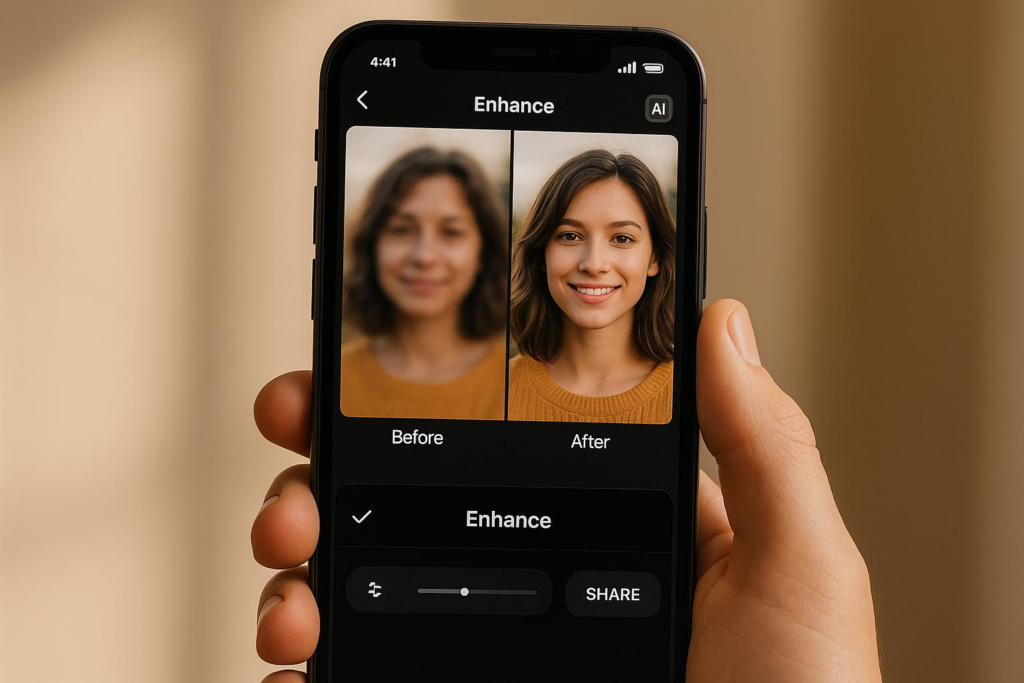
Got a blurry photo that’s ruining an otherwise great shot? You don’t need Photoshop skills or hours of editing anymore. AI-powered tools can sharpen images in seconds, and one of my favorites is Bananathumbnail.com.
Here’s why it’s a total game-changer:
- Speed: Fix a photo in 30–60 seconds.
- Cost: $0.10–$0.50 per edit vs. $50+ for a freelancer.
- Simplicity: No tutorials needed—just upload and go.
- Results: Handles motion blur, focus issues, and low-res images like a pro.
For creators, marketers, or anyone posting online, that means sharper visuals, higher engagement, and way more time back in your day. Let me walk you through how it actually works.
The Best Way to Fix Blurry Photos: AI That Thinks Like a Pro
Why Do Photos Get Blurry in the First Place?
Understanding the problem helps you fix it faster. Here are the usual suspects:
- Motion blur – Camera shake or a moving subject (especially in low light).
- Focus miss – Autofocus locked on the background instead of your subject.
- Compression – Instagram or email shrinking your file too much.
- Bad settings – High ISO noise, wrong shutter speed, or aperture.
Traditional sharpening filters just crank up contrast and often make things look crunchy. AI, on the other hand, understands the type of blur and rebuilds detail intelligently.
How AI Actually Sharpens Your Images
Modern AI doesn’t slap on a generic filter. It:
- Detects the blur type (motion, focus, compression).
- Reconstructs missing detail using trained neural networks.
- Preserves natural texture so faces don’t look plastic.
Result? A photo that looks clean, not “over-sharpened.”
Getting Started with Bananathumbnail.com
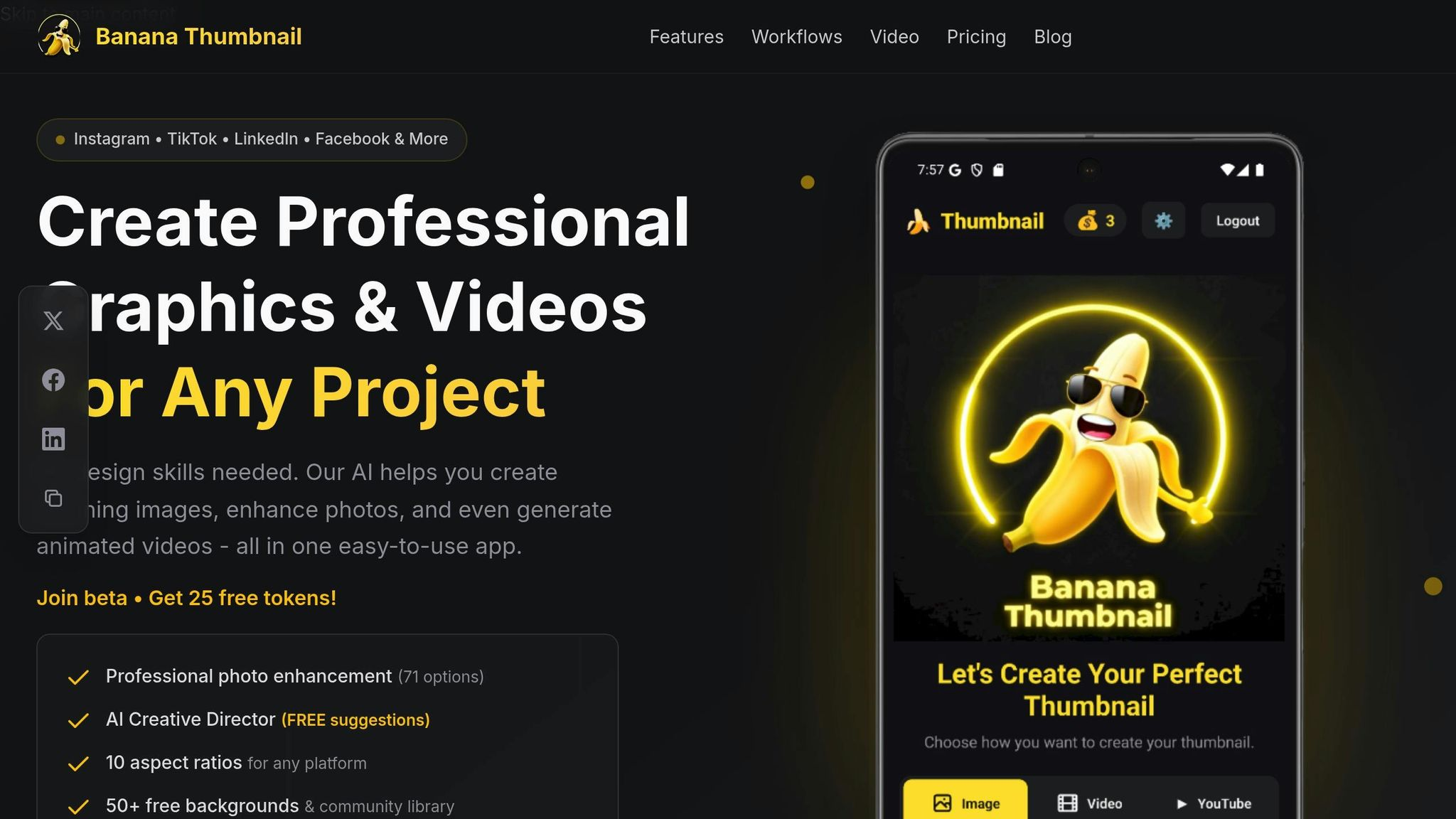
I’ve been using Bananathumbnail.com on my phone for a couple of months now, and it’s become my go-to for quick fixes. It’s mobile-first, works on iOS and Android, and packs 71 editing tools under the hood.
What Makes It Different
The star feature is the AI Creative Director. Upload a photo and it instantly:
- Analyzes subject, background, and lighting.
- Suggests the best enhancement mode (portrait, product, landscape, etc.).
- Applies fixes that look natural, not AI-generated.
Account & Pricing (Real Numbers)
- Free start: 25 beta tokens (watermarked previews).
- Pay-per-edit: $0.10–$0.50 depending on complexity.
- Subscriptions: $10–$30/month for unlimited edits + batch processing.
- Tokens never expire and include commercial licenses.
I pay the $10 plan and edit 50–100 images a month—way cheaper than hiring help.
“I used to spend $150 per thumbnail. Now it’s 10 cents and 30 seconds. My CTR jumped 65%.”
— James R., Gaming Creator (890K subs)
What You Need
- Any photo on your phone.
- Internet (cloud processing).
- iOS or Android device.
That’s it.
Step-by-Step: Fix a Blurry Photo in Under a Minute
- Upload: Choose from camera roll, take a new shot, or pull a YouTube frame.
- AI Analyzes: The Creative Director picks the right mode automatically.
- Tweak (optional): Adjust sharpness, color, or crop using simple sliders.
- Download: Get a clean JPEG/PNG—no watermark if you used paid813 tokens.
Pro Tip: Use the highest-res version you have. AI can’t invent detail that isn’t there.
Advanced Features I Actually Use
Batch Processing
Upload 20 product photos → hit “Enhance All” → grab coffee. Done in 3 minutes.
Platform-Specific Resizing
One click generates 10 aspect ratios: YouTube (16:9), Instagram Story (9:16), LinkedIn (1.91:1), etc. No manual cropping.
YouTube Thumbnail Optimization
Paste a video link → AI reads title, description, and frames → suggests high-CTR layouts. Wildly useful.
Privacy & Security (Yes, I Checked)
- 256-bit SSL encryption.
- Payments via Stripe/Google Pay.
- Images stored only during processing—deleted after download.
- GDPR-compliant.
Your photos aren’t being used to train models or sold. That matters to me.
Why I Keep Coming Back
- 30-second edits on my phone.
- Pro-level results without pro skills.
- Real ROI—I save ~10 hours/week and my visuals perform better.
If you’re tired of blurry thumbnails tanking your clicks or grainy product images hurting sales, give Bananathumbnail.com a spin. The free tokens are enough to test it on real projects.
FAQs
Will it make my photos look “AI-weird”?
No. The AI prioritizes natural texture. I’ve A/B tested enhanced vs. original images—most people can’t tell which is which.
What if my photo is *really* blurry?
AI works best with some detail to rebuild. If it’s a white smear, no tool can save it. Start with the best file you have.
Can I use the edited images commercially?
Yes—paid tokens include a commercial license. Free tokens add a small watermark.
Blurry photos don’t have to be a death sentence for your content. With the right AI tool, you can rescue shots, save time, and look polished—without the learning curve.
Try it yourself: Bananathumbnail.com
Related Content
• fast
For more on this topic, check out: photos
6 Responses