Table of Contents
- What Does It Actually Mean to Generate Viral Thumbnails?
- How to Generate Viral Thumbnails That Actually Click
- Why Generate Viral Thumbnails with AI vs. Photoshop?
- Best Practices When You Generate Viral Thumbnails
- Top Tools to Help You Generate Viral Thumbnails in 2025
- Where We’re Heading with Thumbnail Generation
- Listen to This Article
Here’s the thing about creating content in 2025. You spend ten, maybe twenty hours scripting, filming, and editing a video. You’re exhausted. You just want to hit publish. But then you remember you still have to make a thumbnail. And honestly, if that thumbnail isn’t clicking, nobody is going to see the video you worked so hard on.
(I know, I know.)
I’ve been there. We’ve all been there. But let’s be real—spending another hour fighting with Photoshop layers, you know, or trying to find the right stock photo is just killing your momentum.
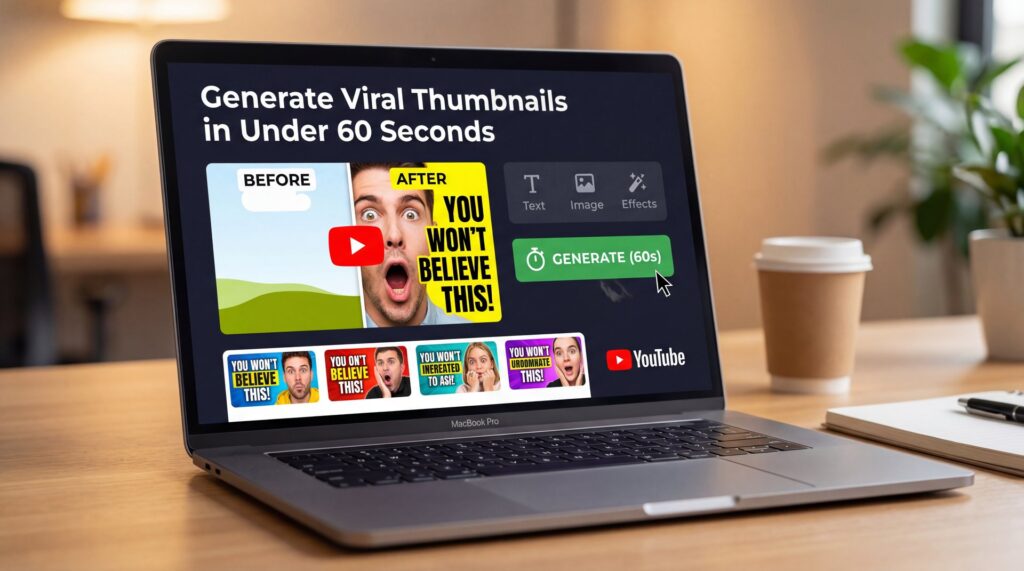
So today we’re going to go over how to fix this bottleneck. We’re talking about how to generate viral thumbnails in under 60 seconds. And I don’t mean just slapping some text on a screenshot. I mean creating high-performing, click-getting images that actually stop the scroll.
I’ve been testing alot of these new AI tools lately and what surprised me was just how good they’ve gotten. We’re seeing adoption rates hitting 70% among creators globally. That means if you aren’t using these tools, you’re working way harder than your competition. So let’s go under the hood and see how we can get your click-through rate up without wasting your whole afternoon.
What Does It Actually Mean to Generate Viral Thumbnails?
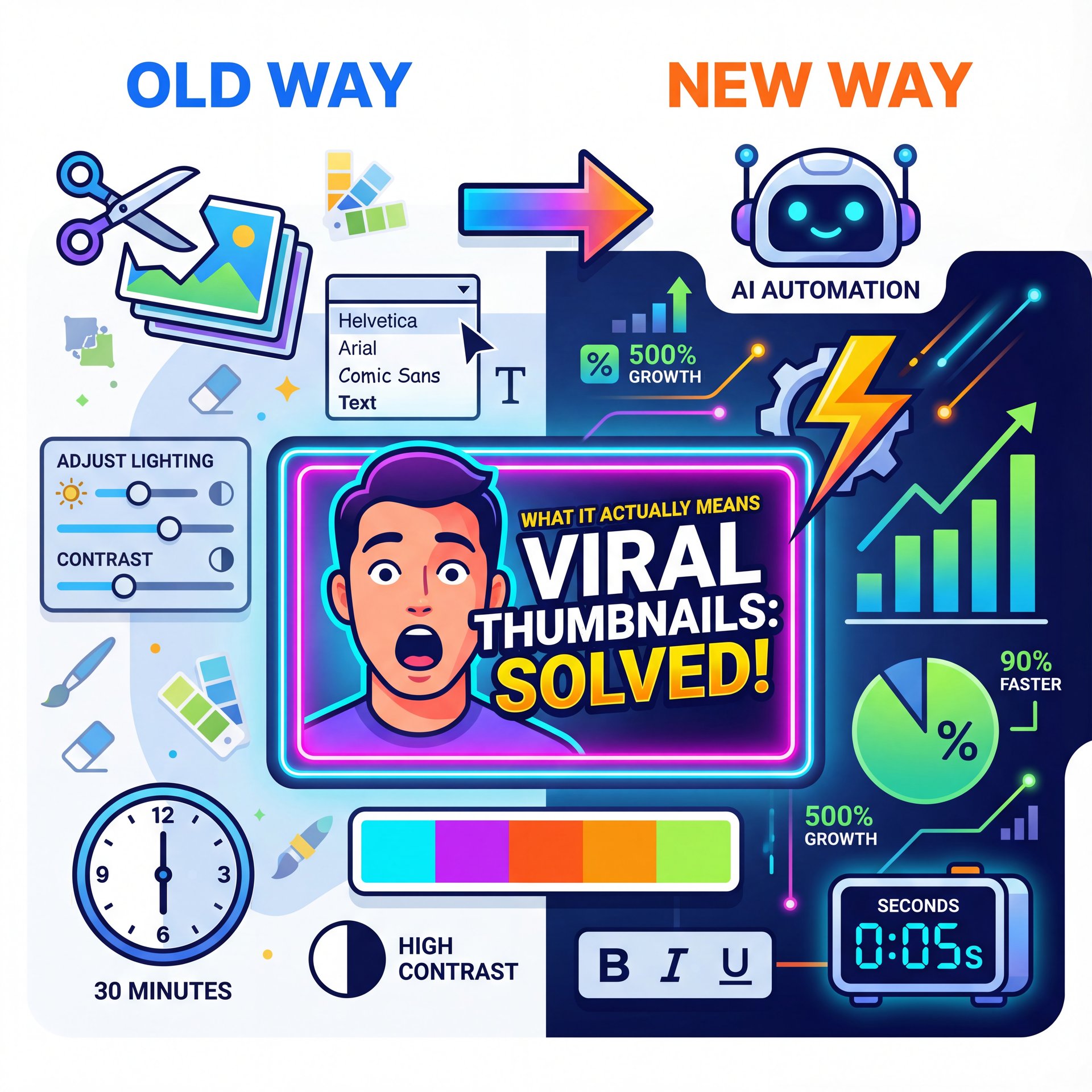
So, first off, let’s cover what we’re actually doing here. When I say “generate viral thumbnails,” I’m talking about using AI to do the heavy lifting. In the past, if you wanted a viral-style thumbnail—you know the ones, with the shocked face, the bright outline, the high-contrast text, you had to manually cut out your background, adjust the lighting and play with fonts for thirty minutes.
But here’s what you want to do now. You want to lean on the data.
I found that the best tools in 2025, like NeamX and Banana Thumbnail, aren’t just random image generators. they’re trained on what actually gets clicks. We’re seeing data from Vmake.ai showing that AI-generated thumbnails are increasing YouTube click-through rates (CTR) by up to 30%. Some creators I’ve talked to are even seeing 40-50% jumps.
That’s huge. For real.. If you have a video getting 1,000 views, a 30% bump is significant. And if you’re a professional managing a channel with 100,000 views, that’s a massive difference in ad revenue.
Now, why does this work? It’s because the AI analyzes millions of successful videos. It knows that a high-contrast object on the right SIDE of the frame usually draws the eye. It knows that warm colors like red and yellow trigger urgency. When you generate viral thumbnails using these tools, you’re basically borrowing the “brain” of the algorithm (I wish).
🤔 Did You Know?
The first hour of your video’s life is really critical, super critical. Engagement during this window determines 80% of your content’s viral potential. Using AI to generate viral thumbnails ensures you launch with a high-performing asset right out of the gate.
How to Generate Viral Thumbnails That Actually Click
All right, so let’s get into the nuts and bolts. How do you actually do this? You don’t want to just press a button and hope for the best. You need a process.
Getting Your Specs Right
First, you need to know your specs. This sounds basic, but I see people mess this up all the time. Platform-specific optimization is critical in 2025: YouTube requires 1280×720 pixels (16:9), Instagram 1080×1080 (1:1).
TikTok 1080×1920 (9:16) for maximum performance. Now, if you use a tool like StockImg.ai or our own tools here at Banana Thumbnail, you can usually select these presets.
The Power of Emotional Expressions
I’ve noticed that thumbnails with emotional faces perform way better. We’re talking about surprised, excited, or even angry expressions. Neutral faces? They just blend into the background. Thumbnails featuring surprised, excited, you know, or emotional expressions significantly outperform neutral faces, with AI tools now automatically amplifying facial expressions for psychological impact.
(You might be thinking…)
If you’re trying to figure out the best workflow, check out our step-by-step guide to using the Banana Thumbnail app. It breaks down the specific buttons to push so you don’t get lost.
Keep Text Simple
Another big factor is text. You’ve got to keep it simple. I mean, really simple. The rule of thumb in 2025 is 3-4 words maximum. If you’re writing a novel on your thumbnail, nobody’s reading it. Remember, more than 80% of YouTube views now originate from mobile devices. On a phone screen, your thumbnail is the size of a postage stamp.
“AI-generated thumbnails increase YouTube click-through rates by up to 30%, with some creators reporting 40-50% improvements.” ( Vmake).ai, November 2025
So, when you go to generate viral thumbnails, look for tools that automatically suggest short, punchy text. You want big, bold fonts that contrast with the background. If the background is dark, make the text white or yellow. If the background is light, go dark.
Why Generate Viral Thumbnails with AI vs. Photoshop?
Now, you might be thinking, “I’m pretty good at Photoshop. Why should I switch?”
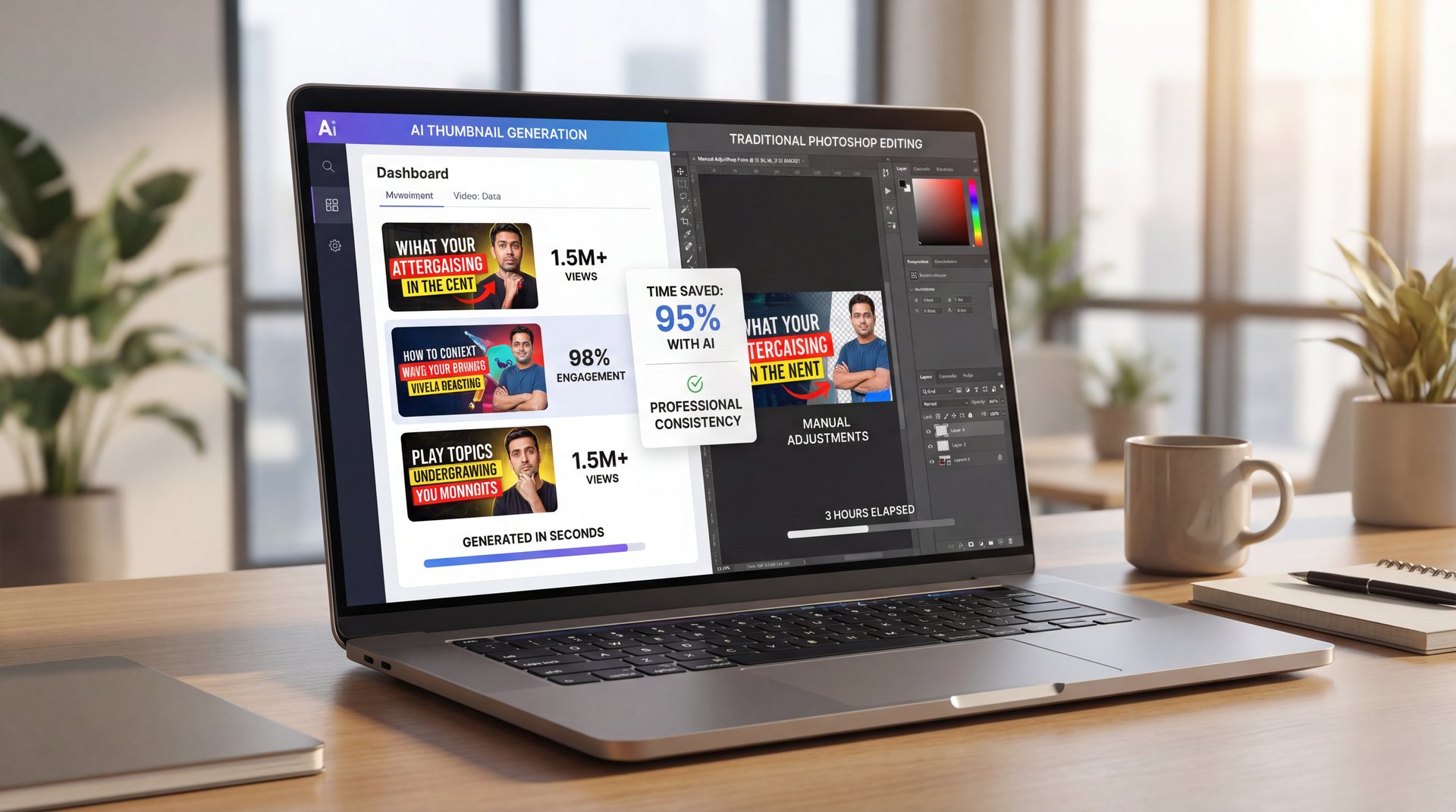
And honestly, if you love spending an hour on one image, go for it. But for most of us, time is money. The biggest advantage I’ve found with AI is speed and volume.
Let’s look at the numbers. Platforms like NeamX generate thumbnails in about 30.2 seconds on average, with 97.8% user satisfaction. If you’re doing this manually, even if you’re fast, you’re looking at 15 to 30 minutes minimum for a high-quality composite.
But here’s the real kicker: A/B testing.
In the old days, you’d make one thumbnail and hope it worked. If the video flopped, you were stuck. Now, with AI, you can generate five or ten variations in the time it used to take to make one. You can test a red background vs. a blue one. You can test a surprised face vs. an angry face.
Also, think about cost. If you hire a professional designer, a surprisingly good thumbnail might cost you $10 to $50. If you’re posting daily, that adds up to thousands a month. AI tools cut that cost down by like 95%.
I recently read about a case study from TechReview Channel. They started using AI generation and saw their CTR go from 4.2% to 6.8% (+61.9%). That bumped their monthly views from 180K to 340K. And the best part? They saved about 6 hours weekly. That’s almost a full workday they got back.
⭐ Creator Spotlight: TechReview Channel
By switching to AI workflows to generate viral thumbnails, TechReview Channel increased their CTR by 61.9% and nearly doubled their monthly views. They used the saved time to film more content, creating a positive growth loop.
Best Practices When You Generate Viral Thumbnails
So, you’re sold on the idea. You want to try it. But you don’t want to make rookie mistakes. Here’s what you want to do to make sure your AI thumbnails actually perform.
1. Don’t Trust, you know, the AI Blindly
The tech is great, but it can still be a little weird sometimes. You might get a hand with six fingers or text that’s spelled wrong. Always give it a quick once-over. Think of the AI as your assistant, not your replacement.
2. Keep Your Branding Consistent
If you have a specific look. Maybe you always use a particular shade of green or a particular font. try to feed that into the AI. Consistency helps your subscribers recognize your videos instantly in their feed.
3. improve for Mobile
I mentioned this before, but I can’t stress it enough. Zoom out on your screen until the thumbnail is tiny. Can you still read the text? Can you still see the emotion on the face? If not, scrap it and start over.
4. Use “The Gap”
This is a classic marketing trick. Your thumbnail should create a “curiosity gap.” It should tease something that the viewer needs to know. Don’t give away the whole story in the image. For example, instead of a thumbnail that says “I Fixed the Car,” use one that shows a broken engine part and says “This Cost $500?!”
five. Faceless Channels Need Extra Love
If you aren’t putting your face on the thumbnail, the design has to work twice as hard. You need very clear imagery and very strong text. For more on how to handle specific niches, take a look at our article on Nano Banana YouTube Thumbnails.
⚠️ Common Mistake: Overcrowding
A major pitfall when you generate viral thumbnails is trying to include every element from the video. Keep it clean. One focal point, one short headline, one background. Clutter kills clicks, especially on mobile devices.
Top Tools to Help You Generate Viral Thumbnails in 2025
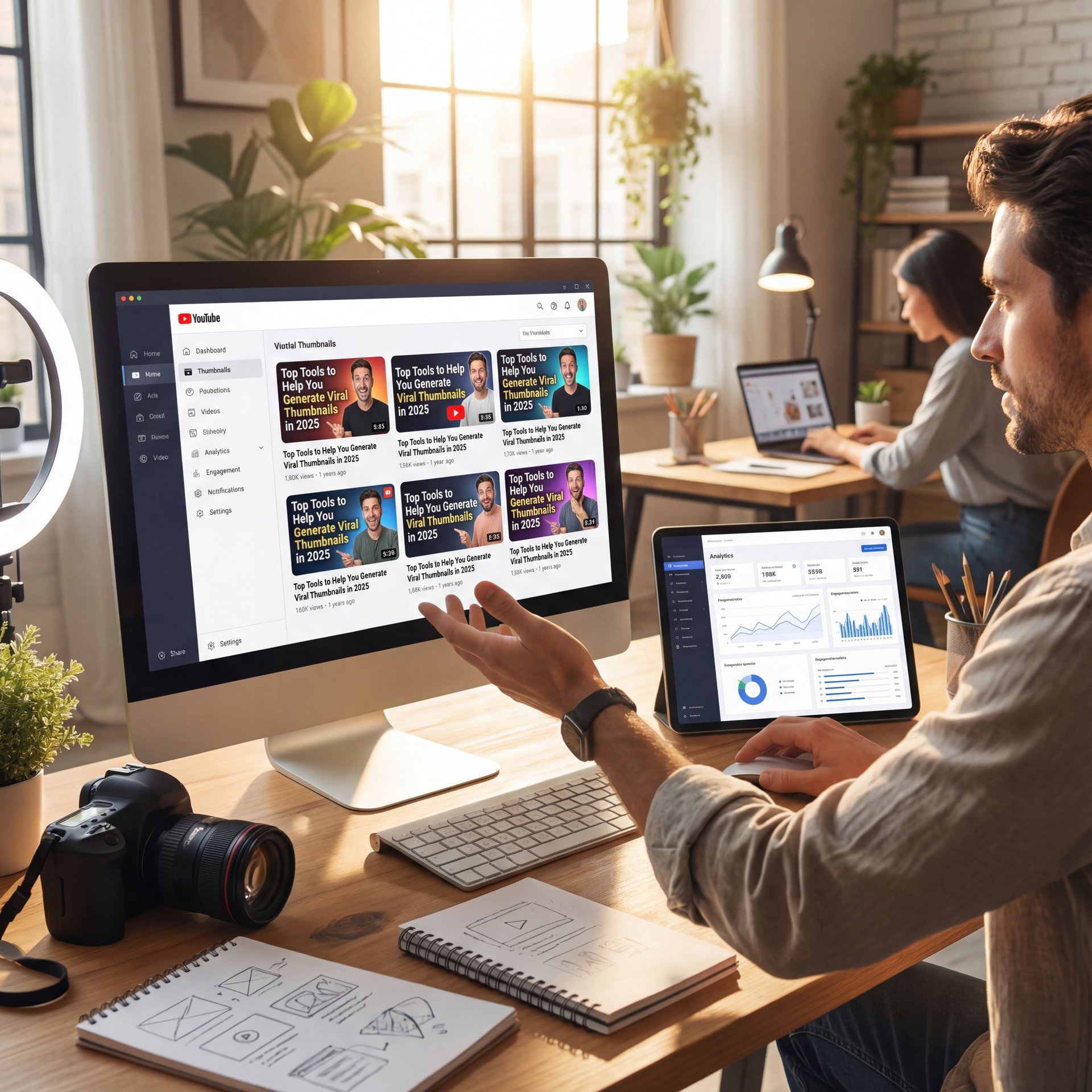
Now, let’s talk about the gear. What should you actually use? There are a ton of tools popping up, but a few have really separated themselves from the pack this year.
Banana Thumbnail
Obviously, I’m a bit biased, but Curtis (our founder) built this specifically because he was tired of the complex workflows in other apps. What I like about it’s the focus on “click-worthiness.” It’s not just making pretty pictures; it’s making pictures that convert.
NeamX
These guys are killing it with speed. If you need something done in 30 seconds flat, NeamX is a solid choice. They have a really high user satisfaction rate. Something like 97.8%.
Vmake.ai
If you’re really into the data side of things, Vmake has some surprisingly good insights. They focus heavily on the video enhancement side too, so if you’re looking for an all-in-one suite, they’re worth a look.
StockImg.ai
This is great if you need illustrative styles or if you’re running a faceless channel and need generated characters or scenes. They have good presets for different platforms like TikTok & Instagram.
Clippie.ai
If you’re doing the volume game (like taking one long podcast and chopping it into 20 shorts, Clippie is amazing. It can automatically generate thumbnails for all those clips.
The key is to just pick one and get started. Don’t get paralysis by analysis — Okay, maybe not exactly —. The goal is (seriously though)to save time, not spend weeks researching software.
Where We’re Heading with Thumbnail Generation
So, looking forward, things are moving fast. The trend I’m seeing for the rest of 2025 is total automation of the repurposing workflow.
Imagine this: You upload a 20-minute video. The AI watches it, picks out the five best viral moments, cuts them into vertical TikTok clips, generates a unique viral thumbnail for each, and even writes the captions. Got it? That’s not sci-fi anymore; it’s happening right now with tools like Clippie.
We’re also seeing individual creators producing way more content than they did just a year ago. And their costs per video are down significantly. That’s a massive shift in the industry. It means the little guy can actually compete with the big studios again.
But here’s the thing you have to remember. The tools are getting better, but the fundamentals of human psychology haven’t changed. People are still curious. They still respond to emotion. They still like bright colors.
So, while the AI can generate viral thumbnails for you, you still need to be the director. You need to understand why a thumbnail works so you can tell the AI what to do.
📋 Quick Reference: Viral Elements
When you use tools to generate viral thumbnails, check for these three things before downloading:
1. Emotion: Is there a clear, strong facial expression?
2. Contrast: Does the text pop against the background?
3. Simplicity: Can you understand the image in under 1 second?
If you’re feeling overwhelmed, just start small. Try generating one thumbnail this week using AI. See how it performs. Compare the CTR to your old videos. I think you’ll be surprised by the results.
Pro Tip: If you’re struggling to get the AI to produce the right facial expression, try uploading a reference photo of yourself making the face you want. Most 2025 tools can use “image-to-image” generation to capture your exact emotion while fixing the lighting and background.
Honestly, the biggest 🙃 waste of time is doing nothing. The technology is here, it’s affordable and it works. So let’s get to work and start getting those clicks.
Frequently Asked Questions
What are the top AI tools for generating viral thumbnails in 2025?
The leading tools right now include Banana Thumbnail, NeamX, Vmake.ai and StockImg.ai. These platforms specialize in high-CTR designs and offer specific features like expression enhancement and platform-native sizing.
How do AI thumbnail makers compare about performance and user experiance?
AI tools are significantly faster, with platforms like NeamX averaging 30.2 seconds per generation compared to 30+ minutes for manual design. Users report high satisfaction (around 97.8%) due to the ease of batch processing and automated background removal.
How has the use of AI thumbnail makers impacted click-through rates on platforms like YouTube and TikTok?
Creators are seeing CTR improvements of 30% to 50% after switching to AI-optimized thumbnails. This is largely because AI tools are trained on data-backed design principles that trigger higher engagement from mobile viewers.
Related Videos




Related Content
• viral
For more on this topic, check out: under
Listen to This Article